
Skip to content

Blog

Knowledge from real projects

Practical articles on SharePoint, Microsoft 365, Teams and SPFx – based on more than 20 years of project experience.

Personal writing by Florian Grasel → floriangrasel.com

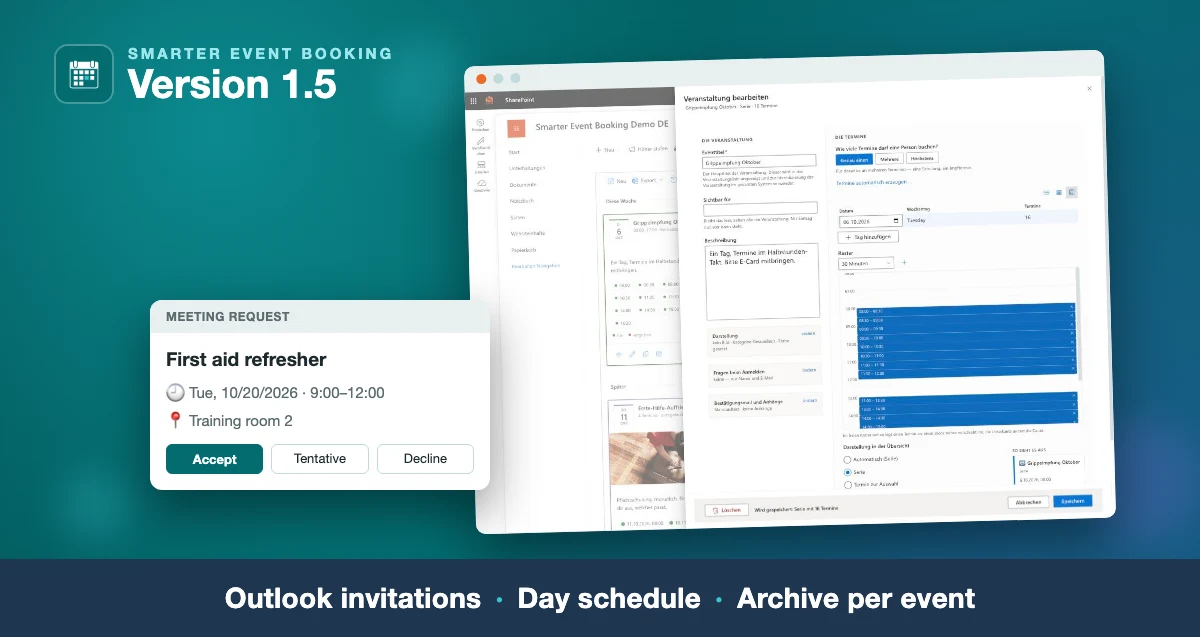
Smarter Event Booking 1.5.0: Outlook invitations, day
Smarter Event Booking 1.5: the day schedule in the edit form and an Outlook meeting request, captioned “Outlook invitations · Day schedule · Archive per event”
Intranet

Smarter Event Booking 1.5.0: Outlook invitations, day schedule, archive

The new version: the confirmation as a real Outlook invitation, time slots edited in a table and a day schedule, and one message to all attendees of an event.

Read more
SharePoint: deleting old versions automatically to free
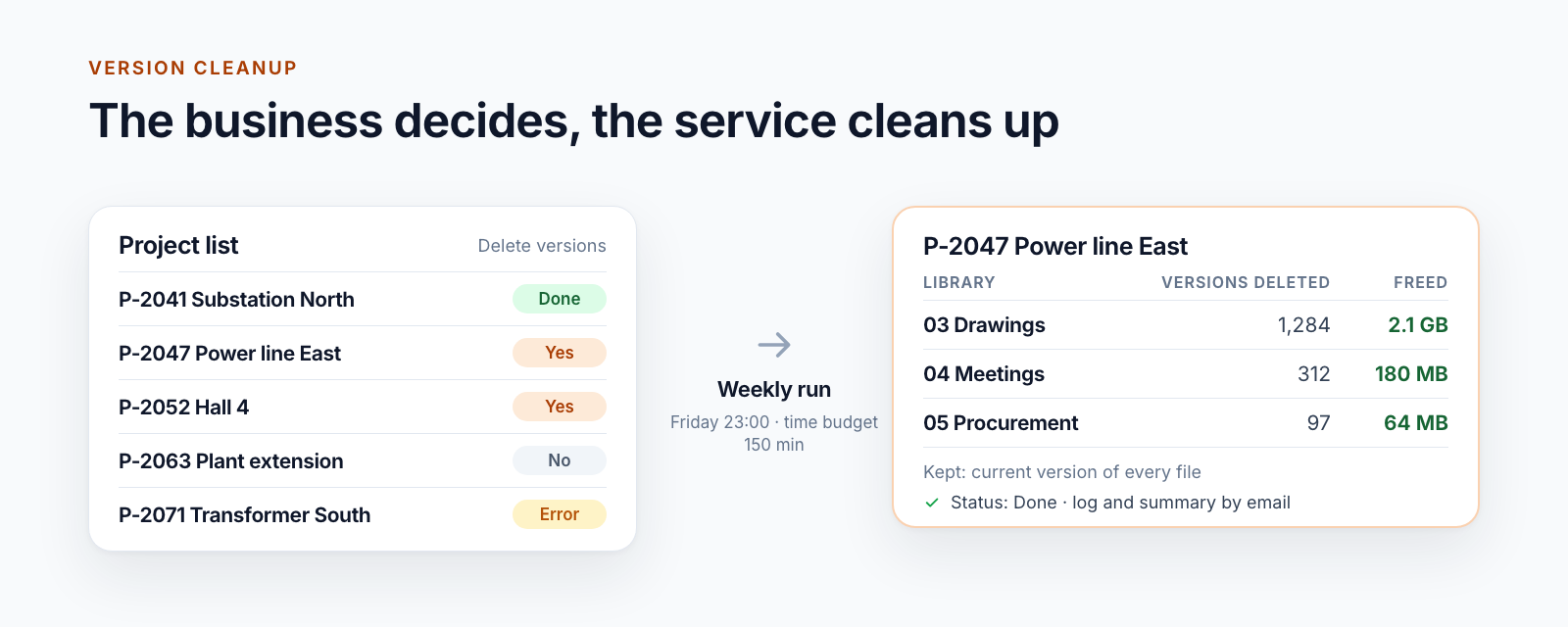
Diagram: on the left a project list with the control field Delete versions and the values Yes, Done, No and Error, in the middle the weekly run, on the right the result per library with deleted versions and freed storage
Documents

SharePoint: deleting old versions automatically to free up storage

Delete old versions in SharePoint Online with PowerShell and an Azure Function: driven by a list, app-only, with a time budget, log and dry run. With code.

Read more
Getting acknowledgement confirmed: traceable staff
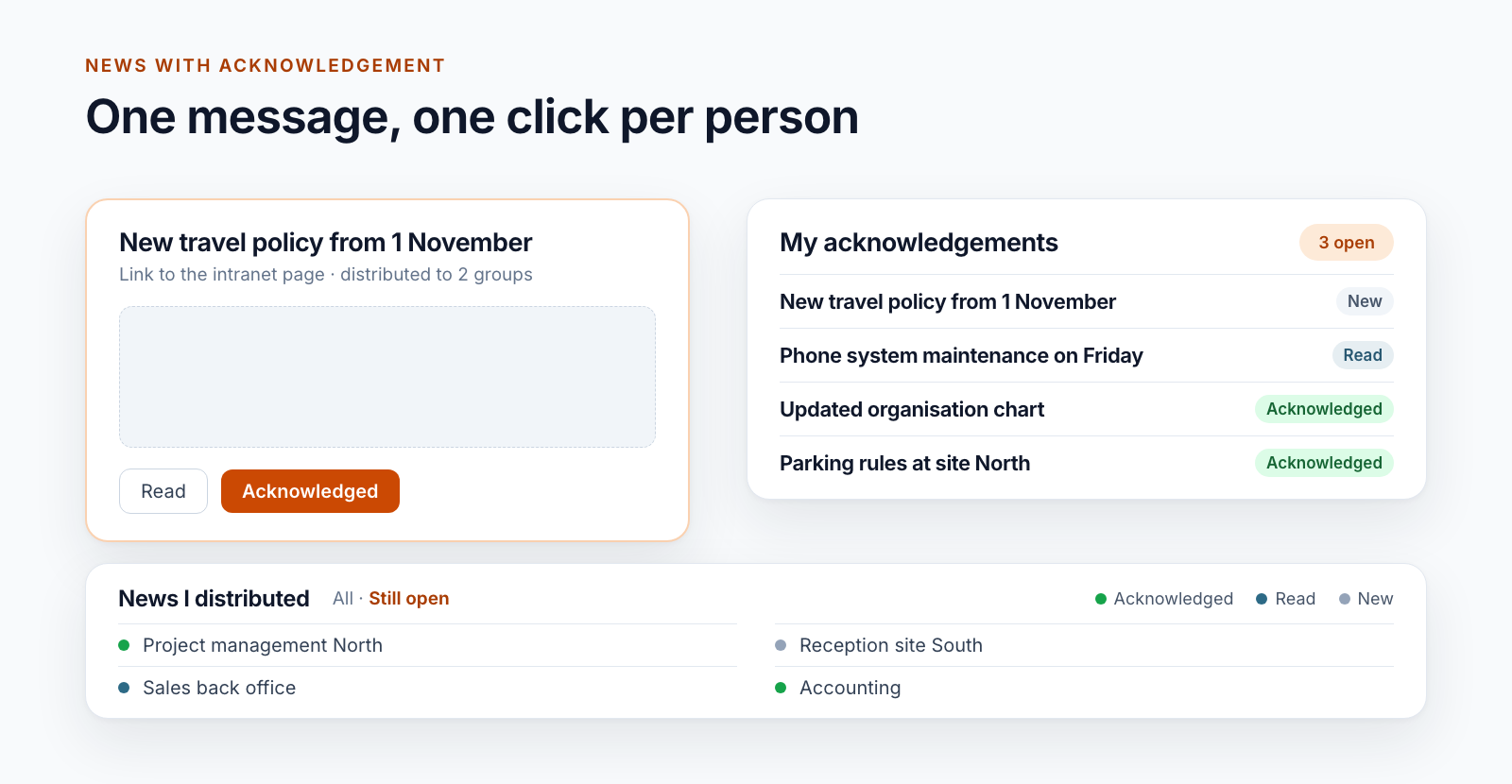
Diagram: on the left a message with the buttons Read and Acknowledged, on the right the list of own acknowledgements with status, below the sender’s view
Documents

Getting acknowledgement confirmed: traceable staff information in SharePoint

Replace sign-off sheets and email read receipts: staff confirm policies and notices in the intranet with one click, and the status per person is visible.

Read more
Managing SharePoint permissions in Excel: the
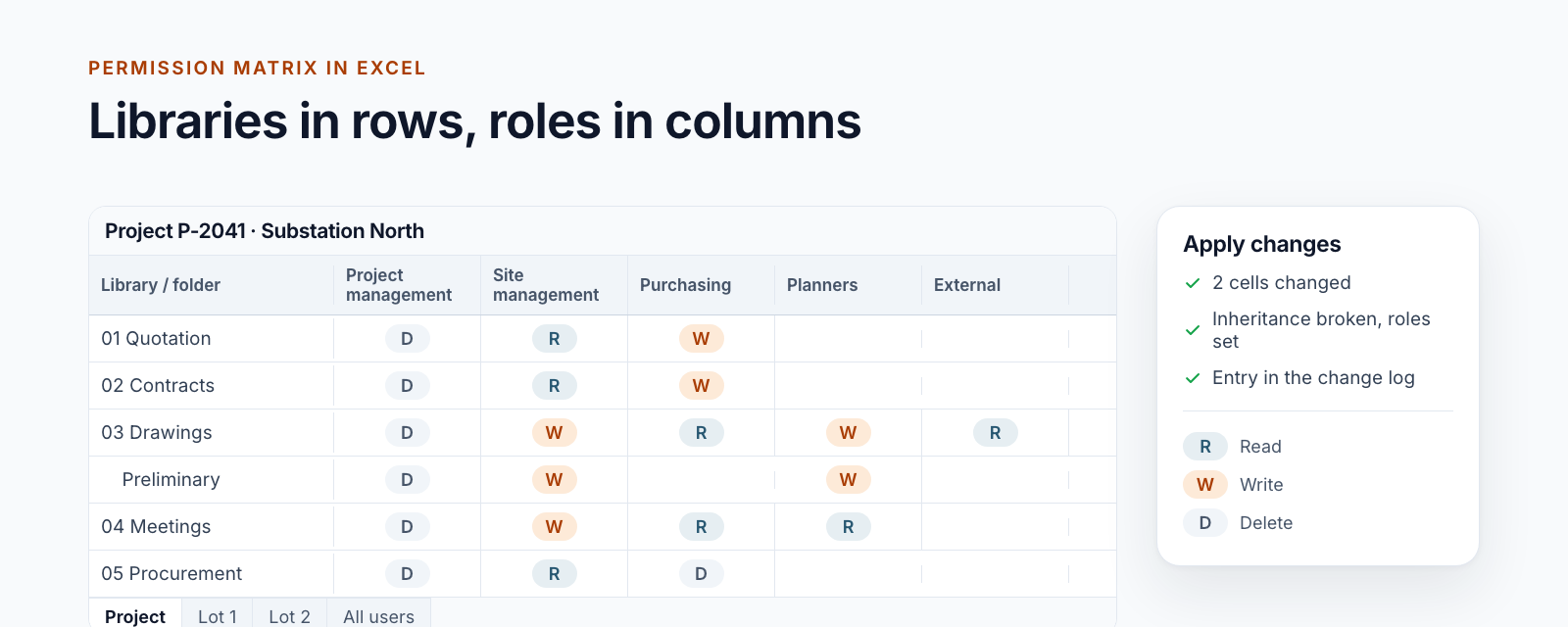
Diagram: worksheet with libraries and folders in rows, roles in columns and the cell values R, W and D, next to it the pane for applying changes
Projects

Managing SharePoint permissions in Excel: the permission matrix of a project workspace

Read, change and apply the permission matrix of a project workspace in Excel: libraries in rows, roles in columns, a log entry per change.

Read more
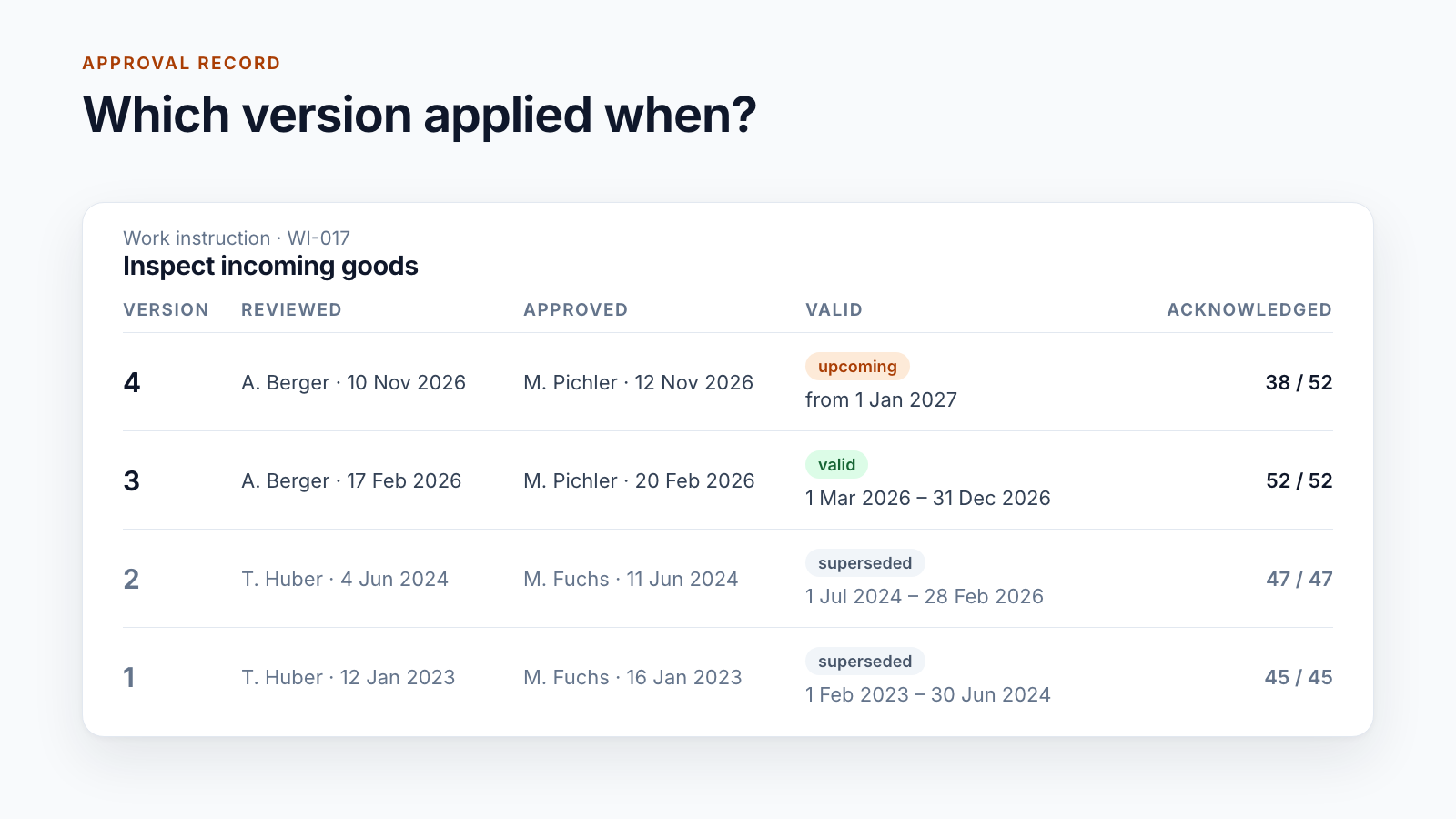
Is SharePoint audit-proof? What a DMS must prove
Approval record of a work instruction: for each version the reviewer, approver, validity period and number of acknowledgements
Documents

Is SharePoint audit-proof? What a DMS must prove

Audit-proof storage is not a switch in SharePoint. What the term requires, what version history and Purview do and what a DMS proves for controlled documents.

Read more
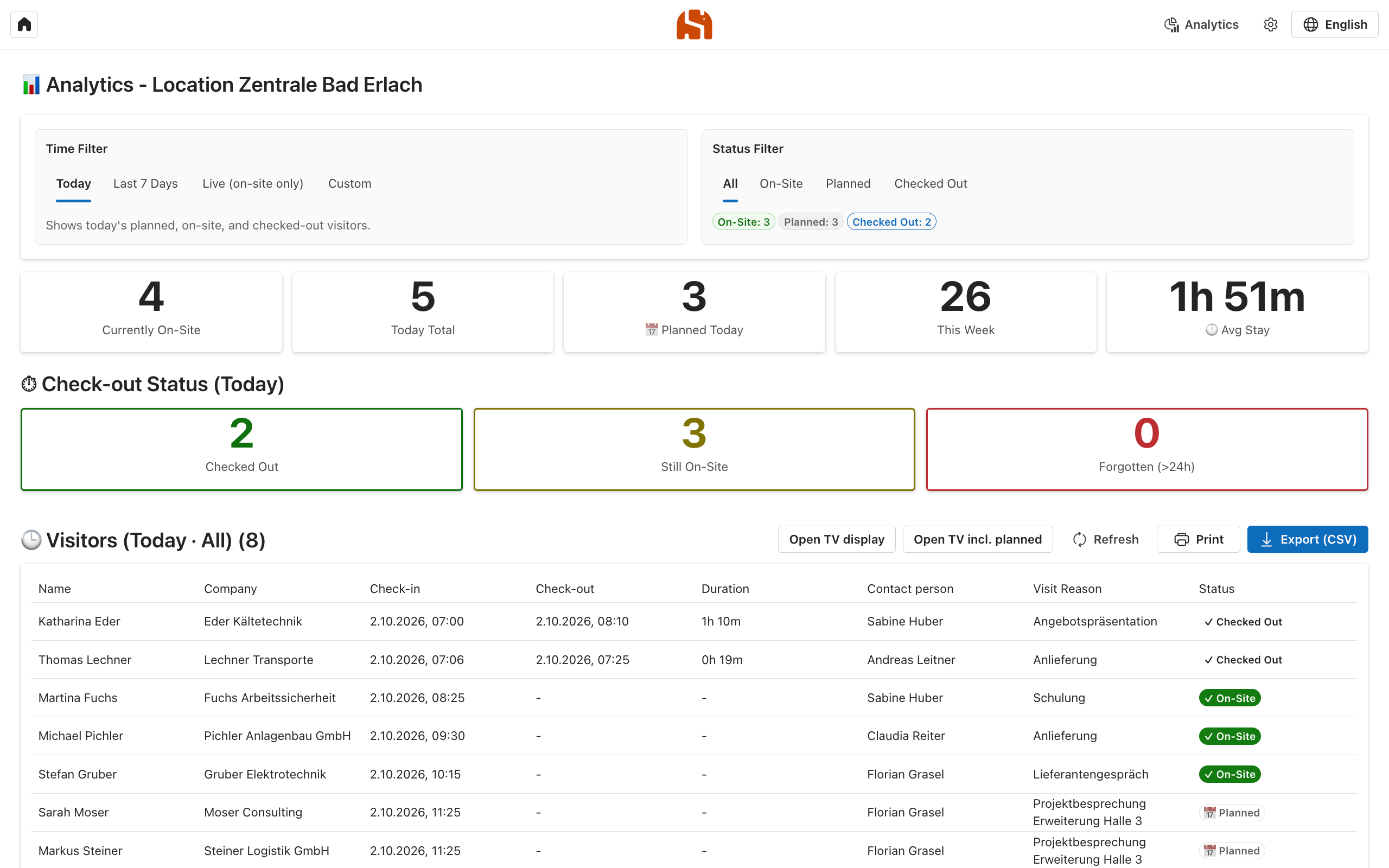
A digital visitor log instead of the paper sign-in
Digital visitor log of a location with key figures for planned, on-site and checked-out visitors
Intranet

A digital visitor log instead of the paper sign-in sheet: registering visitors with Microsoft 365

Why the paper sign-in sheet at reception falls short and how a digital visitor log with Outlook, QR code and a terminal works in your own Azure subscription.

Read more
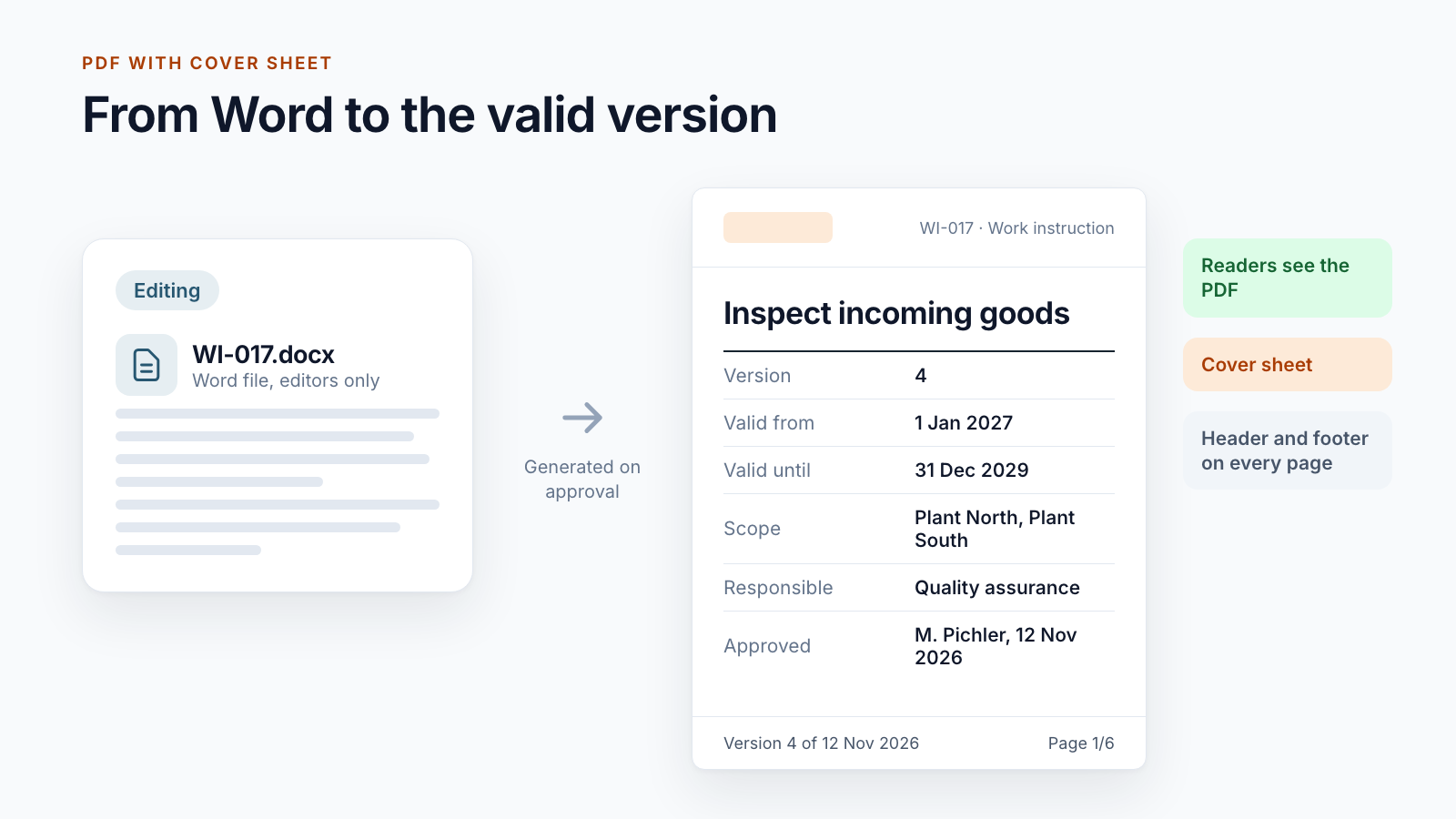
Controlled digital work instructions: from Word to the
Diagram: on the left the Word file being edited, on the right the generated PDF with cover sheet, version, validity and footer
Documents

Controlled digital work instructions: from Word to the valid PDF

How a Word file becomes a controlled work instruction: number, approval, PDF with cover sheet, a stable link at the workplace and periodic review.

Read more
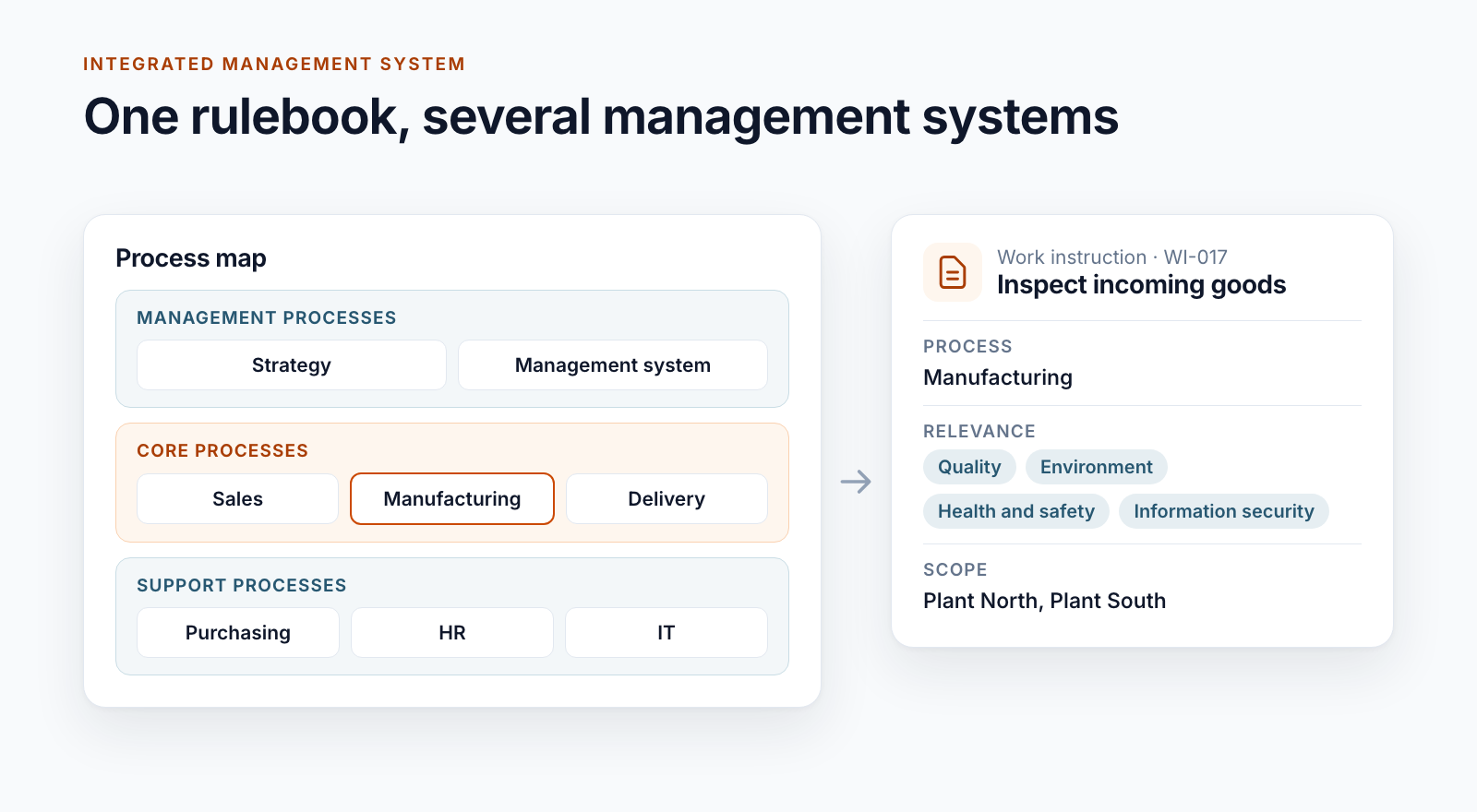
Building an integrated management system in Microsoft
Diagram: process map with management, core and support processes, next to it a work instruction assigned to a process, management systems and scope
Documents

Building an integrated management system in Microsoft 365

One rulebook for quality, environment, occupational safety and information security: how process map, metadata and roles carry an IMS in SharePoint.

Read more
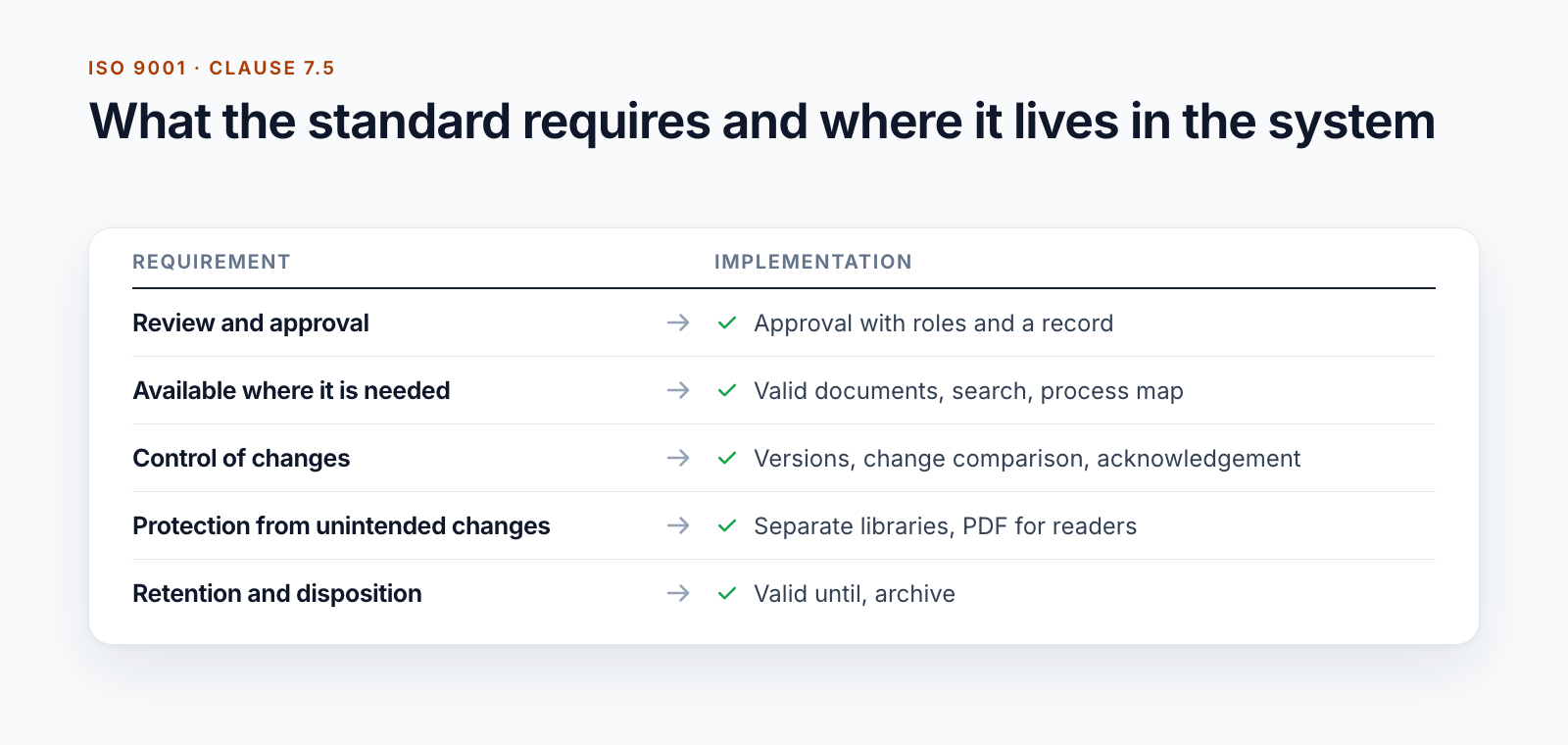
ISO 9001 document control with SharePoint
Table: requirements from ISO 9001 clause 7.5 and how they are implemented, from review and approval to retention and disposition
Documents

ISO 9001 document control with SharePoint

What ISO 9001 clause 7.5 requires for the control of documented information, what SharePoint covers and where controlled documents need more.

Read more

Page 1 of 16

Questions about one of the topics?

We are happy to help with implementation – from a quick assessment to a complete project.