
Automation
Rearranging Datacards in PowerApps: The Hidden Trick
PowerApps is a game‑changer—but some capabilities are hidden. This post shows the quick, reliable trick to reorder datacards in canvas forms without rebuilding cards.
Read moreBlog · Category
All articles in the “Automation” category.
9 posts: “Automation”
PowerApps is a game‑changer—but some capabilities are hidden. This post shows the quick, reliable trick to reorder datacards in canvas forms without rebuilding cards.
Read moreLearn how Power Automate and AI Builder capture, validate, and archive incoming invoices with guided flows, AI‑powered field extraction, and SharePoint storage.
Read more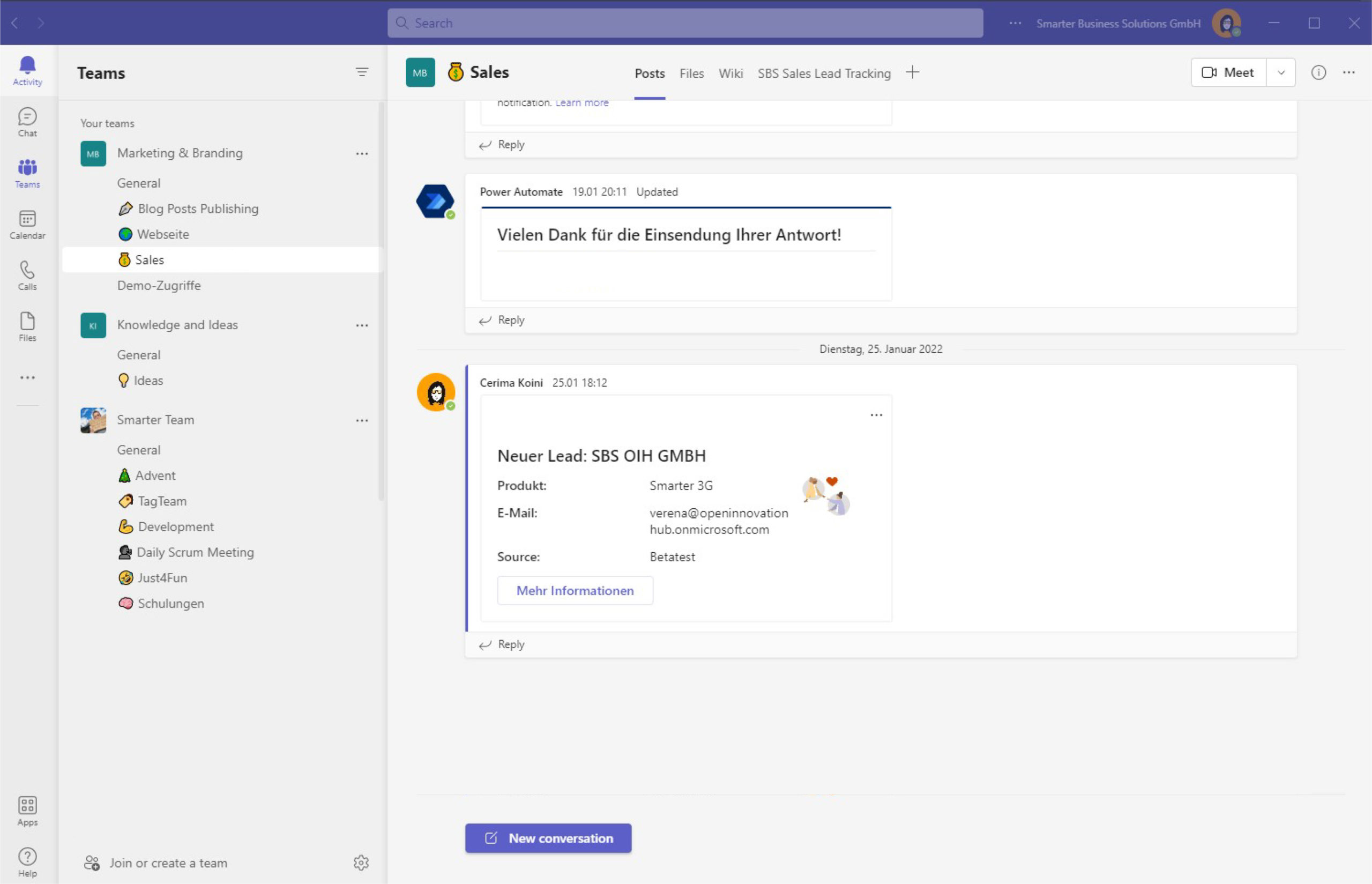
Notify your team about new leads using Adaptive Cards, deep links and list conversations in Microsoft Teams—automated with Power Automate for faster follow-ups.
Read more
Azure Functions pulls leads from Azure Tables and maps them into Microsoft Lists. Scheduled runs keep your CRM up to date and trigger welcome emails.
Read morePart one of our series shows how we built a lean CRM workflow with Microsoft 365 and Power Automate to capture leads from many sources and alert the team.
Read moreAutomate recurring Microsoft Planner tasks with SharePoint and Power Automate—create, assign, and keep everything documented without extra overhead.
Read moreSee how SharePoint Timer Jobs, role-based lists and supervision workflows automate recurring compliance tasks end to end and keep every audit trail intact.
Read more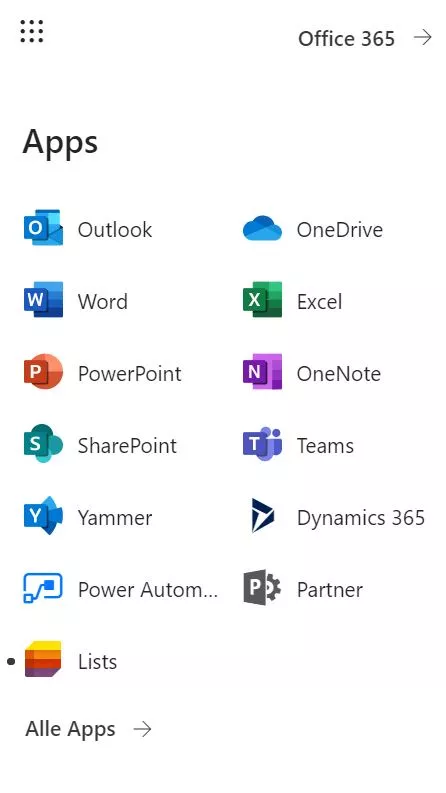
Discover how Microsoft Lists keeps your sales pipeline organized, color-codes priorities with rules and formatting, and nudges you before follow-up is due.
Read more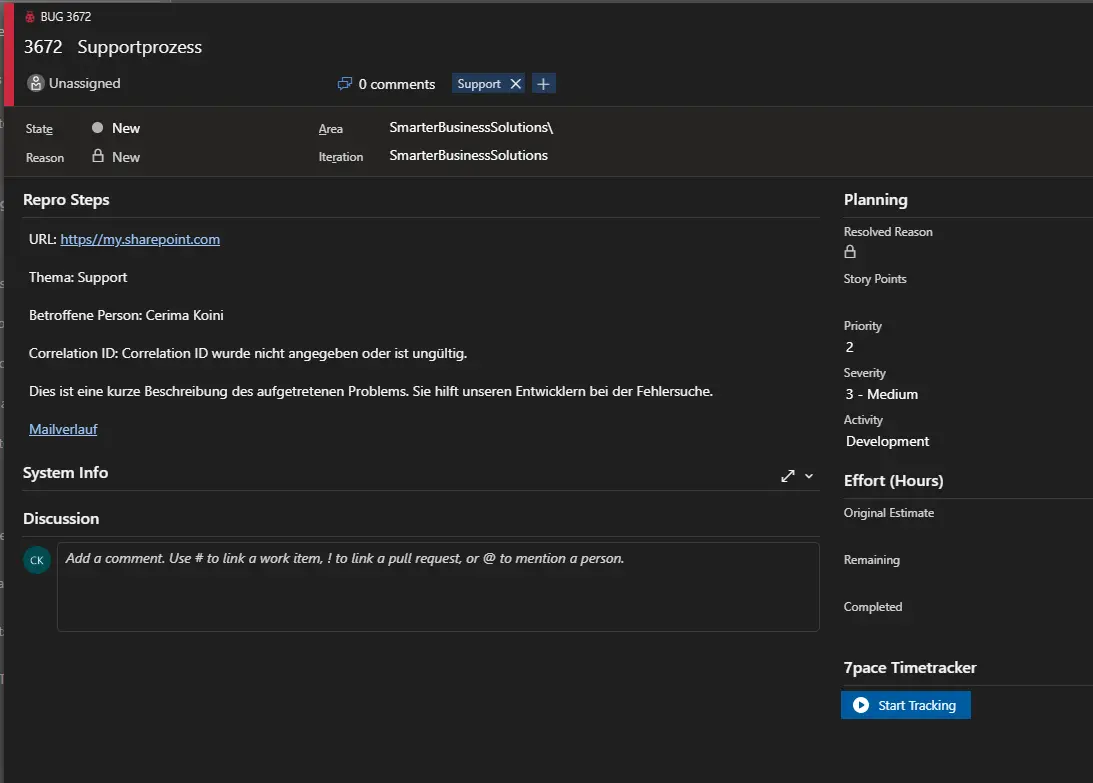
Learn how to capture support emails in Office 365 with Power Automate, automatically create Azure DevOps work items, and keep customers informed with confirmations at every step.
Read moreWe are happy to help with implementation – from a quick assessment to a complete project.