
Projects
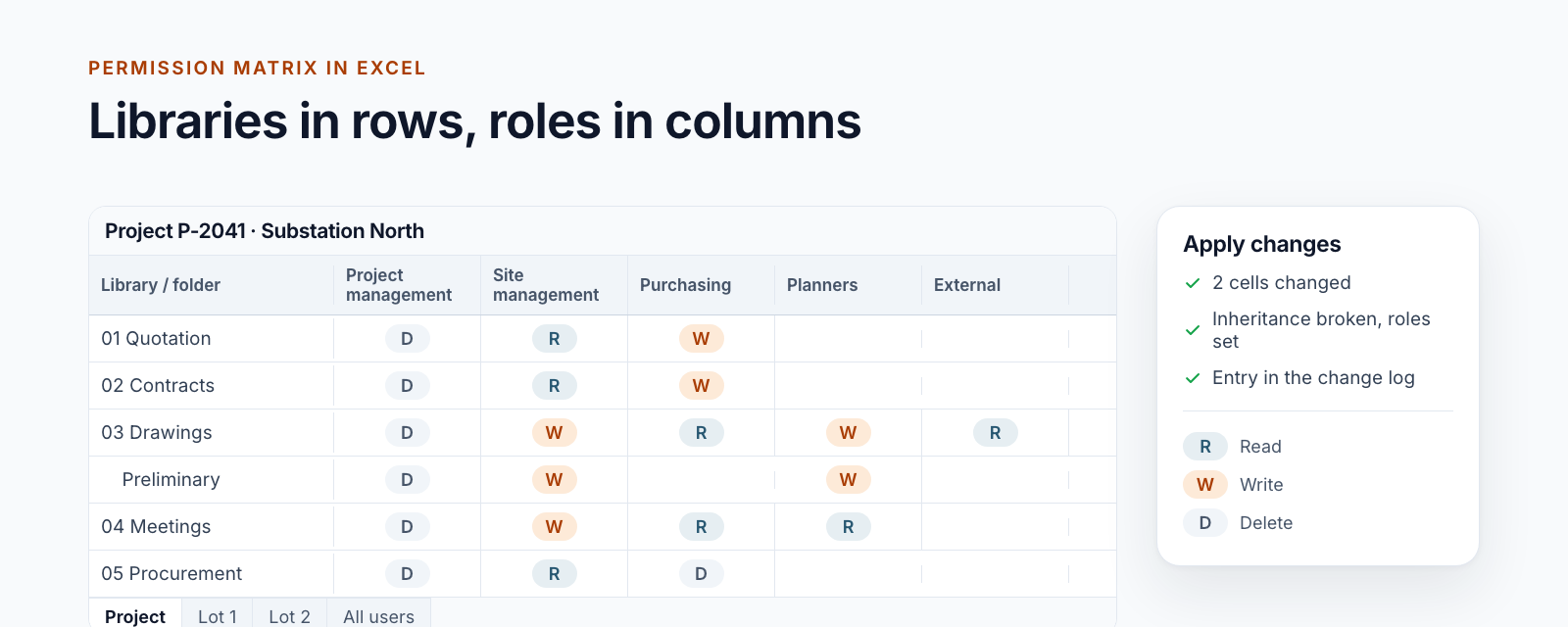
Managing SharePoint permissions in Excel: the permission matrix of a project workspace
Read, change and apply the permission matrix of a project workspace in Excel: libraries in rows, roles in columns, a log entry per change.
Read moreBlog · Category
All articles in the “Projects” category.
20 posts: “Projects”
Read, change and apply the permission matrix of a project workspace in Excel: libraries in rows, roles in columns, a log entry per change.
Read more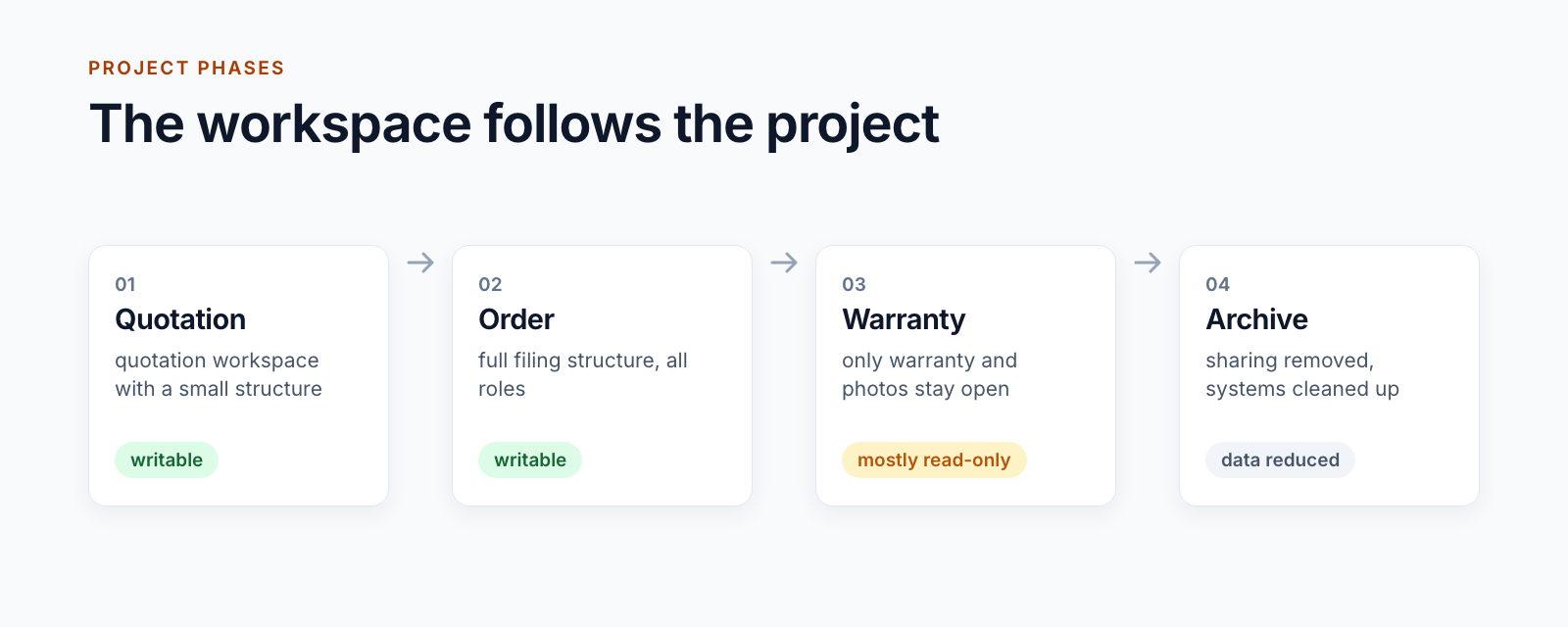
How a project workspace follows the phases of a project: from quotation through order and warranty to the clean-up after closure.
Read more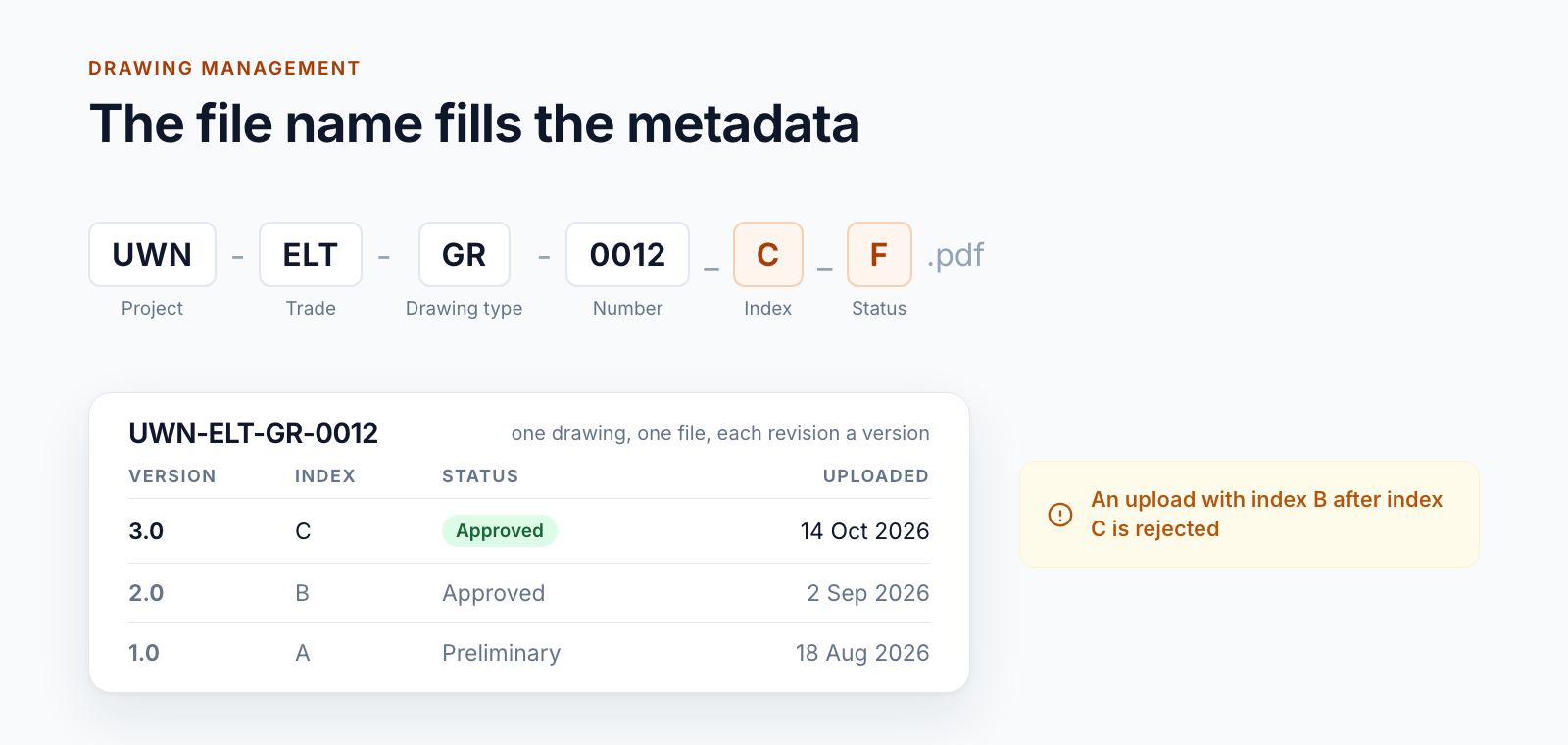
Managing drawings in SharePoint via a drawing code in the file name: metadata from the name, every index a version and where the limits lie.
Read more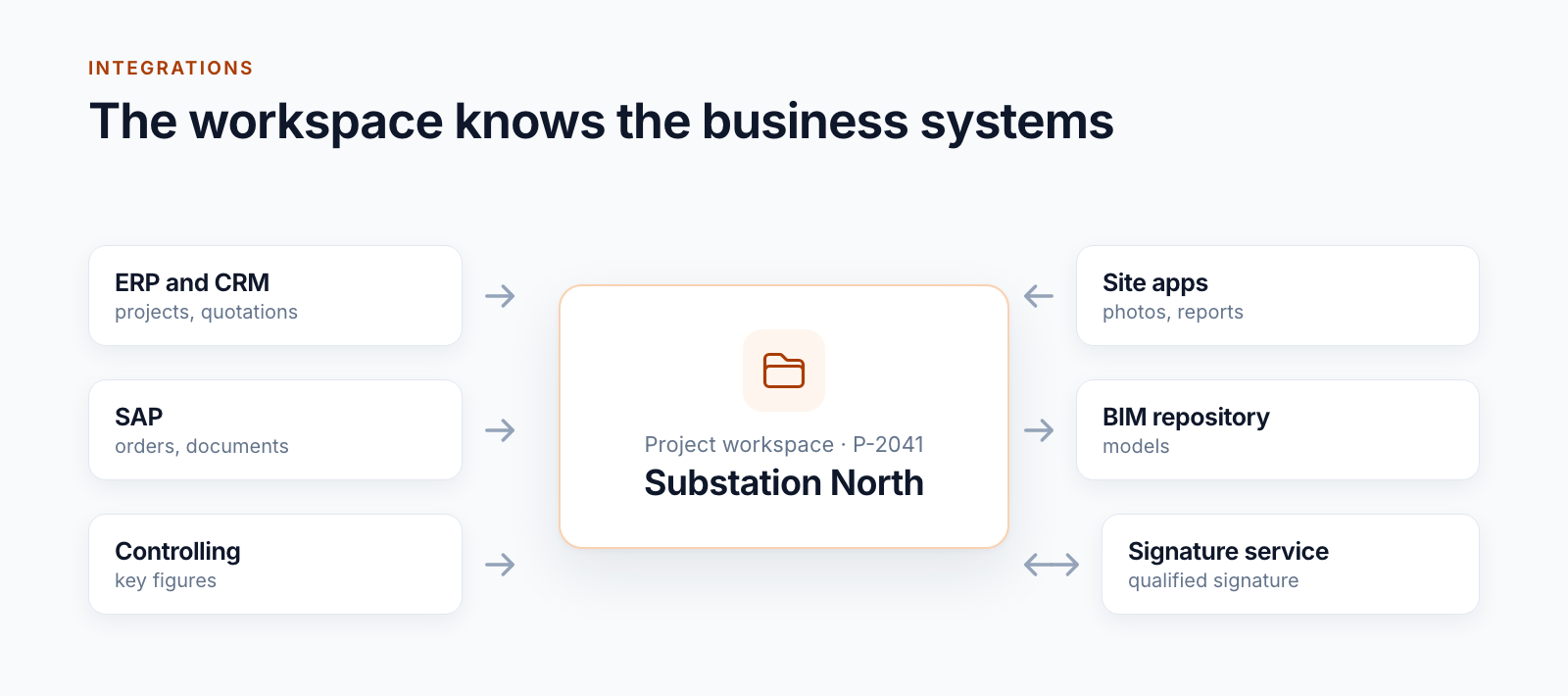
How SharePoint project workspaces are connected to ERP, CRM, SAP and site apps: four patterns from practice and what keeps them stable in operation.
Read more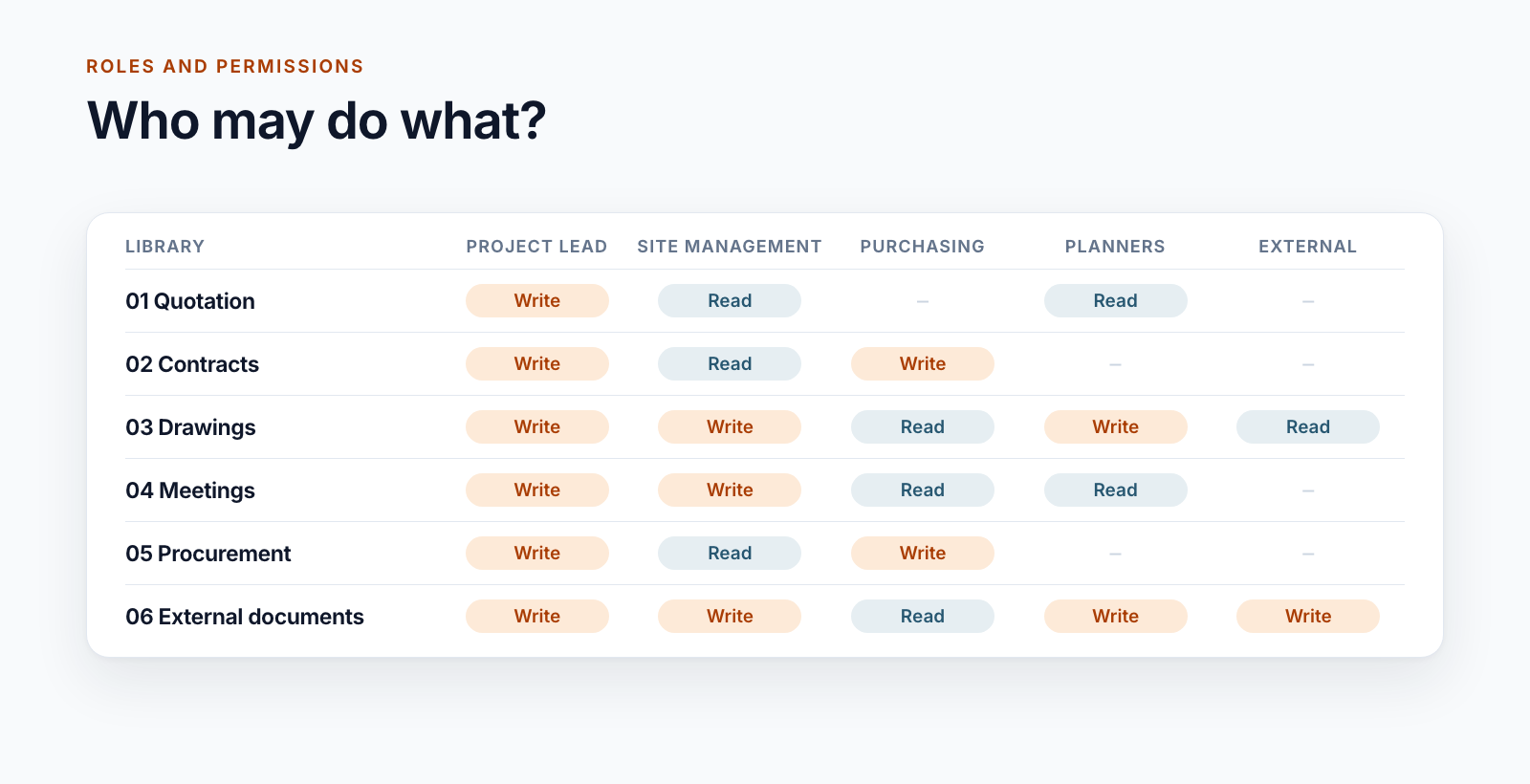
Three role models for project workspaces in SharePoint, from five roles to 26 groups per project, and the rules that keep permissions manageable.
Read more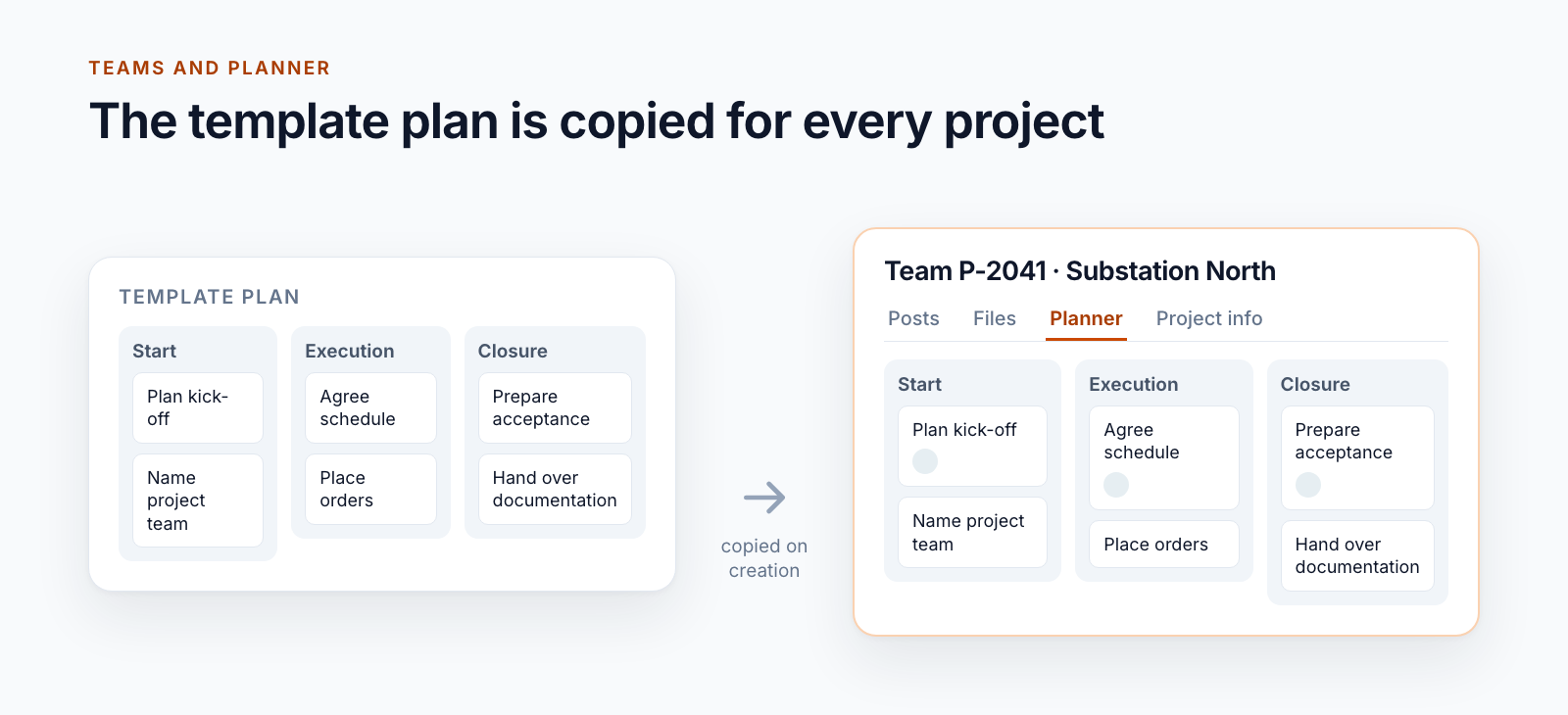
Teams templates create channels and apps, but no Planner tasks. How a template plan is copied automatically when the project team is created.
Read more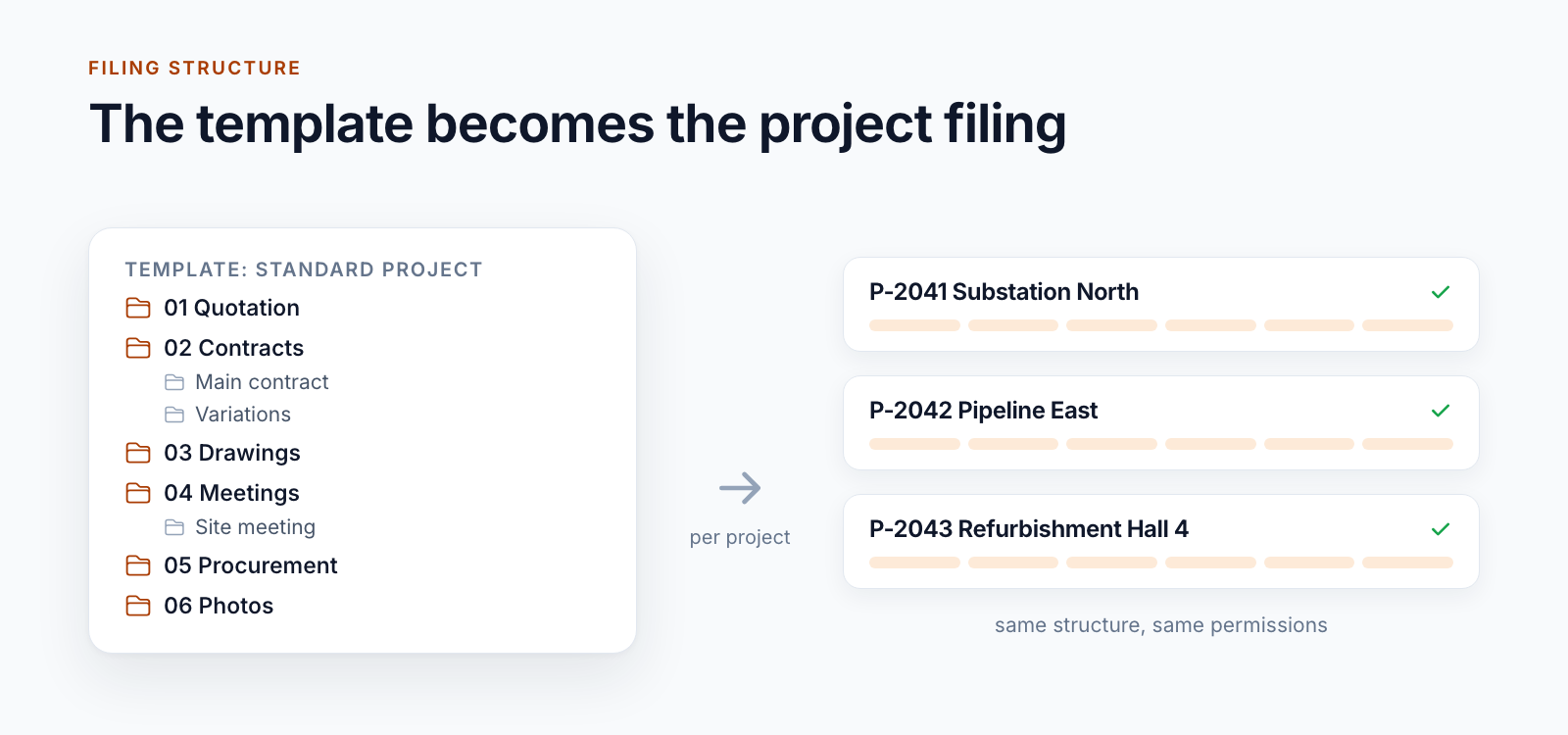
Three real-world filing structures, from the reference structure to a filing plan with over 90 libraries, and the rules for building them in SharePoint.
Read more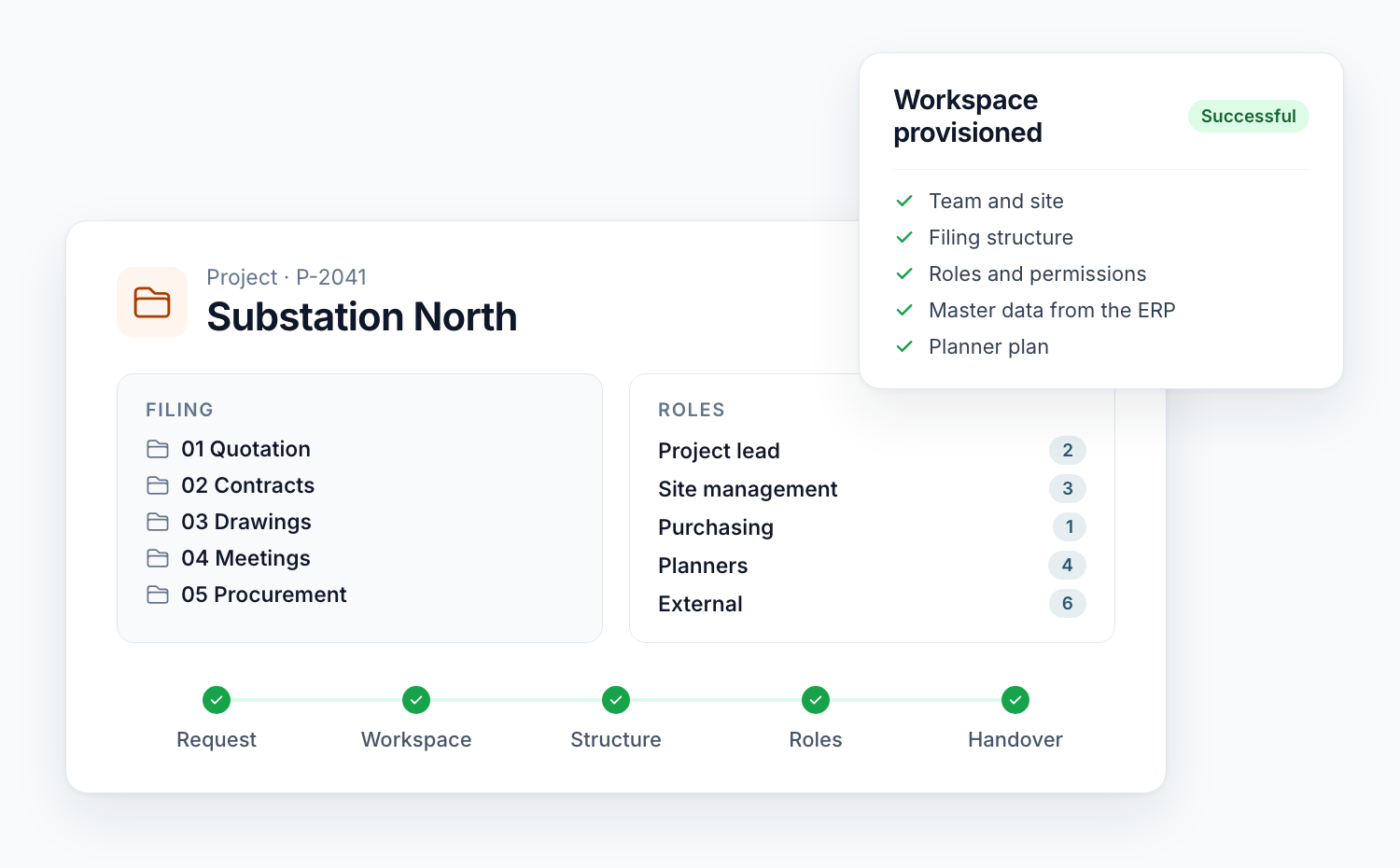
What Teams templates and site templates do for project workspaces, where they end and how provisioning with a project list, status and restart is built.
Read moreTrack time on Microsoft Planner tasks with a Power App that auto-fills task details, speeds up entry, and improves reporting, so you can focus on work.
Read moreA practical way to create recurring tasks in Microsoft Planner with templates and Power Automate — ideal for onboarding, accounting, and scheduled reviews.
Read moreNew worksheet in our Excel add‑in to manage SharePoint users and groups, review unique permissions, and transfer roles efficiently.
Read moreA configuration wizard streamlines SharePoint project management setup — from lists and groups to templates and folders — so teams can onboard quickly.
Read morePage 1 of 2
We are happy to help with implementation – from a quick assessment to a complete project.