Skip to content

Blog

Knowledge from real projects

Practical articles on SharePoint, Microsoft 365, Teams and SPFx – based on more than 20 years of project experience. Page 3.

How to Update SPFx Products from Microsoft Marketplace
How to Update SPFx Products from Microsoft Marketplace – Complete Guide
SharePoint Solutions & Products

How to Update SPFx Products from Microsoft Marketplace – Complete Guide

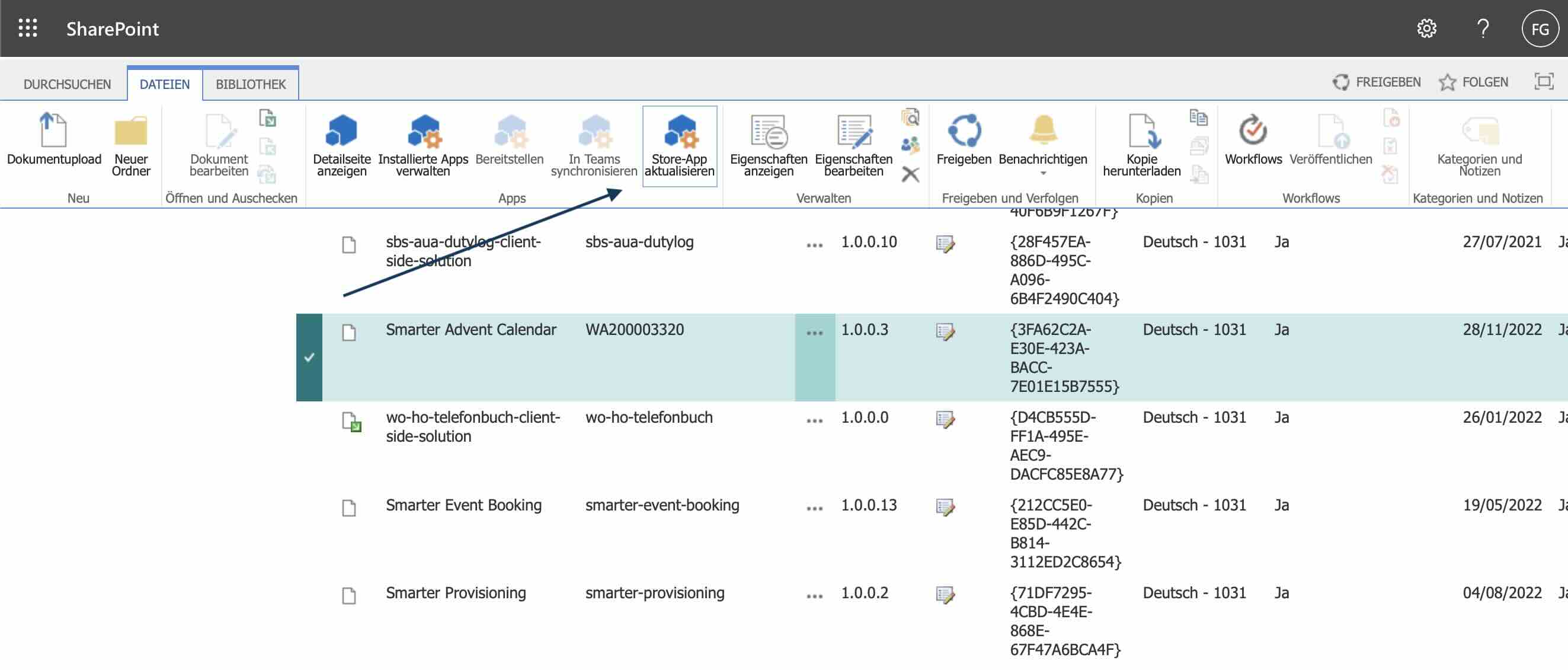
Microsoft hasn't yet integrated update functionality into the new App Management interface. Learn how to update your SPFx apps using the classic experience.

Read more
Turn Your SharePoint Intranet into an Easter Egg Hunt
SharePoint Development

Turn Your SharePoint Intranet into an Easter Egg Hunt

Boost engagement and collaboration in your SharePoint intranet with a playful Easter egg hunt powered by AI‑generated quizzes, gamification, and simple SPFx integration.

Read more
How do I increase the acceptance of my SharePoint
How do I increase the acceptance of my SharePoint intranet?
SharePoint Development

How do I increase the acceptance of my SharePoint intranet?

Boost the adoption of your SharePoint intranet with creative team-building experiences that spark engagement. Discover our table tennis SPFx web part.

Read more
Extension of the SharePoint functionality ‘Share with
SharePoint Development

Extension of the SharePoint functionality ‘Share with Everyone’

How our SharePoint SPFx solution efficiently manages 3,000+ construction sites: secure anonymous sharing with a Zero Trust model, SPFx extension, Azure Function, and audit logging.

Read more
SharePoint List Sync Issues: Challenges and Solutions
Office365 SharePoint Blog

SharePoint List Sync Issues: Challenges and Solutions

Explore real‑world SharePoint list synchronization issues and practical fixes to prevent data loss, missing items, and broken reports—without turning synchronization off entirely.

Read more
Rearranging Datacards in PowerApps: The Hidden Trick
Office365 SharePoint Blog

Rearranging Datacards in PowerApps: The Hidden Trick

PowerApps is a game‑changer—but some capabilities are hidden. This post shows the quick, reliable trick to reorder datacards in canvas forms without rebuilding cards.

Read more
Upload Files to SharePoint via Drag-and-Drop in
SharePoint Solutions & Products

Upload Files to SharePoint via Drag-and-Drop in Navigation

Upload files to your SharePoint libraries and folders directly from Smarter Navigation using simple drag-and-drop, without opening each library first. Easily.

Read more
OneDrive sync of multiple SharePoint libraries
SharePoint Solutions & Products

OneDrive sync of multiple SharePoint libraries

Sync multiple SharePoint document libraries with OneDrive directly from Smarter Navigation. Select several libraries at once and trigger one streamlined sync.

Read more
SharePoint navigation: customizable icons and colors
SharePoint Solutions & Products

SharePoint navigation: customizable icons and colors

Smarter Navigation now lets you set custom icons and colors per item, control visibility, and decide if links are clickable or open in a new tab in SharePoint.

Read more

Page 3 of 14

Questions about one of the topics?

We are happy to help with implementation – from a quick assessment to a complete project.