
Intranet
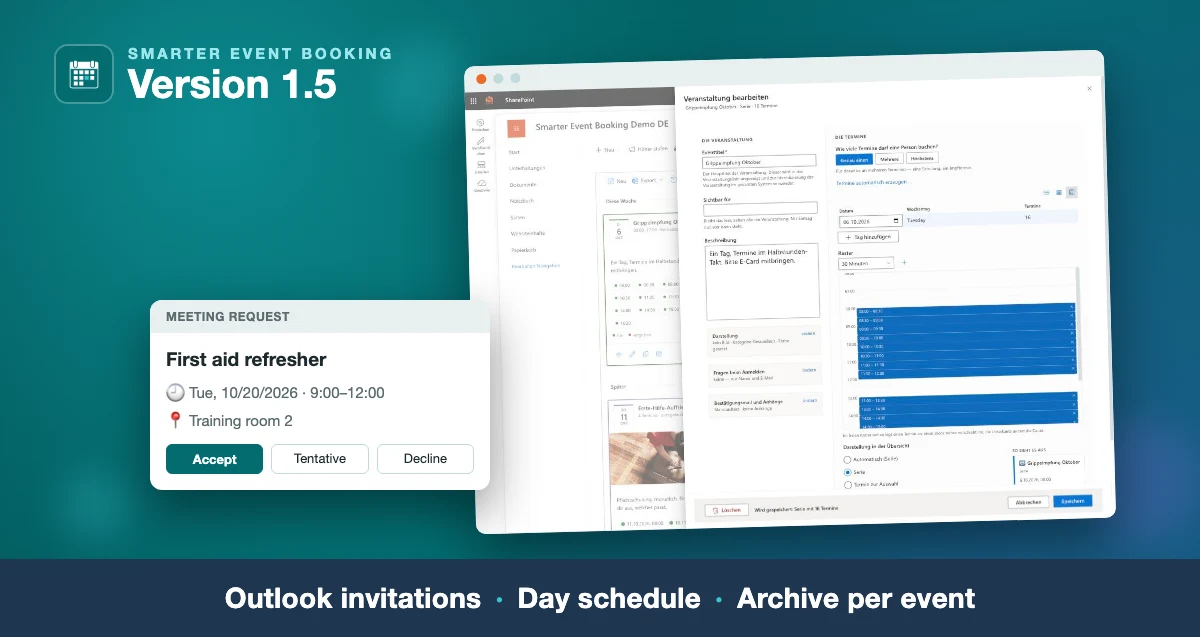
Smarter Event Booking 1.5.0: Outlook invitations, day schedule, archive
The new version: the confirmation as a real Outlook invitation, time slots edited in a table and a day schedule, and one message to all attendees of an event.
Read moreBlog · Category
All articles in the “Intranet” category.
43 posts: “Intranet”
The new version: the confirmation as a real Outlook invitation, time slots edited in a table and a day schedule, and one message to all attendees of an event.
Read more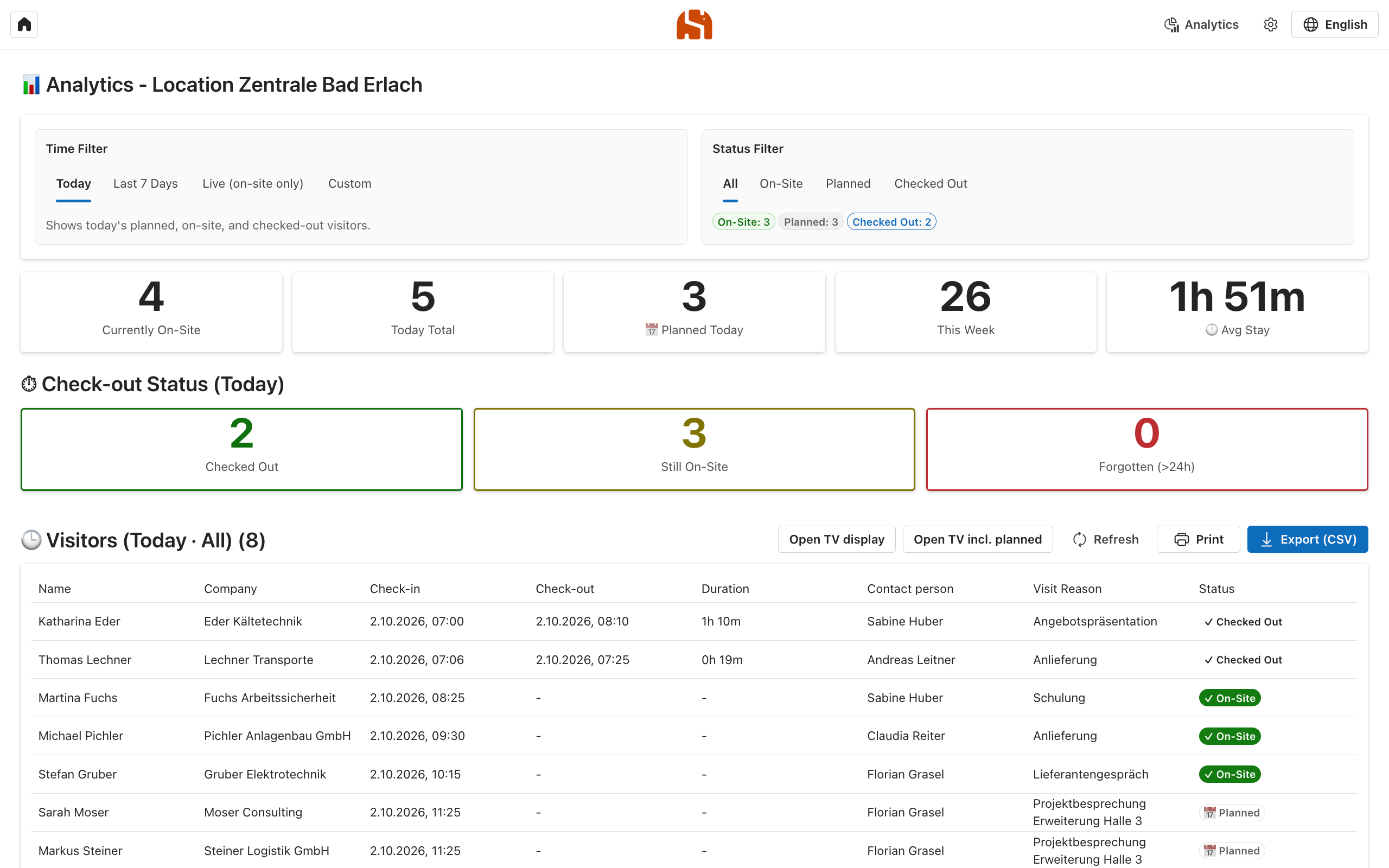
Why the paper sign-in sheet at reception falls short and how a digital visitor log with Outlook, QR code and a terminal works in your own Azure subscription.
Read more
Version 1.4: occasions all year, content in four languages, ready-made content packs, new designs, a flexible schedule, new campaigns on the same page and simpler licensing.
Read more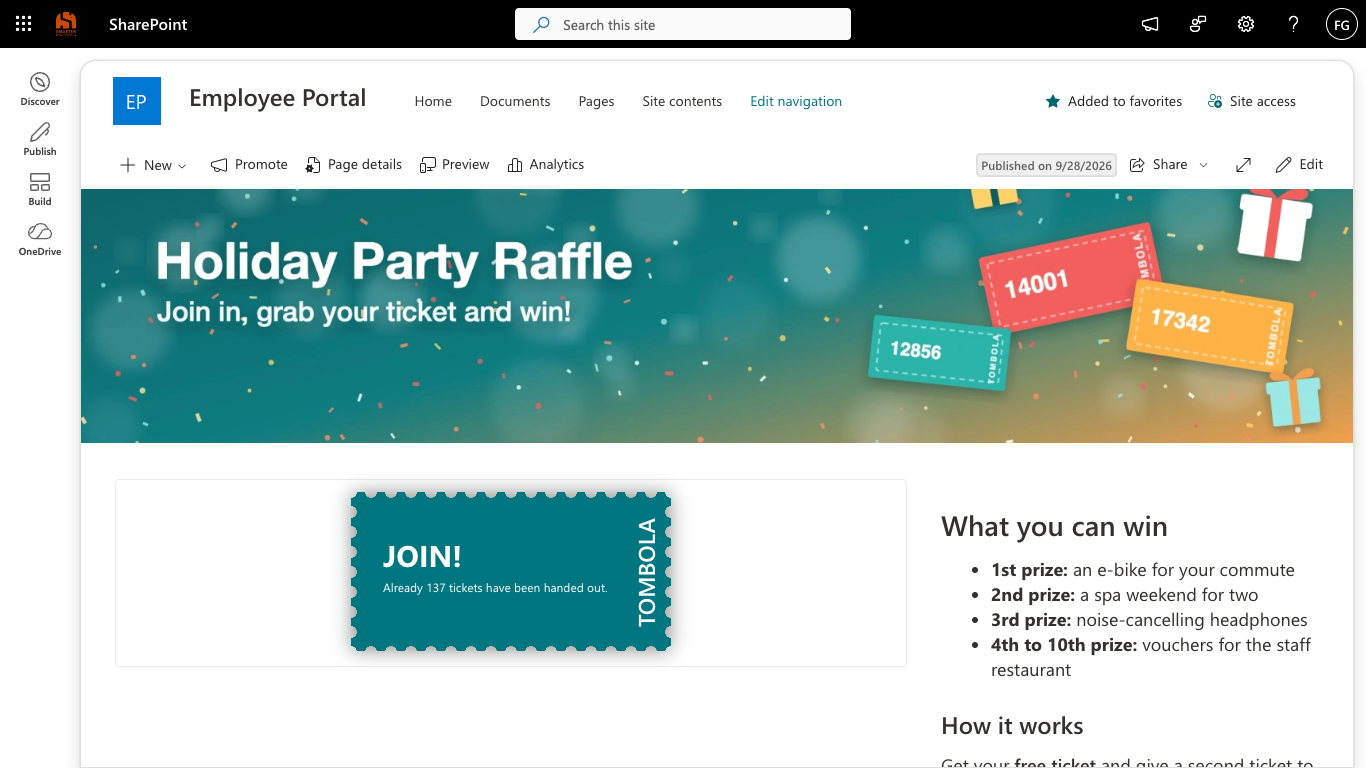
Version 1.2: a setup assistant, settings in the admin bar, emails via Microsoft Graph, a prize draw across all tickets, French and Italian.
Read more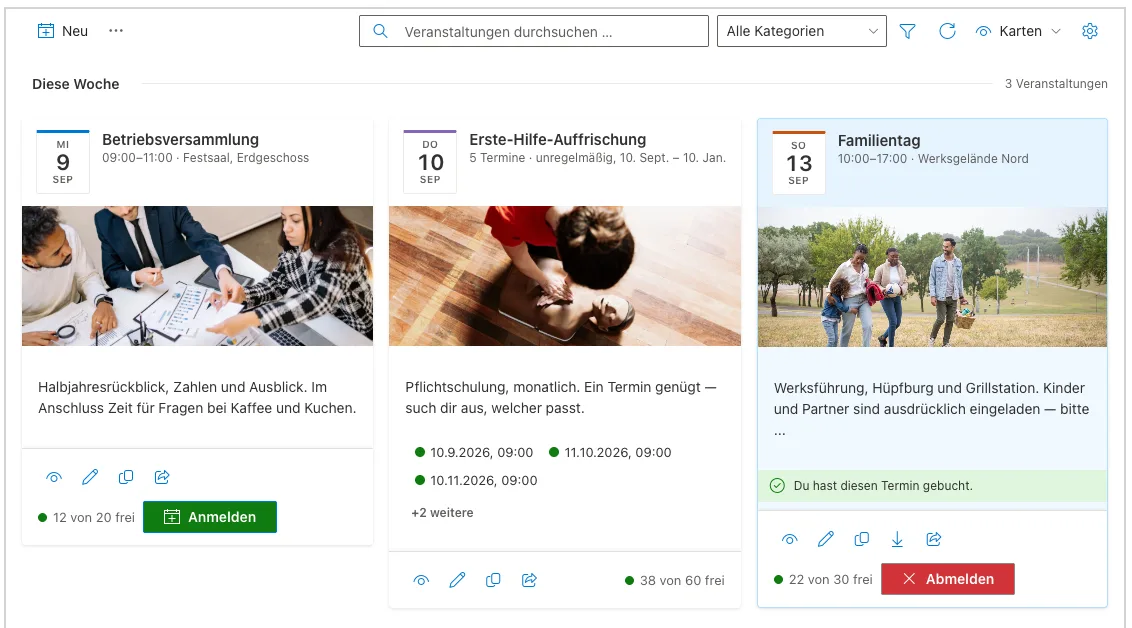
The new version on Microsoft Marketplace: one form for every kind of date, time slots for vaccination days, a waiting list and a card row for your home page.
Read more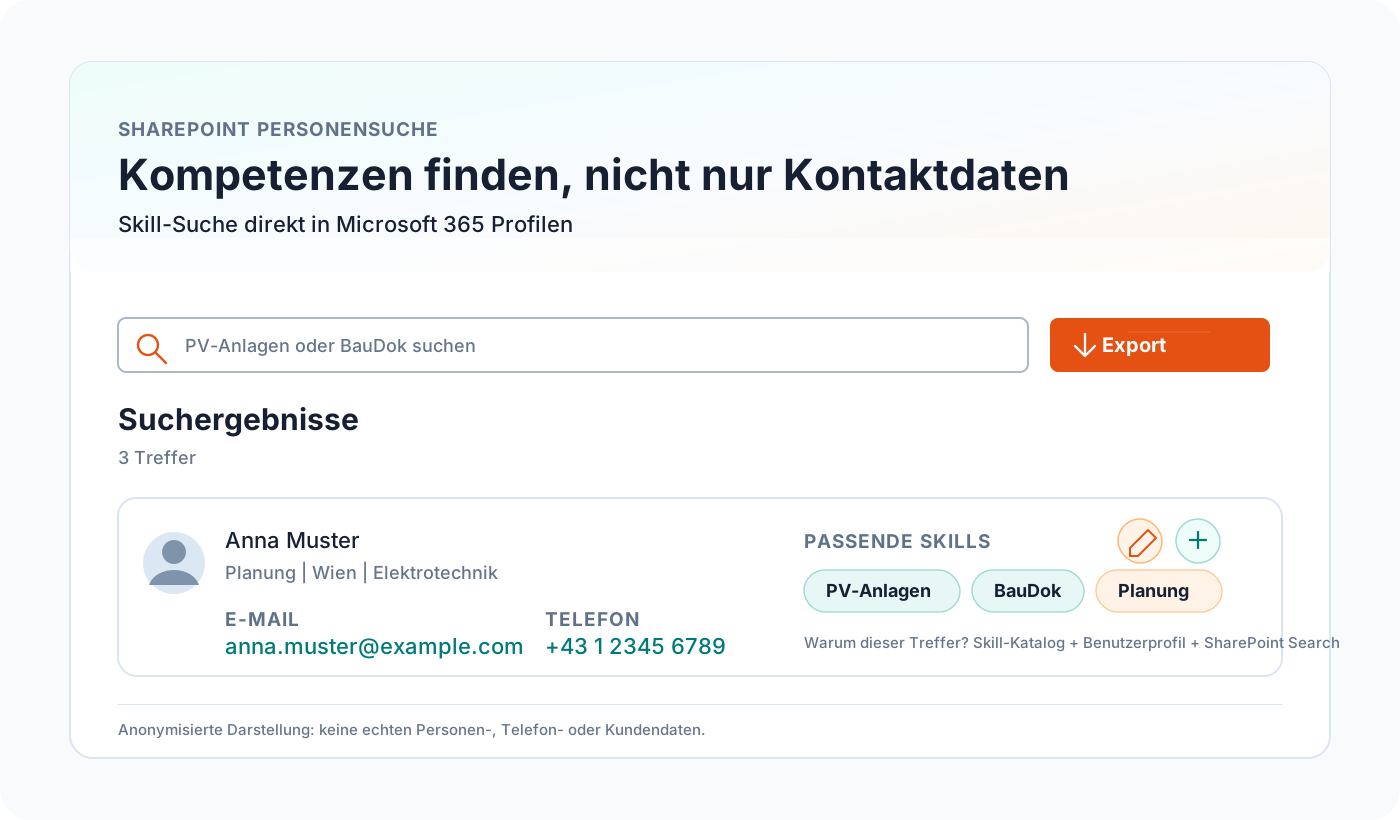
Build SharePoint people and skills search with SPFx, Microsoft Graph, a skills catalog, and Microsoft 365 profile data.
Read more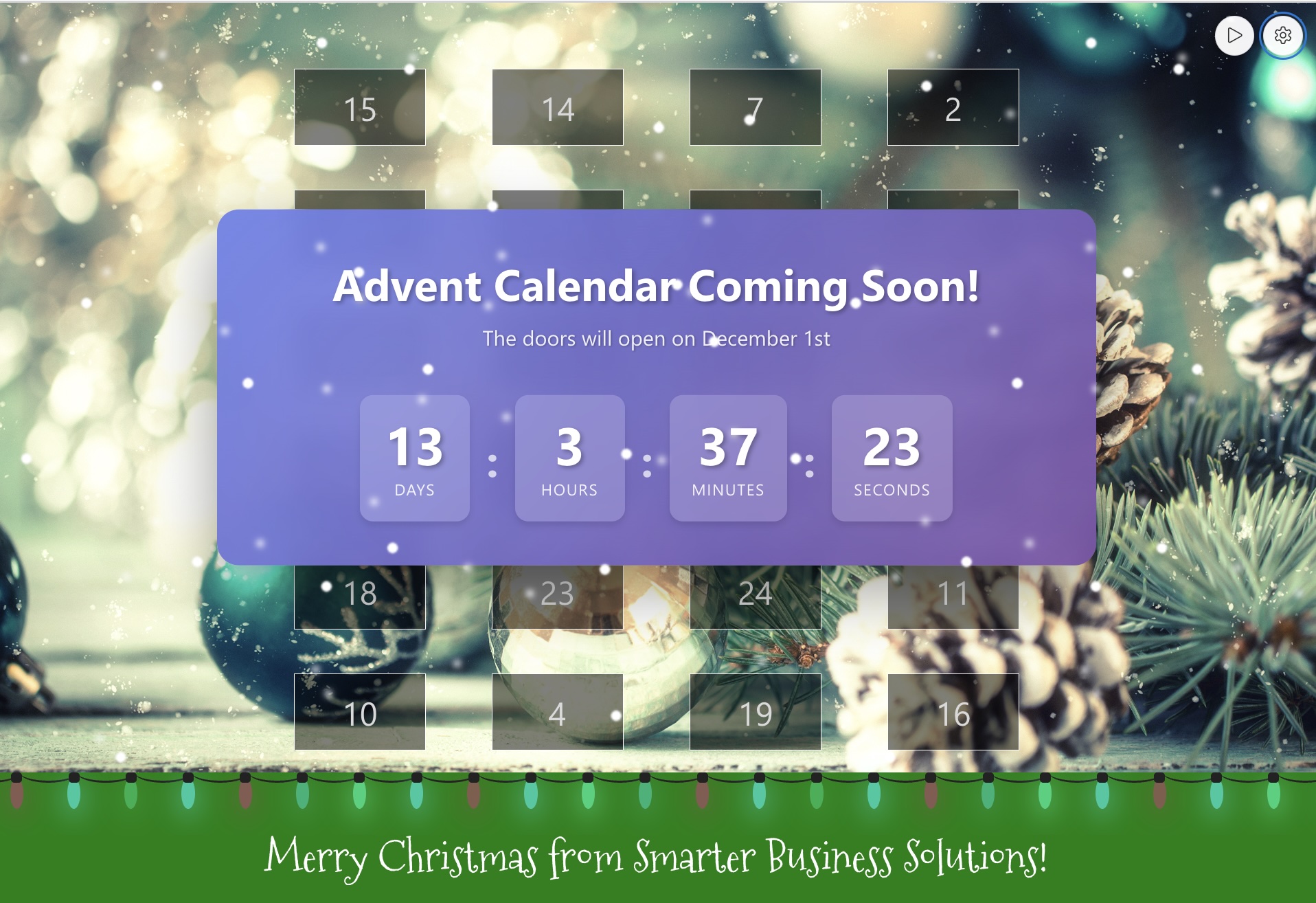
Discover the new version 1.1.0.0 of the Smarter Advent Calendar with improved admin interface, content templates, integrated quiz builder, and enhanced analytics.
Read more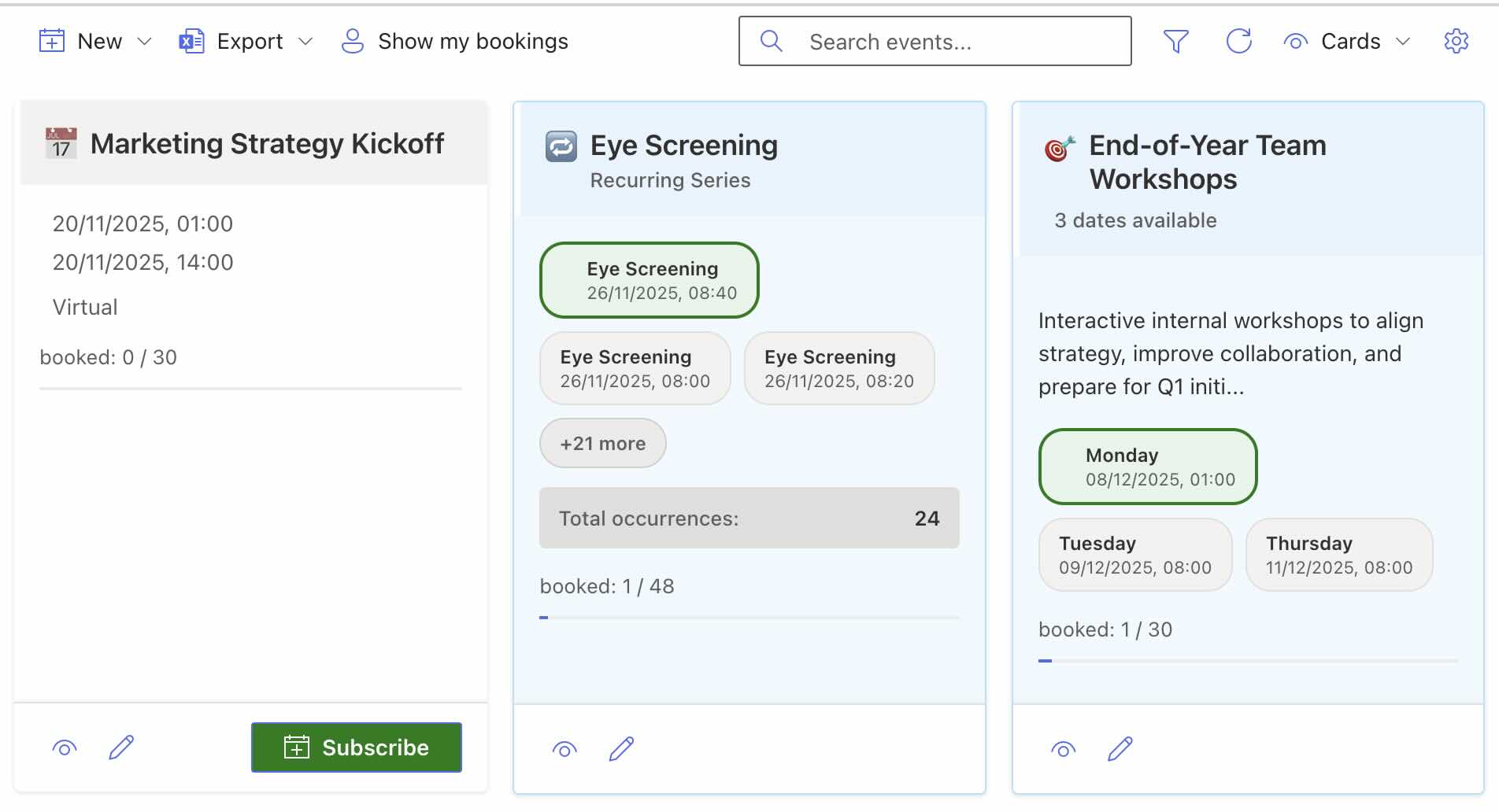
New views, event types, modernized interface and numerous new features – Smarter Event Booking v1.1.0 sets new standards for event management in SharePoint Online.
Read more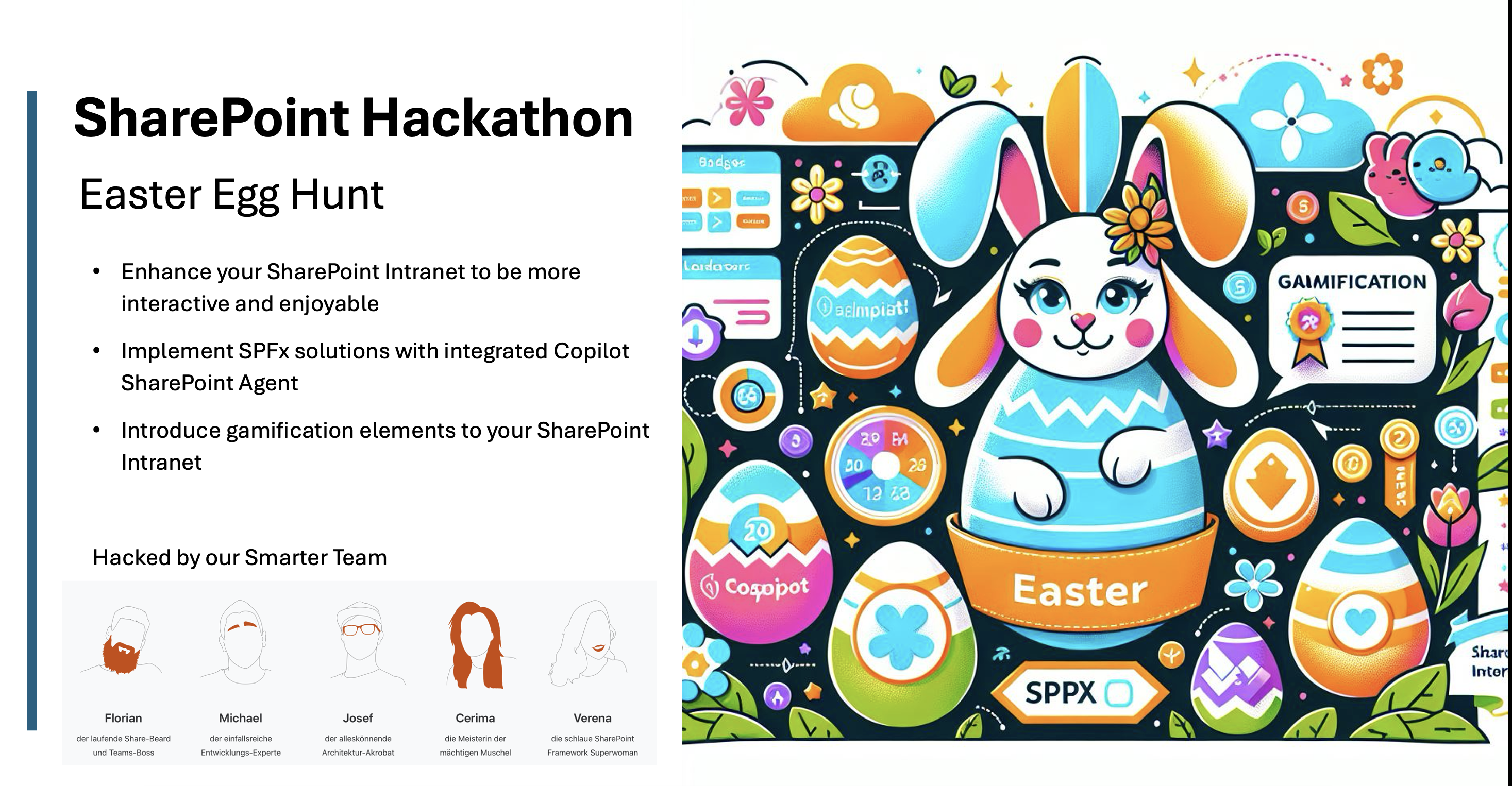
Boost engagement and collaboration in your SharePoint intranet with a playful Easter egg hunt powered by AI‑generated quizzes, gamification, and simple SPFx integration.
Read more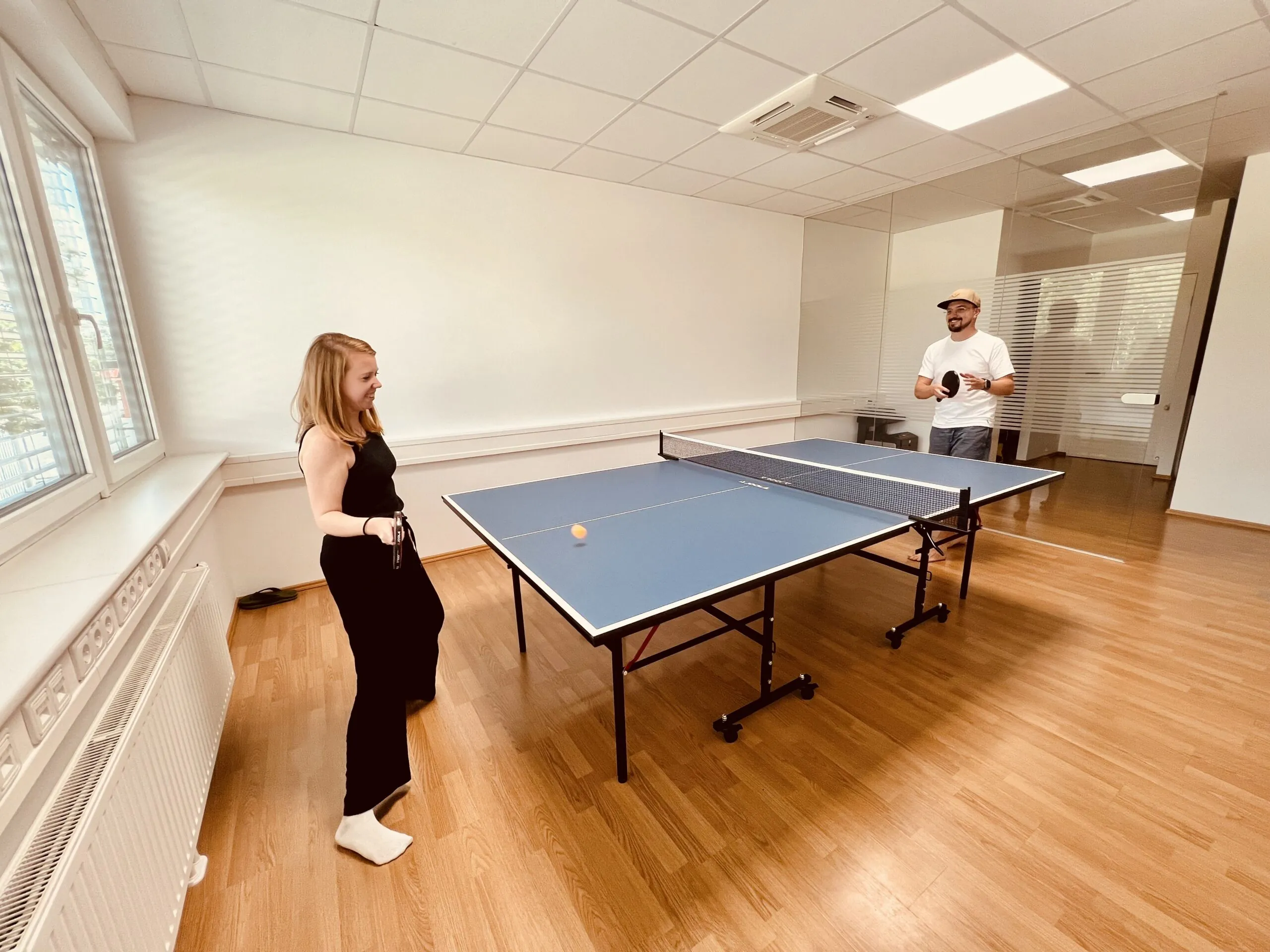
Boost the adoption of your SharePoint intranet with creative team-building experiences that spark engagement. Discover our table tennis SPFx web part.
Read moreUpload files to your SharePoint libraries and folders directly from Smarter Navigation using simple drag-and-drop, without opening each library first. Easily.
Read moreSync multiple SharePoint document libraries with OneDrive directly from Smarter Navigation. Select several libraries at once and trigger one streamlined sync.
Read morePage 1 of 4
We are happy to help with implementation – from a quick assessment to a complete project.