
Getting Started
Step-by-step guide to setting up your first raffle.
View guide
SharePoint app
The digital raffle for your intranet.
With Smarter Tombola you run raffles directly in SharePoint: participants buy tickets in the intranet, winners are drawn automatically and notified by email.

The raffle works just like its offline counterpart – only without administrative effort and without paper.
Participants buy tickets directly in the SharePoint intranet. You handle the draw and winner selection with a single click.
Whether Christmas party, anniversary or virtual event: the raffle adds a shared experience to your occasion.
Manage tickets, prizes and winners centrally – with automatic notifications and a draw that stays transparent for all participants.

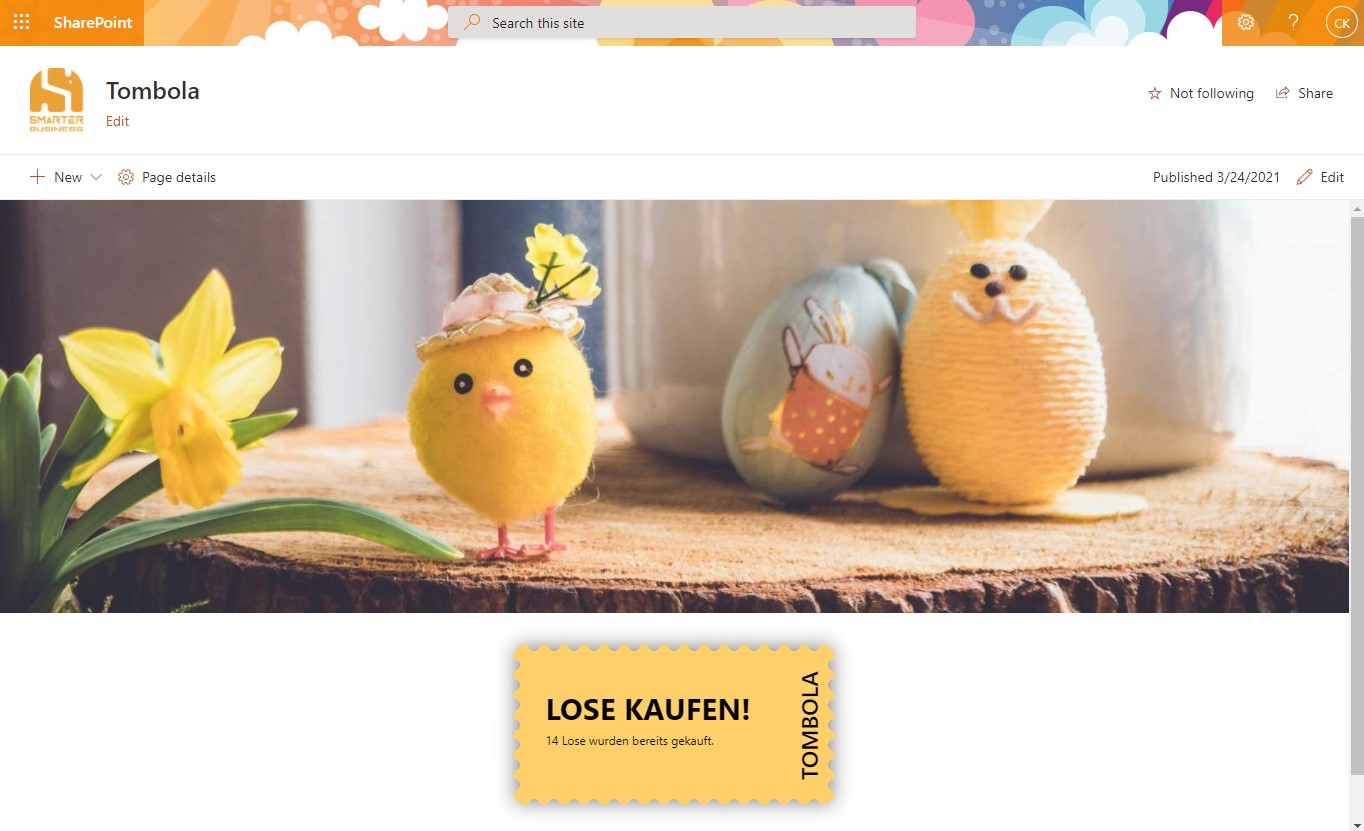
Smarter Tombola works for virtual events as well as on-site celebrations – distributed teams take part without any extra effort.
Winners are determined automatically, the draw remains transparent for everyone and notifications are sent by email.
Combine the raffle with your Christmas party, a corporate event or a team meeting – the draw works well as a shared agenda item.
Fully integrated with SharePoint – no external software and no additional infrastructure required.
Tickets are sold and managed digitally. That saves administrative effort and paper.
A shared prize draw brings your team together – even when working from home.
Built-in tools or app?
A small draw within the team doesn’t need software. Smarter Tombola is built for raffles that should run in an organized, traceable way.
If the left column covers your case, you don’t need an app – you’ve already paid for the built-in tools. Smarter Tombola exists for everything on the right.
Licensing directly via Microsoft AppSource – with local prices, taxes and centralized billing.
You only pay for the site collections that actually use the app – with no hidden costs.
Only site collections in use are licensed
No restrictions on functionality
Purchasing & licensing
Microsoft separates the app from its license in the marketplace – that’s why you’ll find Smarter Tombola listed twice. Getting licensed is still quick:
Install Smarter Tombola from the Microsoft marketplace into your SharePoint environment for free and try every feature without obligation.
View the app in the marketplacePurchase the license as a subscription directly on Microsoft AppSource. You’ll see the price there in your local currency – including the correct taxes for your country.
See the price in your currencyAssign the license to the site collections where Smarter Tombola should run. Your data and settings from the trial are preserved.
Buying through AppSource is procurement without the procurement process: the contract runs through the Microsoft account your organization already has.
You buy from Microsoft – no vendor onboarding or supplier checks in your purchasing department.
With the correct VAT for your country, in your local currency.
The license appears on your existing Microsoft 365 invoice – alongside your other subscriptions.
Manage, scale or cancel the subscription at any time in the Microsoft 365 admin center.
Microsoft technically separates the app from its license: you install the app for free in your environment and purchase the license as a separate subscription. Microsoft mandates this split for all SharePoint apps with marketplace licensing. For the purchase, the listing with the “License” suffix is the right one.
Your data lives in your own SharePoint lists and is preserved. Once the license is activated, you continue right where you left off.
Not necessarily. Payment runs through your organization’s billing profile at Microsoft – by credit card or invoice, depending on your configuration.
The purchase is made in your organization’s Microsoft account – usually by someone with permission for marketplace purchases, for example a billing administrator.
Directly in the Microsoft 365 admin center – you manage the license like any other Microsoft subscription.
Questions about the purchase process?Get in touch – we’re happy to guide your IT team through the first purchase.
Guides and legal information for Smarter Tombola.
Step-by-step guide to setting up your first raffle.
View guideLegal terms and conditions for using Smarter Tombola.
Read termsQuestions about the app? Our support team is happy to help.
Get in touchTry Smarter Tombola free for 30 days – we are happy to answer your questions about setup and licensing.