
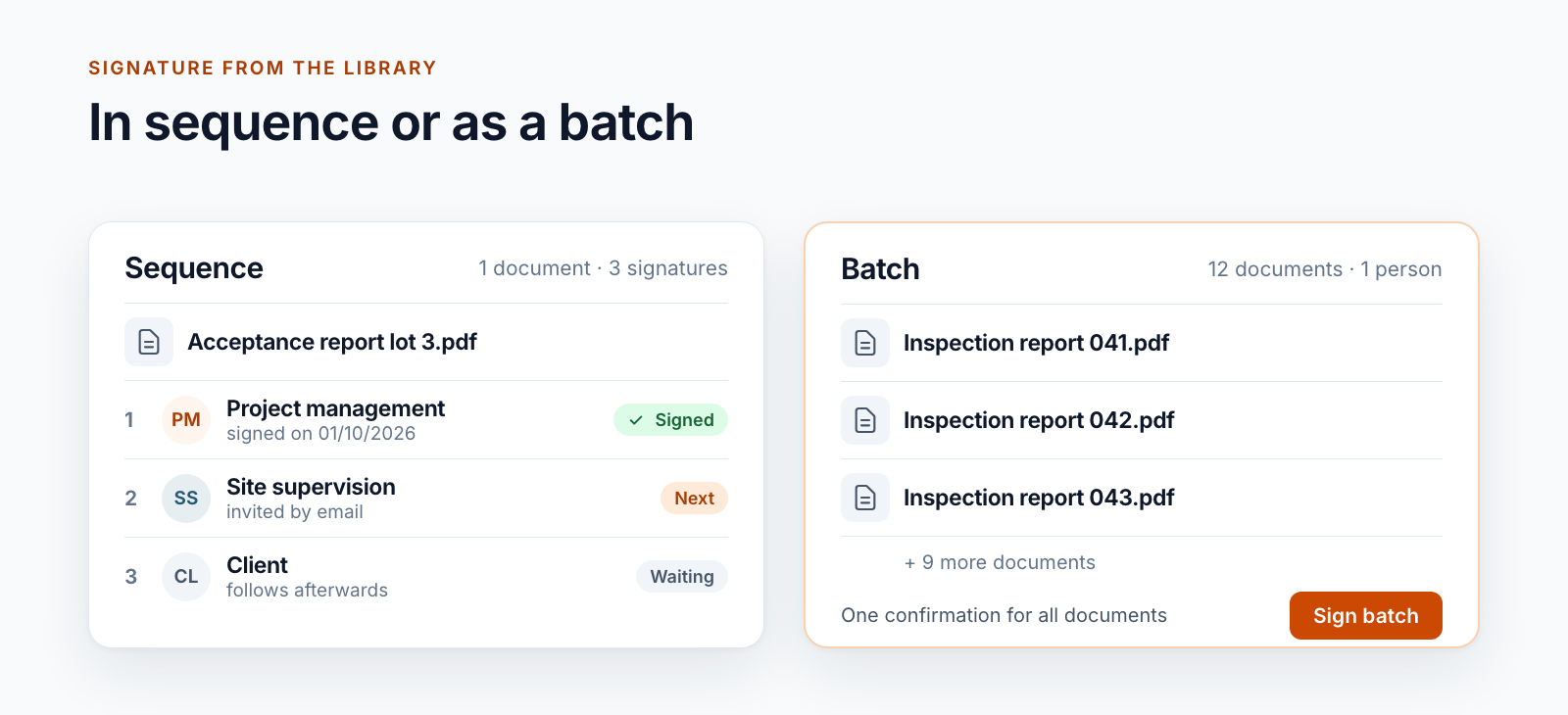
Documents
Signing documents in SharePoint: single and batch signature
Qualified signatures from the SharePoint library: one document, several signers in sequence or many documents as a batch. Including the limits.
Read moreBlog · Category
All articles in the “Documents” category. Page 2.
28 posts: “Documents”
Qualified signatures from the SharePoint library: one document, several signers in sequence or many documents as a batch. Including the limits.
Read more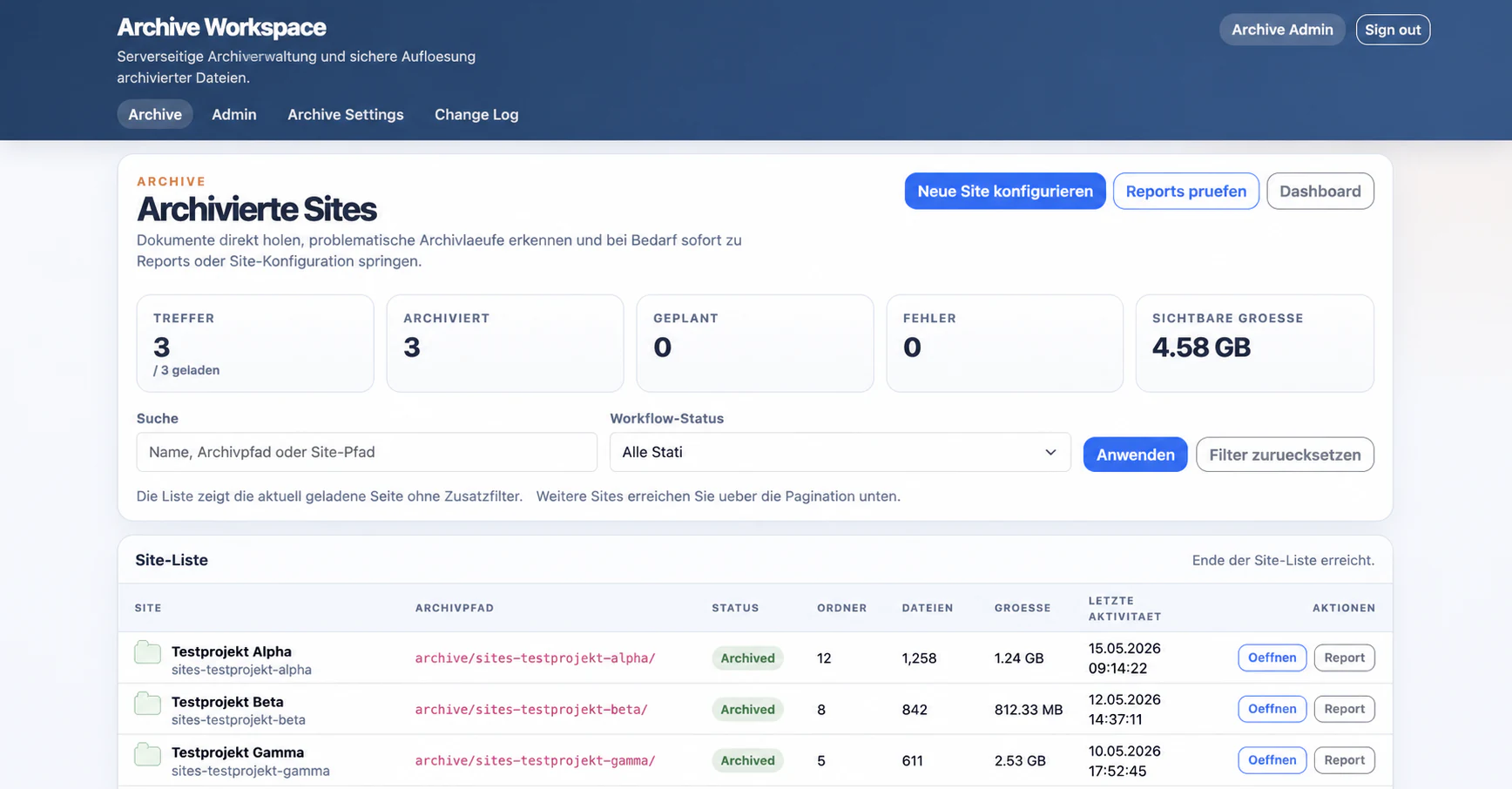
How completed SharePoint projects are approved, archived in customer-controlled Azure, accepted, and rolled out safely.
Read moreWhat we learned about discovery, retries, concurrency, integrity, and consistent evidence while building a customer-controlled SharePoint archive.
Read moreWhy Keepit and Microsoft 365 Backup remain valuable protection layers while a customer also required a directly controlled SharePoint archive copy in Azure.
Read more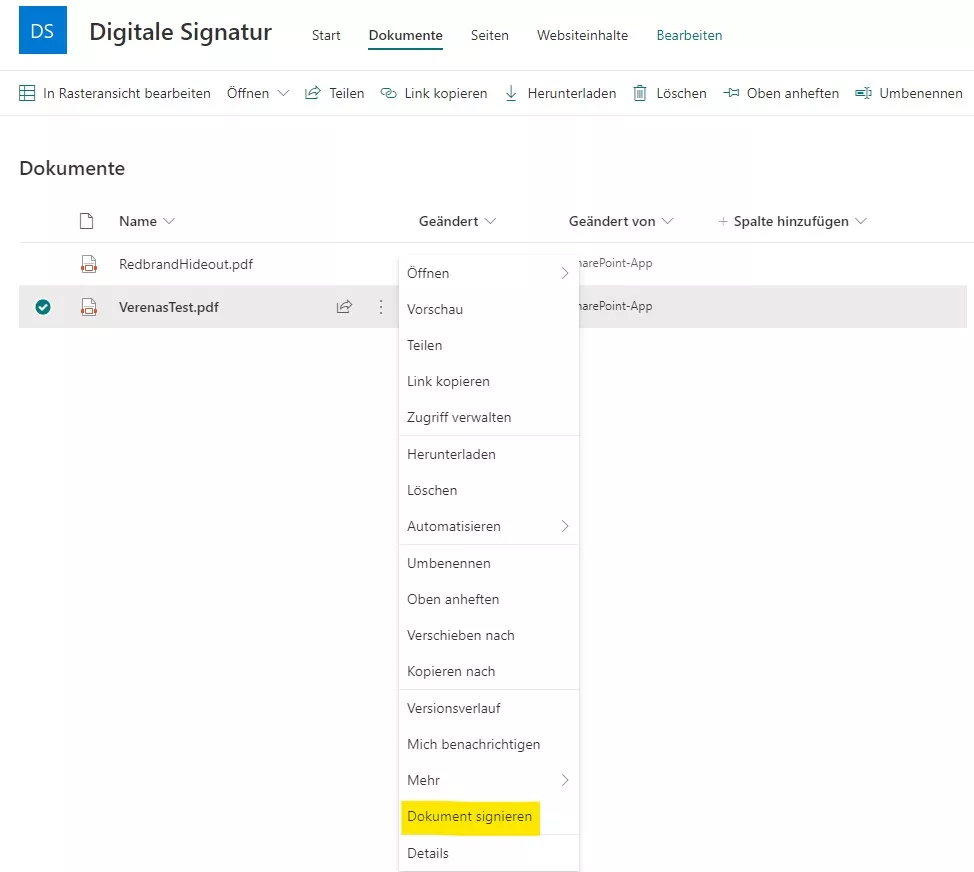
How we adapted our digital signature solution for SharePoint Online: core architecture, SSOM/CSOM, dependency injection with Ninject, and a provider-hosted add-in.
Read moreLearn how to precisely place a digital signature in SharePoint PDFs: capture canvas click coordinates, compute positions, and integrate with A‑Trust.
Read moreSee how our SharePoint workflow collects digital signatures: assign signers, set positions, notify by email, and download the signed PDF.
Read more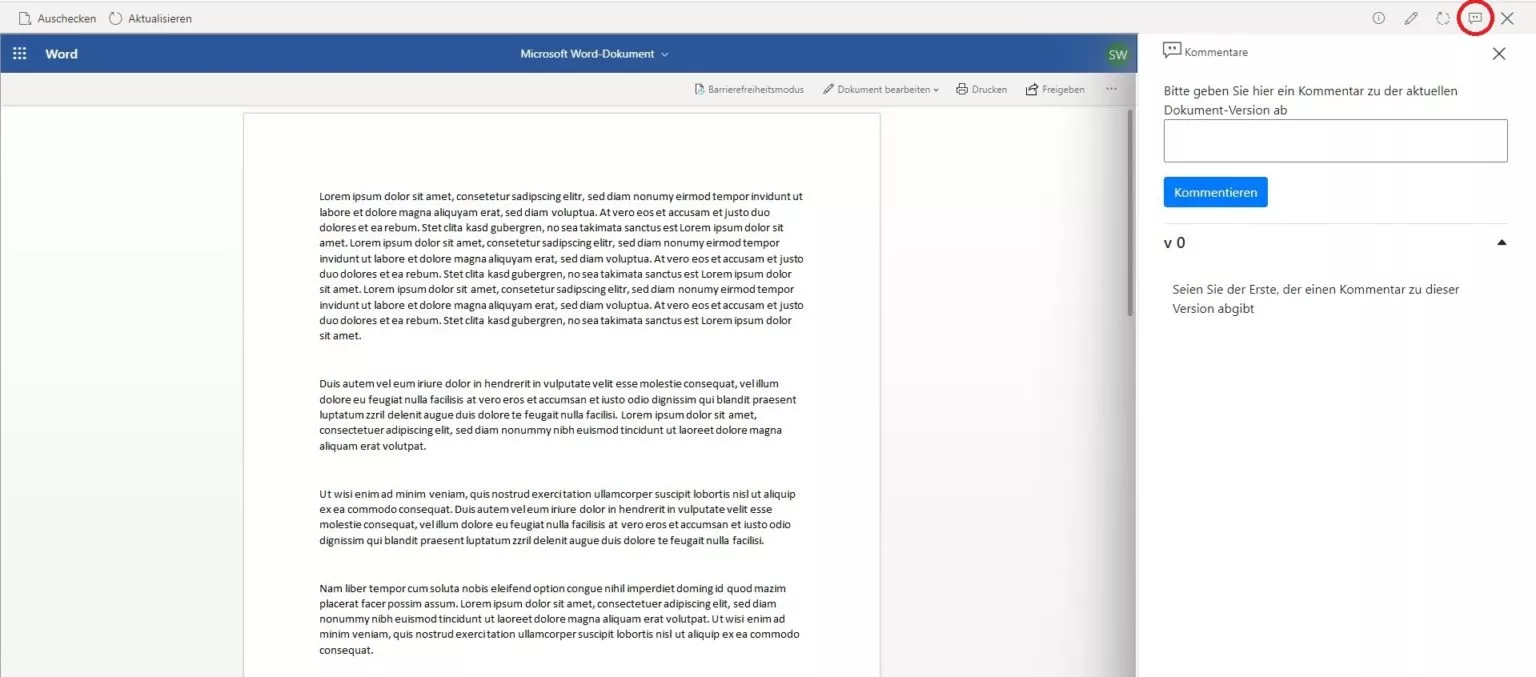
Discover how our SharePoint feedback workflow captures comments per version, keeps teams aligned through editing and publishing, and gives admins control.
Read moreDiscover how our compliant document management system guides SharePoint documents through four libraries, enables workflows, and simplifies permissions.
Read moreSharePoint Online no longer writes EXIF metadata to libraries. Learn how our Smarter-Exif-Export add-in analyzes uploads and fills every column automatically.
Read moreLearn how our SharePoint document management app pairs metadata and full-text search with async ComboBox suggestions so teams find relevant files faster.
Read moreOffice 2 SharePoint pins your SharePoint sites, Teams and OneDrive links in Outlook, keeps you signed in with single sign-on and eliminates context switching.
Read morePage 2 of 3
We are happy to help with implementation – from a quick assessment to a complete project.