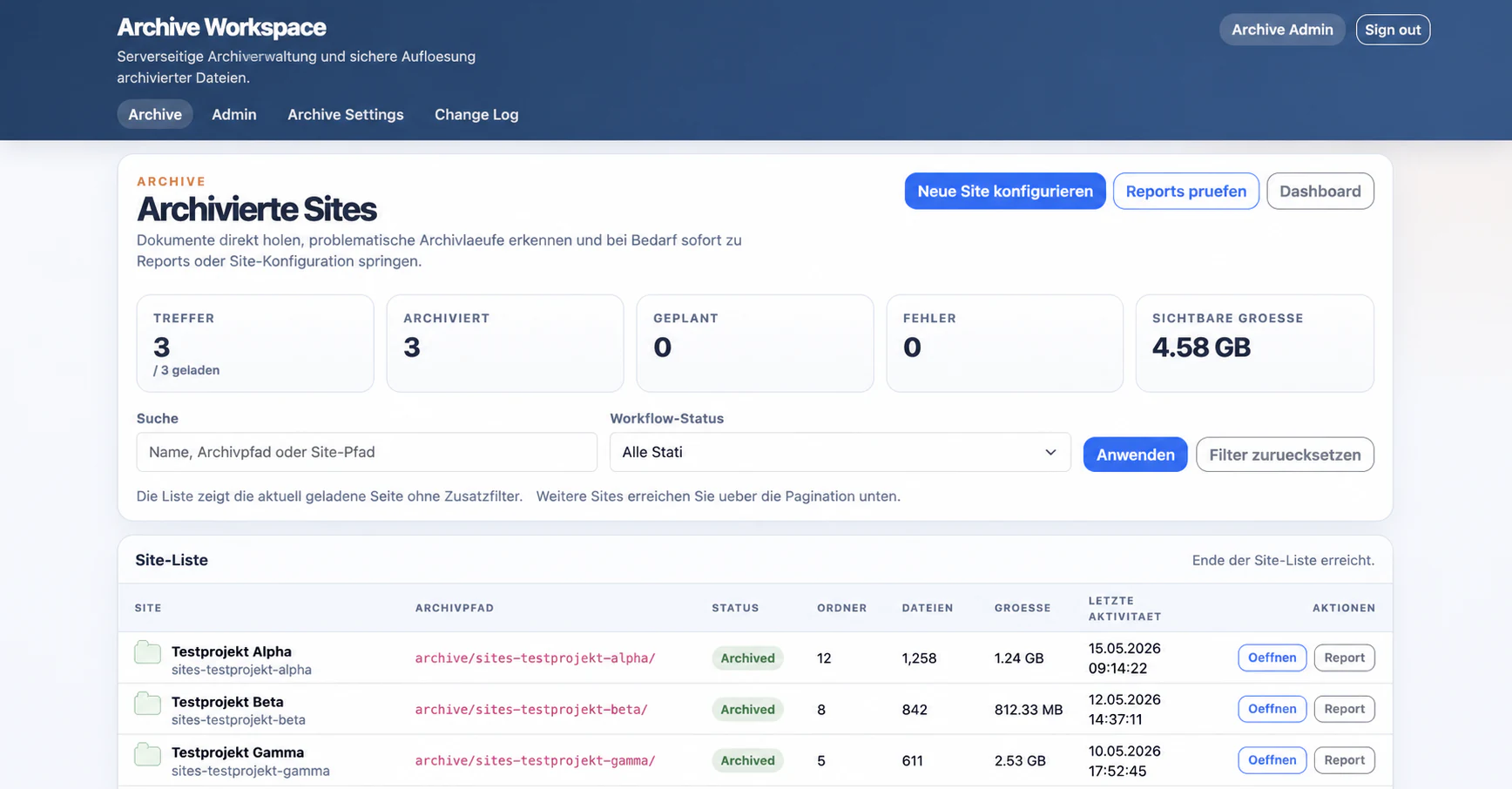
Update 2026: The solution described here is now the product Smarter Archiving, in production use since 2026. The product page describes features, modes and introduction.
The requirement in part 1 sounded manageable: copy completed SharePoint projects into an Azure subscription administered by the customer and make them directly accessible there.
A download-and-upload script would have produced a demo. A reliable archive emerged only after we answered the uncomfortable questions:
- What does “complete” mean when a library cannot be read?
- What happens when the browser closes or a response is lost?
- How do retries avoid duplicate or overwritten archive objects?
- How can we prove that a Blob contains the same bytes?
- Who decides success when the workflow, manifests, report, and registry disagree?
The following seven lessons mattered more to the implementation than the choice of individual Azure components.
1. A browser request is not an archive job
An earlier workflow ran preflight in the context of the web request. That looked convenient: an administrator selected Archive, the application discovered the scope, and the browser displayed the result. Large sites exposed the wrong coupling. A closed tab, proxy timeout, or lost response must not terminate a valid business request.
We separated the start into two responsibilities:
- The web application accepts the request, persists a unique request ID, and responds quickly.
- A Durable Function runs discovery, planning, transfer, and finalisation independently of the browser.
A lost start response must not create a second run either. A deterministic start ID is derived from the correlation ID. Repeating the request returns the existing operation instead of starting another one in parallel.
Lesson: In a long-running business process, the web request confirms acceptance. The process itself needs a durable identity and lifecycle.
2. “Not discovered” must never mean “empty”
Discovery is often the first bottleneck on large SharePoint sites. Deep folder trees, paging, library filters, and SharePoint throttling make complete enumeration harder than the later Blob upload.
We replaced a slow recursive main path with paged enumeration and retained recursion only as a controlled fallback. More importantly, an unresolved library is an explicit error. It cannot enter the plan as a successful library containing zero files.
Preflight writes an immutable scope containing site, library, and file identities, paths, sizes, and modification state. Processing begins only when that plan is complete.
Lesson: An archive can only be as complete as its discovery. Unknown scope is not empty scope; it is a blocking finding.
3. More concurrency does not automatically mean more throughput
The naive optimisation is Task.WhenAll: read and upload as many files as possible at once. In a real Microsoft 365 environment, that simultaneously increases pressure on SharePoint, the Function runtime, memory, connections, and Blob Storage.
We therefore bound concurrent file operations and process sites in configured batches. The best value depends on file sizes, tenant behaviour, and infrastructure; it is not a universal product constant.
The same principle applies during finalisation. SharePoint snapshots are checked in batches, while the necessary Blob read-back verification remains a per-file operation.
Lesson: Scaling requires backpressure. A system does not become robust by starting all available work immediately.
4. A retry must not hide a business conflict
Temporary network or service failures justify bounded retries with backoff. An HTTP conflict or failed ETag condition is different. It means that the destination already exists or the expected state has changed.
Every run therefore writes to its own path, and every archive object is created with create-only semantics. A retry cannot silently overwrite a verified object. Plans, operations, and file manifests also use conditional writes. State transitions use compare-and-swap so a stale worker cannot replace newer state.
A lease alone is insufficient for long-running jobs. When a worker loses its lock, cancellation stops its work and its fencing generation becomes invalid. Even if the old worker receives execution time later, it can no longer commit as the current owner.
Lesson: A technical retry and a business conflict are different states. Only the former should be repeated automatically.
5. “Upload successful” is not archive evidence
A successful Azure response confirms that a write was accepted. It does not prove that the intended SharePoint file was read or that the stored object contains the same bytes.
While downloading from SharePoint, the solution counts and hashes the source stream. After upload, it opens the stored Blob again and independently calculates length and SHA-256. Only matching values and the expected Blob identity move the file manifest from destination created to destination verified and finally manifest committed.
Blob properties alone are insufficient. Verification reads the stored bytes.
Lesson: Customer control has little value if the customer cannot establish the completeness and integrity of the additional copy.
6. SharePoint and Blob Storage do not share a transaction
This boundary matters most for optional source changes. A user can modify a SharePoint file between preflight, upload, and later cleanup. The archived copy may be correct, but the old plan must not delete the newer source.
Destructive finalisation therefore runs in phases:
- store and verify every planned file,
- commit every manifest,
- compare the complete SharePoint snapshot again,
- create and verify optional replacement links,
- delete originals conditionally with their planned ETags,
- confirm that the affected source files are absent.
SharePoint provides no transaction across an entire site. If an error occurs during conditional deletion, some files may already be deleted while an ETag conflict preserves another. The run is not presented as complete; it becomes Unknown and requires reconciliation.
Lesson: Safety barriers reduce risk, but they cannot invent a transaction that the source systems do not provide.
7. Success must be derived from evidence
A Durable Orchestration can finish while a later registry entry, report, or file manifest is still missing. Conversely, a Blob can exist even though its business commit never completed.
No single worker therefore sets final success. Reconciliation compares:
- the confirmed plan,
- Durable state,
- every file manifest,
- expected Blob objects,
- job and detailed report,
- registry and archive index.
In simplified form:
expected = committed + explicitly skipped + failed + unresolvedSucceeded requires no failed or unresolved entries and consistent mandatory evidence. Contradictions produce a visible non-success state. The completion email is sent only after this check.
Lesson: In a distributed system, “finished” is a claim. Consistent evidence turns it into a verifiable state.
How the architecture supports those decisions
The components follow from the problems rather than the other way round:
Administrator
    ↓ Microsoft Entra ID
ASP.NET Core Archive Workspace
    ↓ Managed Identity
Azure Durable Functions
    ├─ PnP.Core + certificate identity → SharePoint Online
    ├─ create-only archive objects     → Azure Blob Storage
    ├─ plan, manifests, and reports    → evidence containers
    └─ completion/failure notification → Datahub Mail
The web application owns configuration, start, and visibility. The backend owns the long-running process. Administrator access, web-to-Function identity, and the SharePoint certificate identity remain separate and fail closed.
Honest product boundaries
The Archive Workspace captures the current bytes of supported files, not a complete SharePoint image. Versions, list metadata, pages, empty folders, Document Sets, OneNote structures, original ACLs, workflows, and tenant configuration remain outside the product contract.
Normal browser and ZIP access is also not the same as integrity verification during the archive run. The technical proof is created by the run and recorded in its report.
Conclusion
The difficult work did not lie in moving bytes. It lay in the transitions: browser to background process, SharePoint to Blob Storage, retry to conflict, technical completion to business success, and verified copy to optional source mutation.
Those transitions determine whether a customer-controlled Azure copy merely exists or can be trusted as an archive.
Part 3 explains how administrators approve, accept, and roll out this process safely.