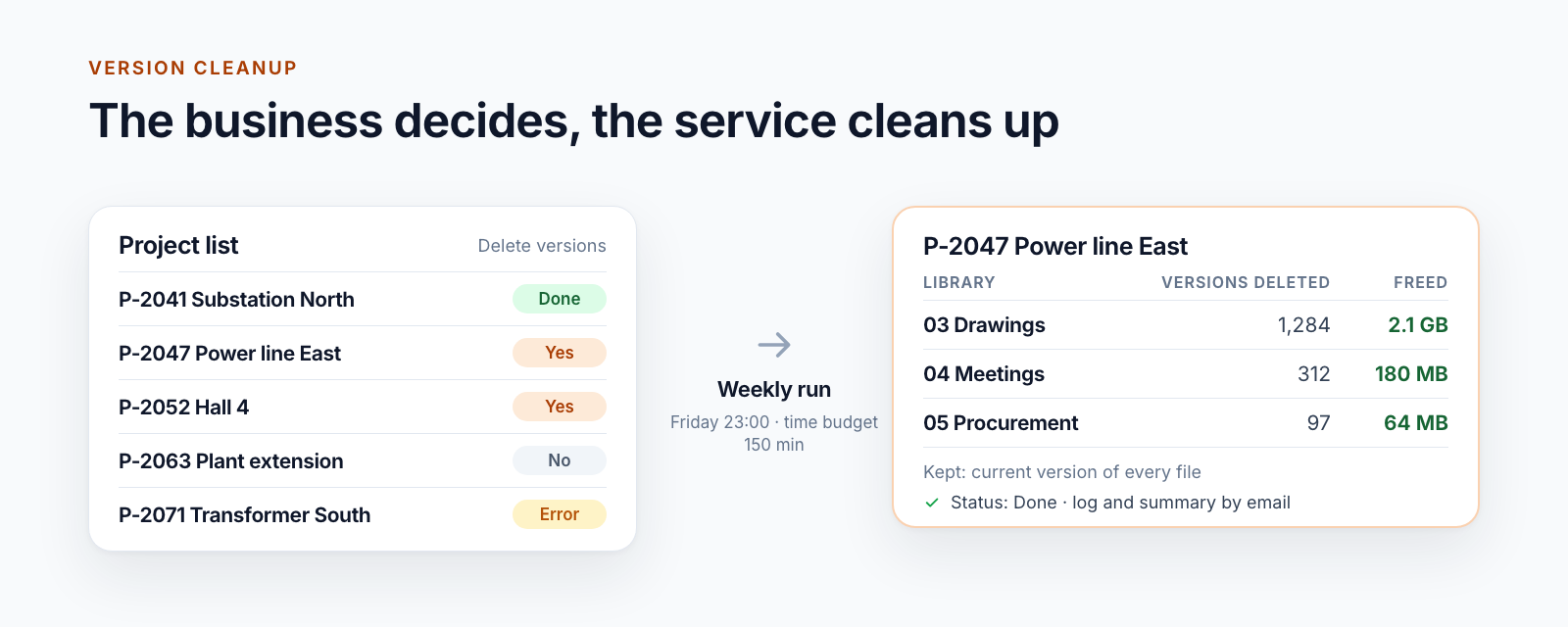
Update 2026: The solution described here is now the product Smarter Archiving, in production use since 2026. The product page describes features, modes and introduction.
An archive function alone does not close a project. Before a SharePoint site moves into the customer-controlled Azure archive, business owners and IT must agree what will be transferred, who accepts the outcome, and how people will access the files later.
For our customer, this became an operating model with explicit control points. Keepit remains responsible for operational recovery. The Archive Workspace additionally transfers completed project data into the Azure subscription administered by the customer.
1. Assign responsibility before the start
Three roles make different decisions:
- Project owners confirm that the project is complete and define its final documentation.
- Information owners or compliance assess Legal Holds, retention requirements, and open proceedings.
- IT administrators configure scope, access, operating mode, and technical acceptance.
At least five questions must be answered before the first run:
- Which site and libraries belong to the project?
- Which content is explicitly out of scope?
- Who may search the archive and download files later?
- How long should archive data be retained?
- Which criteria must be satisfied before SharePoint can be changed?
Archiving does not repair unclear data responsibility. It makes an agreed project closeout traceable.
2. Begin with copy-only
The administrator adds the approved site to the Archive Workspace and configures:
- site URL and display name,
- required library filters,
- priority and activation,
- operating mode,
- optional read-only state after successful completion.
We use copy-only for the pilot. SharePoint remains completely unchanged. The customer can assess archive scope, reports, search, and downloads without affecting the existing workspace.
Controlled deletion and verified replacement links remain deliberate later options. Neither a successful upload nor the passage of time activates them automatically.
3. Start the request and close the browser
Selecting Archive creates a durable operation with its own request ID. Preflight, transfer, and technical verification then continue in the background. The browser can be closed.
This separation matters for large sites. Discovery and transfer must not depend on the lifetime of an HTTP request. A lost response also does not automatically create a second run when an administrator selects the action again.
Automatic preflight discovers libraries, files, exclusions, and volume. If a library cannot be read reliably, it is not treated as empty. The operation stops with a visible finding before it can become an apparently complete archive.
4. Read status as an instruction
Administrators need more than a progress bar. Status must distinguish active work, verified completion, and unresolved business state.
| Status group | Meaning | Next action |
|---|---|---|
Pending / Running / Finalizing | The background process is working or checking completion. | Wait; do not start another run for the same site. |
Succeeded | All planned files and mandatory evidence agree. | Perform technical and business acceptance. |
Partial / Failed | At least one identifiable part failed. | Inspect the report for the affected library, file, and phase. |
Stalled / Unknown | State or evidence is incomplete or contradictory. | Do not restart blindly; inspect reconciliation and root cause. |
A worker that no longer throws an exception is not yet a successful archive run. Final status is established only when plan, file evidence, Blob objects, report, and registry agree. Part 2 explains the engineering behind this rule.
5. Combine technical and business acceptance
Technical verification determines whether the planned scope was transferred completely and byte-for-byte. Business acceptance determines whether the archive is usable for its intended purpose.
Our acceptance checklist therefore includes both:
- The report contains the expected site and approved libraries.
- No failed or unresolved files remain.
- File and byte counts are plausible to the business owner.
- Selected files can be found through search or path navigation.
- Individual and ZIP downloads contain the expected content.
- Intended administrators have access and other users do not.
- The accountable business owner records acceptance of the project archive.
A sample does not replace technical integrity evidence. Conversely, a correct hash does not prove that the right business scope was selected. A reliable handover needs both perspectives.
6. Use the archive in daily operations
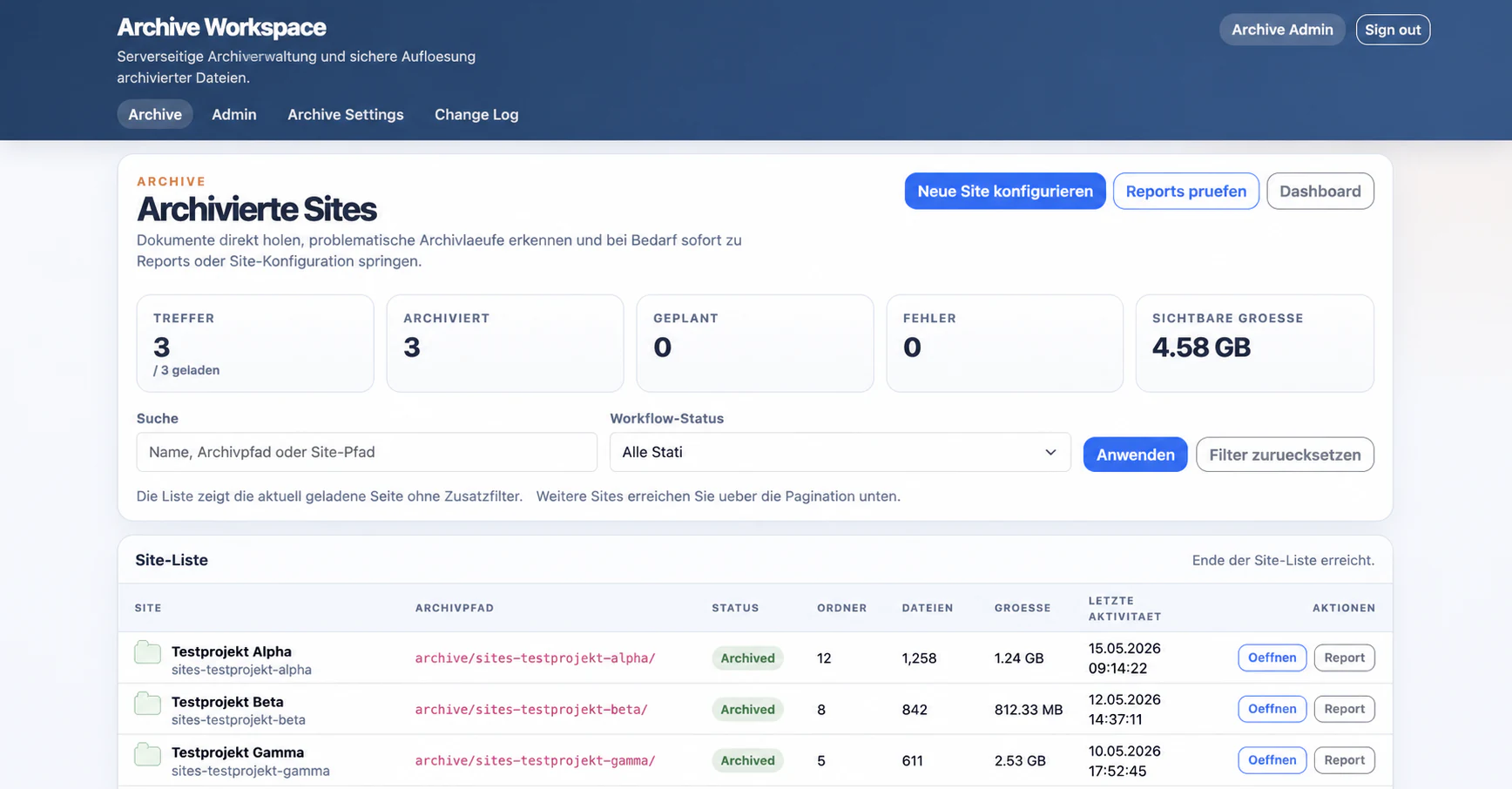
The Archive Workspace displays archived sites with status, volume, file and folder counts, and links to reports and content.
The archive browser reconstructs a readable site and folder structure from technically unique, run-scoped objects. Authorised administrators can:
- search by file name or path,
- navigate libraries and folders,
- download individual files,
- export folders as ZIP,
- move from archive content to the associated report.
The report remains the source for verified completion. The browser supports operational access; it does not replace acceptance evidence.
7. Handle common failures without false success
The implementation exposed several situations that require clear operating rules:
| Situation | Expected behaviour |
|---|---|
| The browser closes after the start. | The persisted background process continues. |
| SharePoint or Azure is temporarily unavailable. | Bounded retries handle technical failures; business conflicts are not retried away. |
| A destination object already exists. | Create-only prevents silent overwrite and keeps the conflict visible. |
| A library cannot be discovered completely. | Preflight fails instead of reporting an empty scope. |
| A source file changes before planned deletion. | Destructive finalisation is blocked, or conditional deletion preserves the changed file. |
| Mandatory evidence disagrees. | The run receives no success state and requires reconciliation. |
This visibility is not an incidental technical detail. It determines whether project owners and IT can trust the archive report.
8. Decide about the source only after acceptance
A successful copy-only pilot leaves three options:
- Leave SharePoint unchanged: The Azure copy acts as an additional, customer-controlled archive instance.
- Set the site to read-only: Content remains visible in SharePoint but can no longer be changed.
- Delete originals in a controlled process or replace them with links: This requires separate approval and enabled safety gates.
SharePoint offers no transaction across an entire site. Source cleanup therefore remains a separate risk class. It can begin only after technical verification, business acceptance, and a recorded decision.
9. Roll out in small waves
A sensible rollout does not start with the largest or most critical sites:
- select one manageable, completed test site,
- assign owners and acceptance criteria,
- run copy-only,
- review the report, sample, search, and downloads together,
- incorporate lessons into library filters and operations,
- approve the next wave only after the pilot succeeds.
Each wave should record site count, data volume, and accountable people. This keeps operations capable of learning and prevents individual problems from disappearing inside a mass migration.
Conclusion
A customer-controlled archive requires more than Azure Blob Storage. It needs an approved business scope, a browser-independent process, traceable failure states, technical evidence, and recorded acceptance.
Only then does the customer have not merely an additional copy, but a reliable process for controlling completed SharePoint project data.
Part 1 explains the customer requirement and the roles of Keepit and Microsoft 365 Backup. Part 2 describes the main engineering lessons.
Would you like to test this workflow with a completed SharePoint site? Contact us for a clearly bounded pilot.