
Intranet
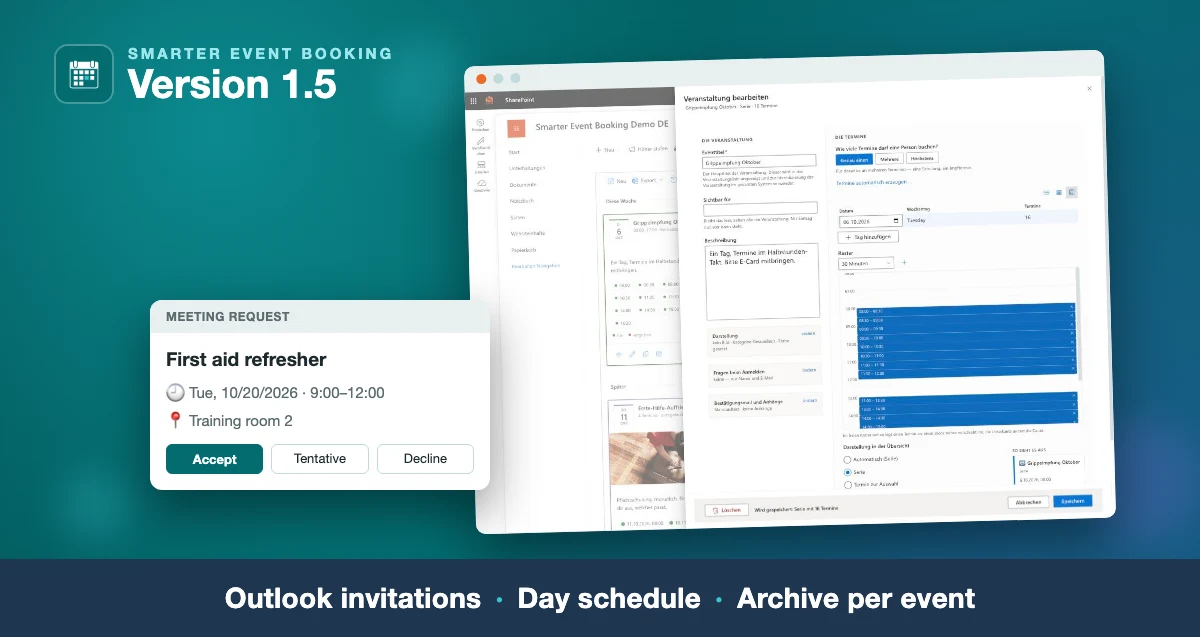
Smarter Event Booking 1.5.0: Outlook invitations, day schedule, archive
The new version: the confirmation as a real Outlook invitation, time slots edited in a table and a day schedule, and one message to all attendees of an event.
Read moreBlog · Tag
All articles tagged “Outlook”.
13 posts: “Outlook”
The new version: the confirmation as a real Outlook invitation, time slots edited in a table and a day schedule, and one message to all attendees of an event.
Read more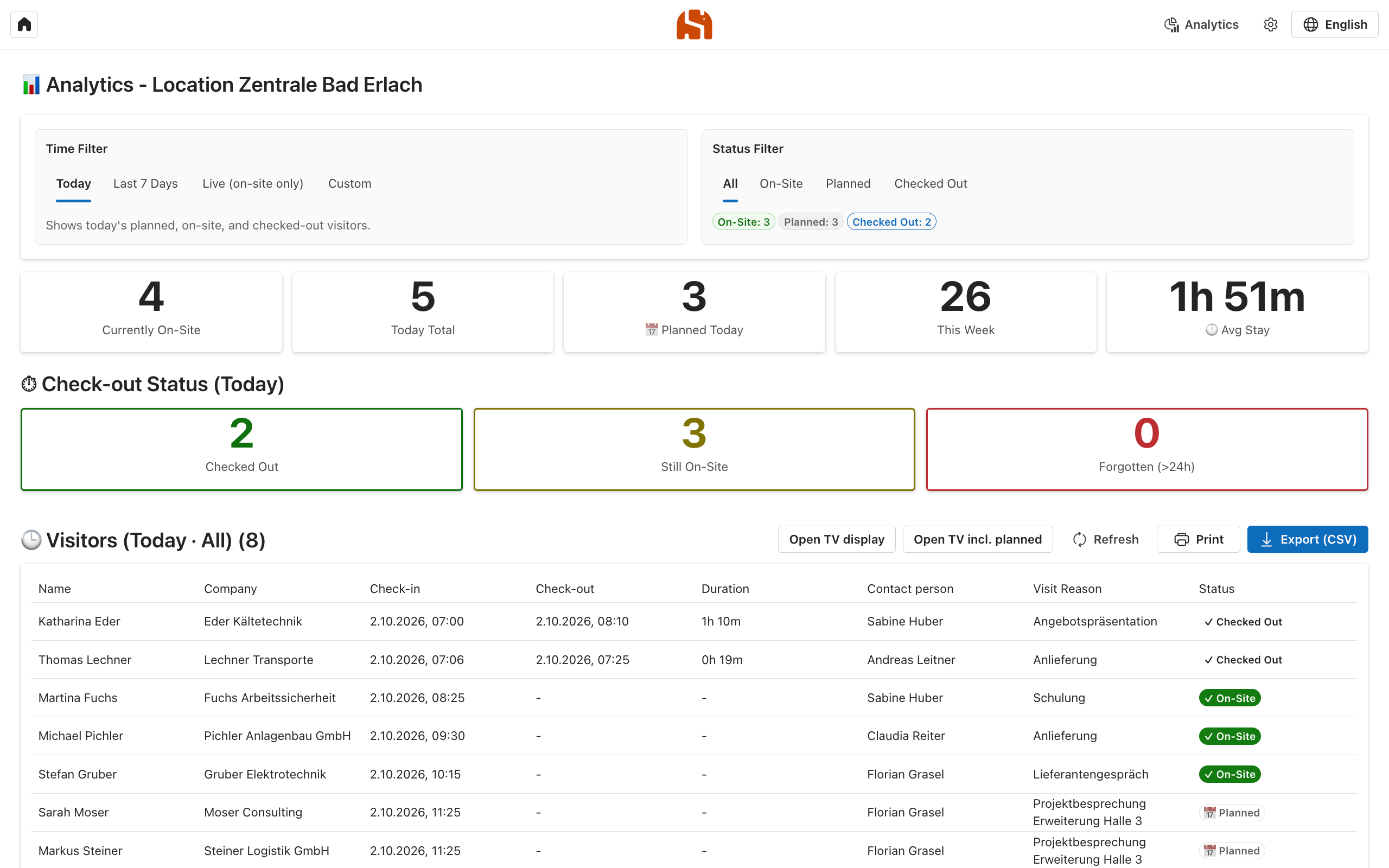
Why the paper sign-in sheet at reception falls short and how a digital visitor log with Outlook, QR code and a terminal works in your own Azure subscription.
Read more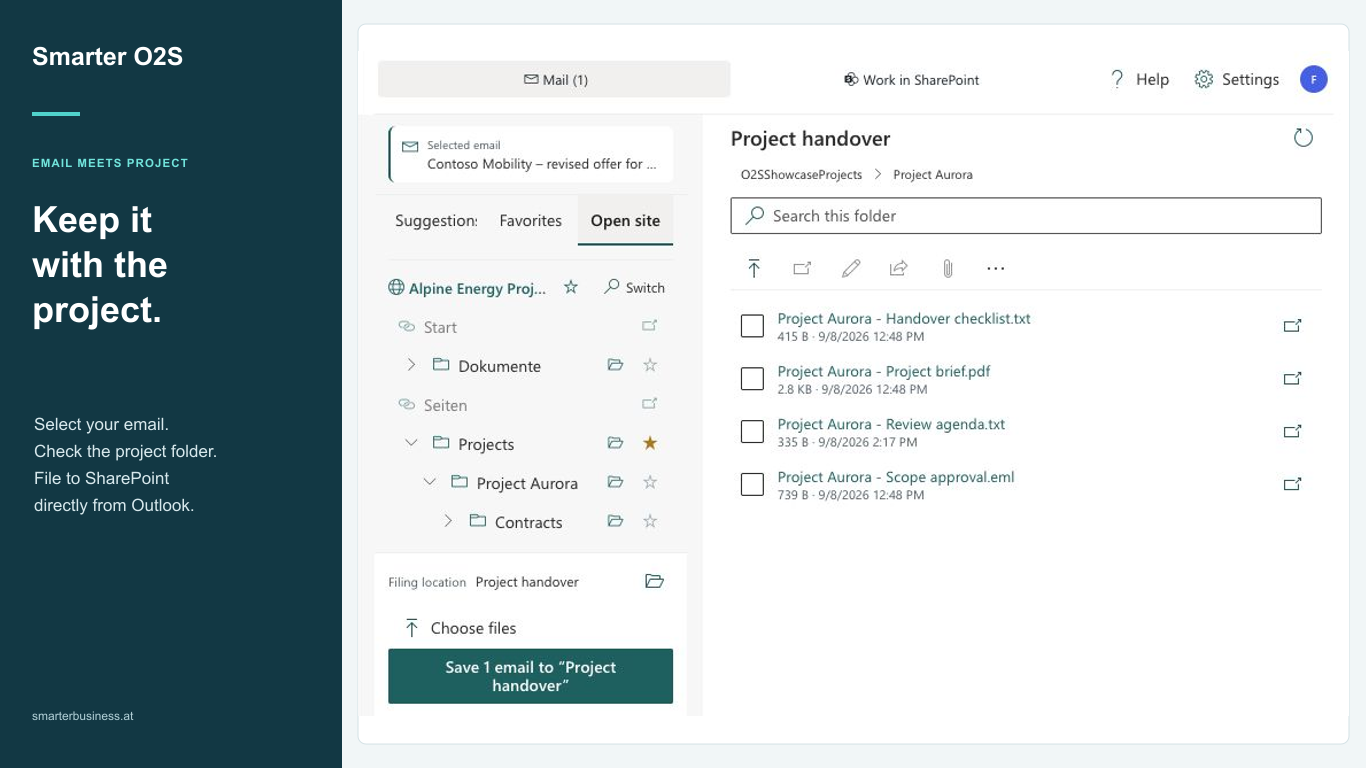
File emails in SharePoint, complete metadata and find documents directly in Outlook: the new Smarter O2S is available in Microsoft Marketplace.
Read moreStreamline Outlook guest check-ins: visitors scan their 3G proof at reception while teams decide whether submission is mandatory or optional for appointments.
Read moreOutlook add-in and web app send QR codes with invites so guests check in at reception, check out later, and calendars stay accurate via Microsoft Graph.
Read moreGenerate and download ICS calendar files in SharePoint: create .ics from list items, auto-add email invites, and provide a one-click event download button.
Read moreLearn how our Outlook add-in streamlines visitor registration with QR-coded invites, instant front-desk check-ins, and a complete timeline of every visit.
Read moreLearn how a PowerShell script reads categorized Outlook events, cleans the target list, and keeps a SharePoint calendar aligned for multiple employees.
Read moreExplore how Microsoft Lists differ from SharePoint Lists, which business scenarios shine, and how Teams, Outlook, and Power Automate integrations create value.
Read moreOffice 2 SharePoint pins your SharePoint sites, Teams and OneDrive links in Outlook, keeps you signed in with single sign-on and eliminates context switching.
Read moreLearn how to push Outlook emails via O2S to a Teams library, trigger a Flow post with key metadata, and keep your team informed without alert overload.
Read more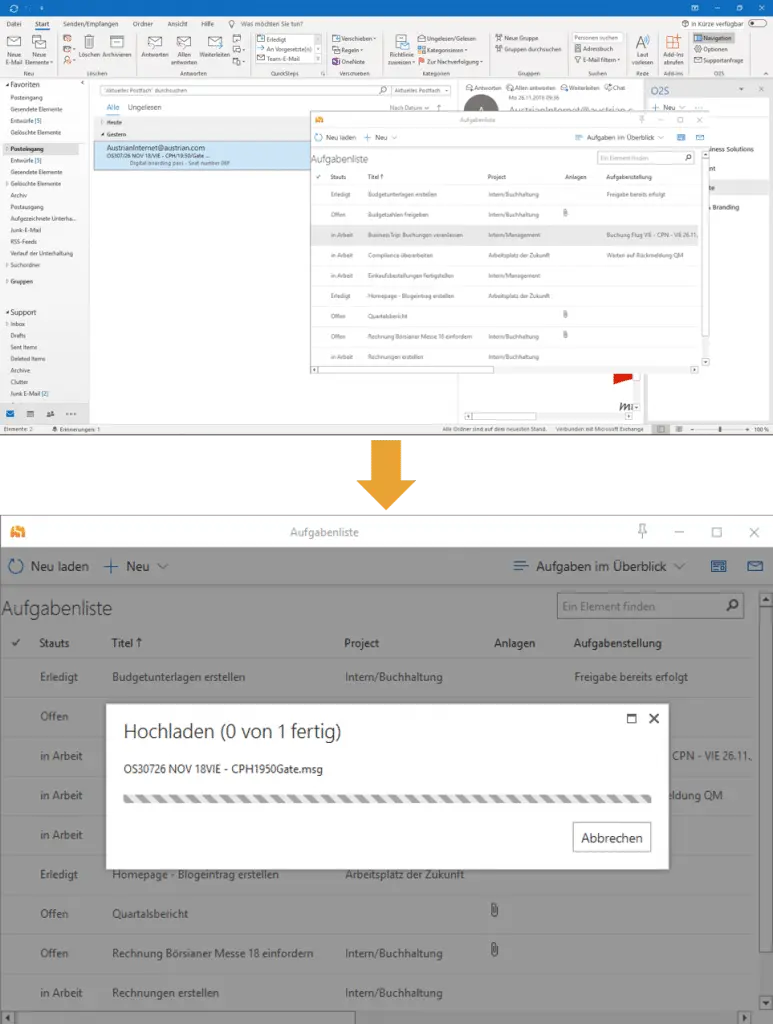
Drag entire emails or individual attachments from Outlook onto SharePoint list items with Office 2 SharePoint—plus quick tips for deleting attachments.
Read morePage 1 of 2
We are happy to help with implementation – from a quick assessment to a complete project.