
Projects
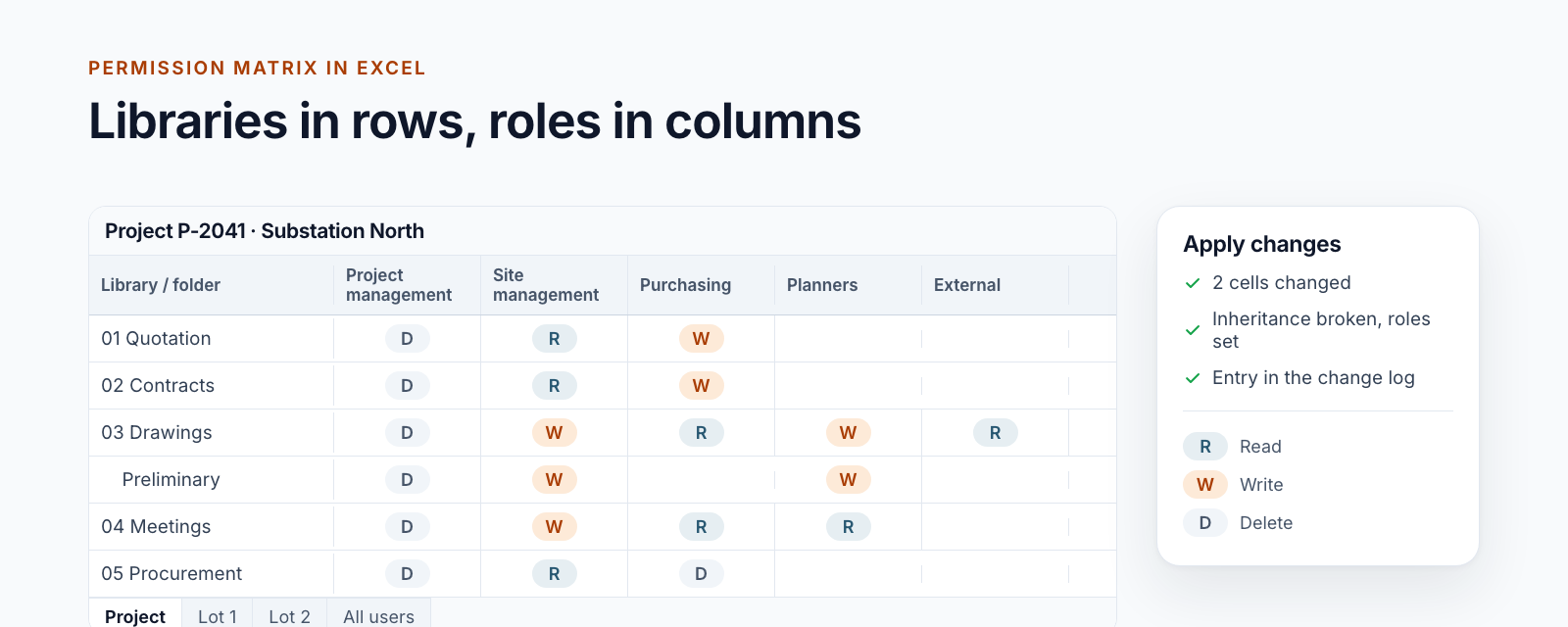
Managing SharePoint permissions in Excel: the permission matrix of a project workspace
Read, change and apply the permission matrix of a project workspace in Excel: libraries in rows, roles in columns, a log entry per change.
Read more8 posts: “Excel”
Read, change and apply the permission matrix of a project workspace in Excel: libraries in rows, roles in columns, a log entry per change.
Read moreNew worksheet in our Excel add‑in to manage SharePoint users and groups, review unique permissions, and transfer roles efficiently.
Read moreA configuration wizard streamlines SharePoint project management setup — from lists and groups to templates and folders — so teams can onboard quickly.
Read moreLearn why our Excel add-in hit timeouts with large SharePoint permission sets and how a compact matrix architecture accelerates governance, reporting, and UX.
Read more
Our SharePoint Excel add-in now features a refreshed UX with color-coded permission areas, sticky matrix views, Action Buttons, and a guided home screen.
Read moreDiscover how our Excel add-in visualizes SharePoint permissions, speeds up group and user management, and keeps admins in control with repeatable actions.
Read moreLearn how our Excel add-in updates SharePoint permissions via a live matrix, streamlines project and role management, and lets you sort lists with drag-and-drop.
Read more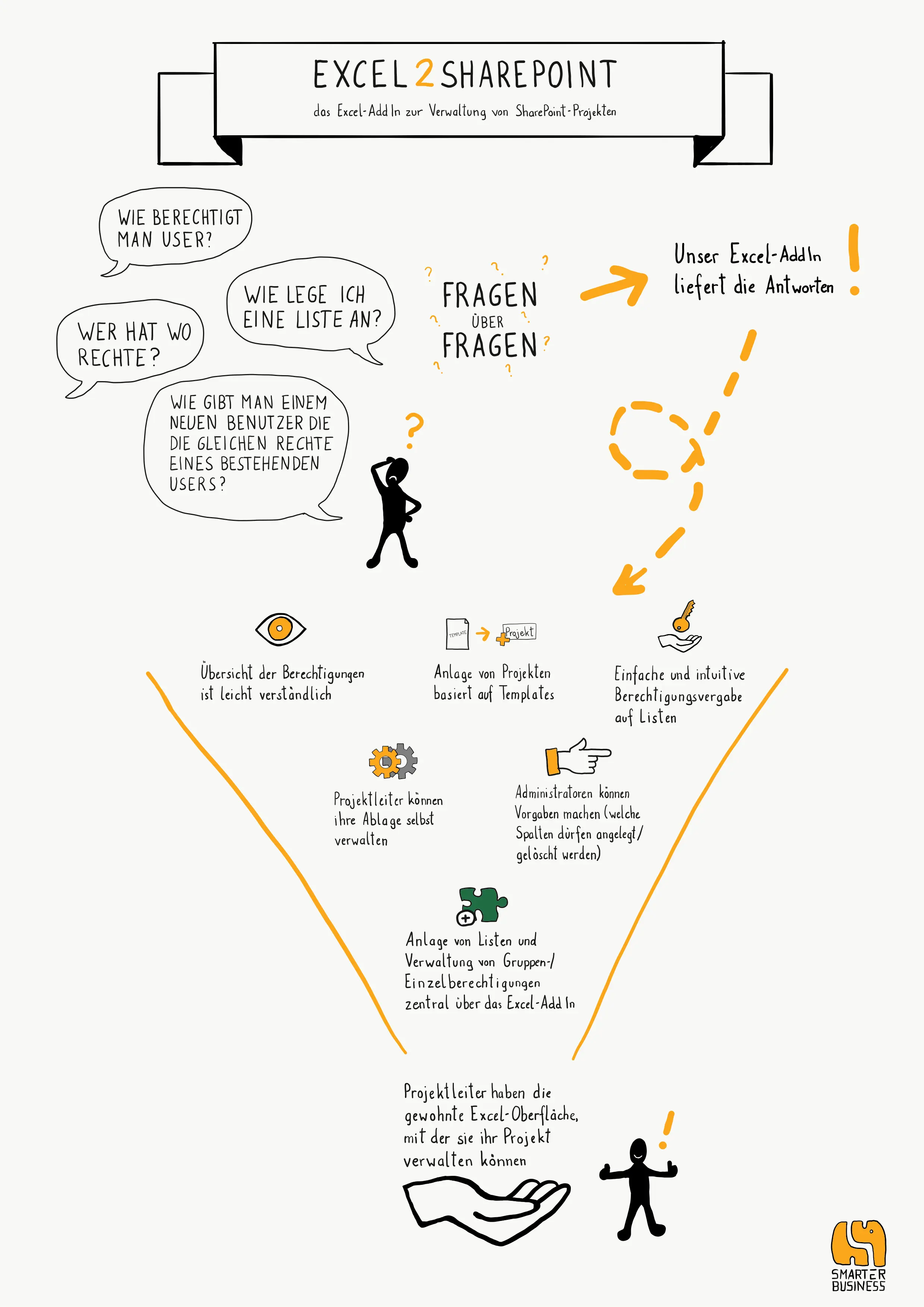
Discover how our Excel add-in centralizes SharePoint permissions, clarifies multi-project setups, and lets admins sync updates via a familiar interface.
Read moreWe are happy to help with implementation – from a quick assessment to a complete project.