
Company
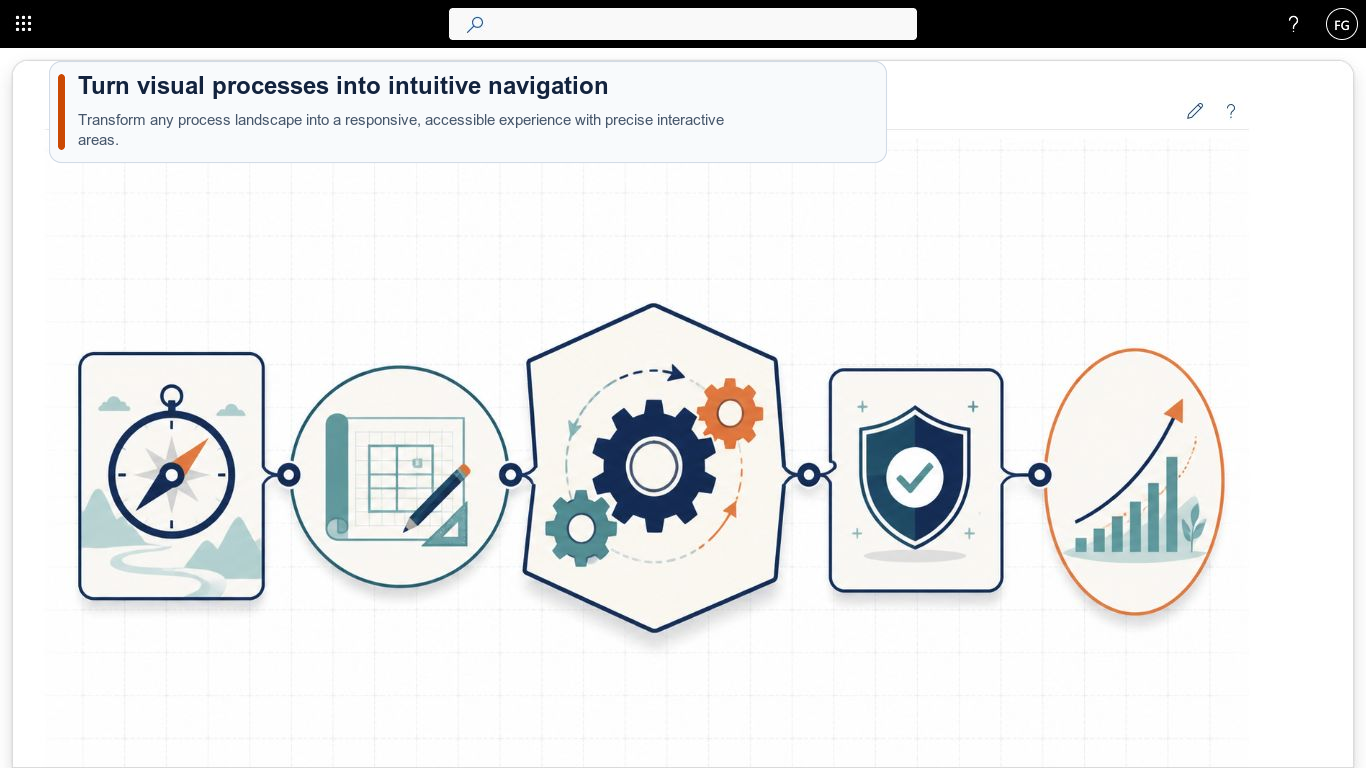
Smarter Image Map now available on Microsoft Marketplace
Smarter Image Map turns process landscapes, floor plans and diagrams into interactive SharePoint navigation with hotspots, tooltips and drill-down maps.
Read moreBlog · Tag
All articles tagged “Navigation”.
9 posts: “Navigation”
Smarter Image Map turns process landscapes, floor plans and diagrams into interactive SharePoint navigation with hotspots, tooltips and drill-down maps.
Read moreUpload files to your SharePoint libraries and folders directly from Smarter Navigation using simple drag-and-drop, without opening each library first. Easily.
Read moreSync multiple SharePoint document libraries with OneDrive directly from Smarter Navigation. Select several libraries at once and trigger one streamlined sync.
Read moreSmarter Navigation now lets you set custom icons and colors per item, control visibility, and decide if links are clickable or open in a new tab in SharePoint.
Read moreInstall directly from the Store, meet Microsoft validation, and navigate faster with a hierarchical tree for SharePoint lists, libraries, and folders.
Read moreUse Smarter Navigation to build a hierarchy of SharePoint wiki pages. Link pages in navigation and add via drag and drop on team and communication sites.
Read moreLearn how to restructure SharePoint Modern UI navigation with drag-and-drop: nest lists, reorder items, and use favorites to keep complex projects organized.
Read more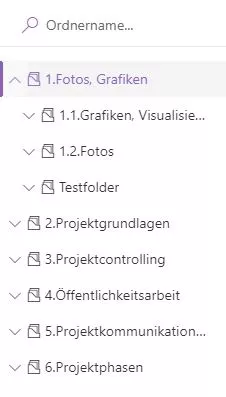
Smarter Navigation turns SharePoint Modern UI libraries into a tree, adds folder search and favorites, plus seamless project switching so teams move faster.
Read moreOffice 2 SharePoint pins your SharePoint sites, Teams and OneDrive links in Outlook, keeps you signed in with single sign-on and eliminates context switching.
Read moreWe are happy to help with implementation – from a quick assessment to a complete project.