A new rule rarely enters into force on the day it is approved. Shift schedules have to be adjusted, employees informed, sometimes equipment changed over. Days or weeks lie between approval and entry into force.
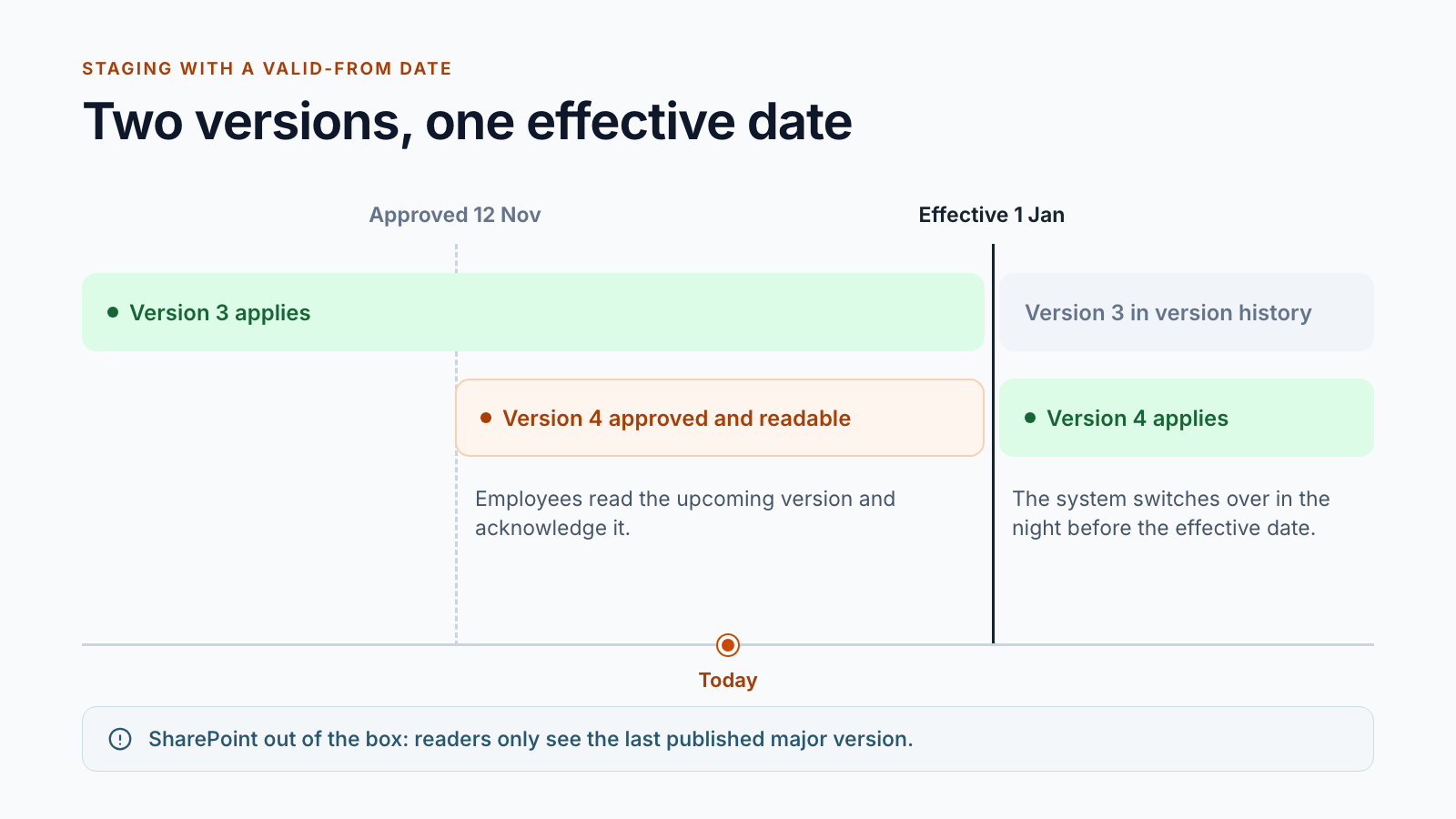
During this time, there are two versions of the same document, and both are legitimate: the valid one and the upcoming one. In the first post of this series, we showed why major and minor versions do not cover this. This post covers the solution in detail.
The station between approval and validity
The core is a separate library for approved versions that do not yet apply. Its name varies from customer to customer: “Documents in distribution”, “Upcoming valid documents”, “Documents before entry into force”. They all mean the same thing.
The sequence at the final approval:
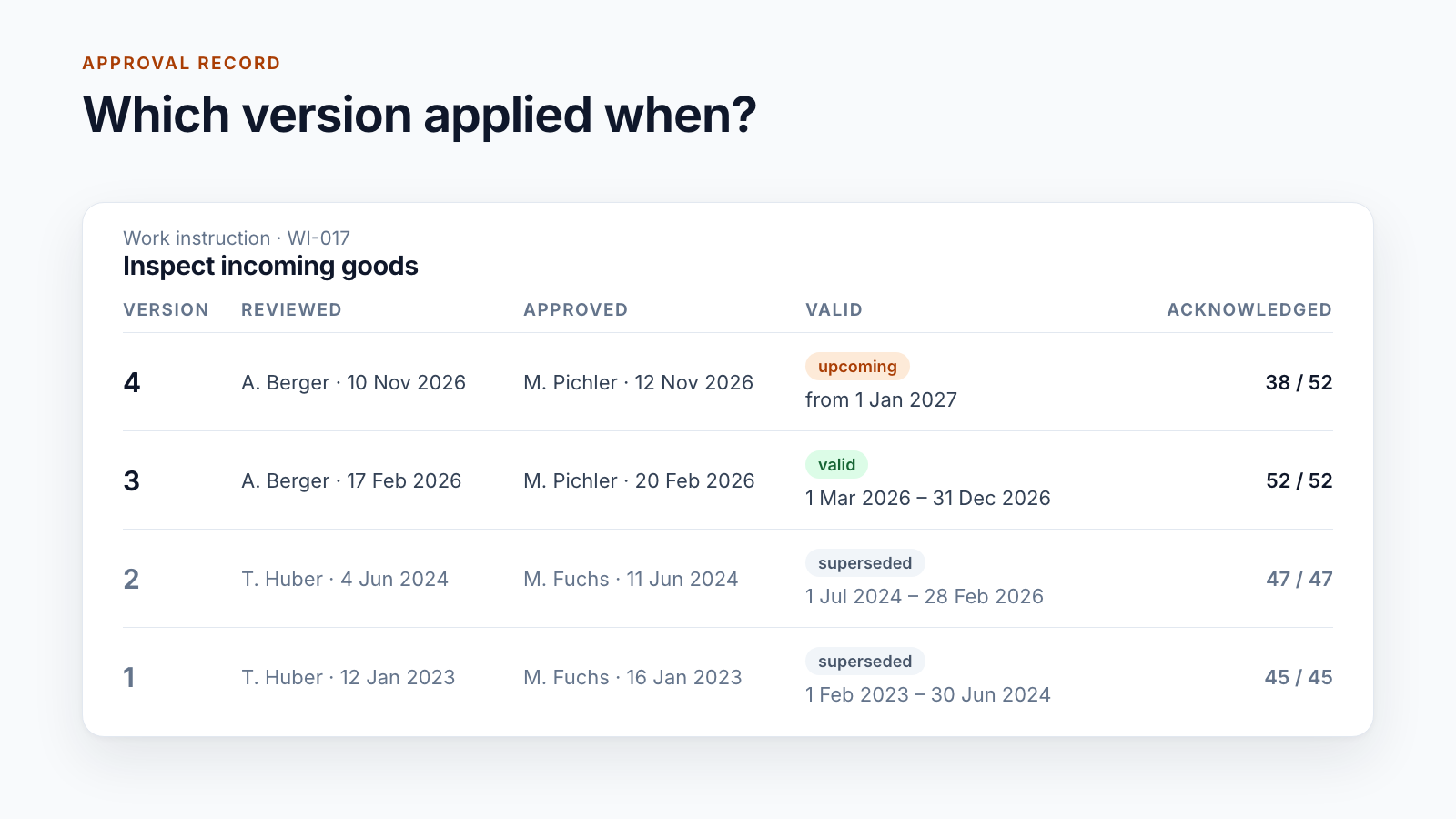
- The system increments the version number and records reviewer, approver and date.
- If the valid-from date is in the future, the reader version is created in distribution. If it is today or in the past, it goes straight to the valid documents.
- Readers see the upcoming version in a separate view, clearly separated from the valid documents.
- The current version remains valid, unchanged.
A continuous document ID links the working copy, the version in distribution and the valid version. The system uses it to find the right target on the effective date.
What happens on the effective date
A nightly run looks for all documents in distribution whose valid-from date has been reached. The query is deliberately “less than or equal to today”: if a run does not take place, the next one catches up on what was missed.
For each document found:
- The new version is written into the existing valid document as its next version. Address and link stay the same.
- The previous version is retained in the version history of this document.
- The copy in distribution is removed.
- The system closes open acknowledgements for the old version; those for the new one now point to the valid version.
- Permissions are set to the state for valid documents: read yes, change no.
Nobody has to move files on New Year’s morning.
When acknowledgement begins
This is where the projects differ, and both variants have their reasons.
Variant A: immediately on approval. The acknowledgement tasks are created as soon as the version is in distribution. For one customer, they are due four days before the effective date. Anyone who works to the new rule on the first day has confirmed it beforehand. This suits safety-relevant instructions.
Variant B: only from the effective date. The version is readable in advance, but the tasks are only created on entry into force. This avoids employees confirming a rule that could still change before the effective date, and it keeps the task list short.
Which variant fits depends on what your record is meant to prove: knowledge before entry into force or knowledge of the version in force.
Questions to settle beforehand
The technology is the smaller part. These decisions determine whether the workflow holds up in day-to-day work:
How much lead time is mandatory? One customer requires the valid-from date to be at least 14 days in the future. Another requires, for safety-relevant documents with short lead time, an explicit confirmation that those affected were informed in advance.
What happens if the date has already passed at the time of approval? Approvals sometimes take longer than planned. For one customer, the valid-from date is then set to the day of approval so that no document applies retroactively.
Who may withdraw a version? Between approval and the effective date, an error is occasionally noticed. For some customers, the quality department or the editors can pull the version back from distribution. The working copy becomes editable again, and open acknowledgements are closed. It also has to be settled whether the version number is kept or reset in the process. Both occur.
Who sees distribution? Usually everyone who may also read the valid documents. For confidential documents, a classification controls which group gets access.
In which time zone does the night run? A run at 03:00 UTC starts at 05:00 in Vienna in summer. Define the time zone explicitly and check the run once across the clock change.
What about the valid-until date? If the successor version is already in distribution and follows on without a gap, nobody needs a reminder that the document is about to expire. One customer has it suppressed in this case.
When you can do without it
Not every organisation needs this station. One of our customers publishes approved documents immediately; there, approval is the last step before validity. The lifecycle stays the same, only one station is dropped.
A simple question shows whether you need it: does it happen that an approved rule only applies later and those affected have to know it beforehand?
If so, staging is the building block that standard SharePoint does not provide. The Smarter DMS product page shows how it works together with approval, acknowledgement and archive.
Would you like to go through your workflow with a valid-from date? Write to us. We will clarify the open questions with you before anything is built.
All parts of the series:
- SharePoint as a DMS: where major and minor versions end
- Valid from: distributing documents before the effective date (this article)
- SharePoint document approval workflow: five real-world examples
- Read confirmation in SharePoint: proving acknowledgement
- ISO 9001 document control with SharePoint
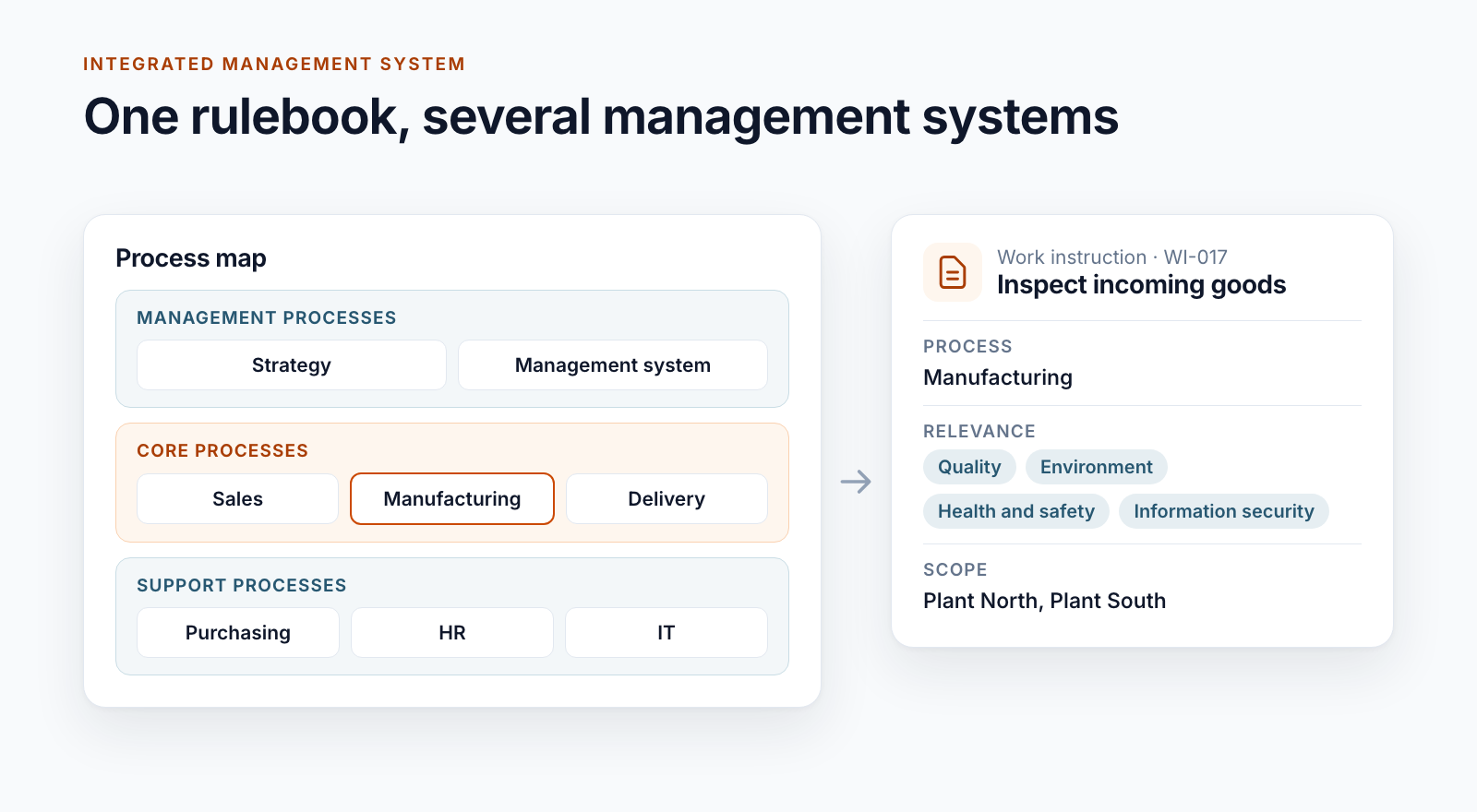
- Building an integrated management system in Microsoft 365
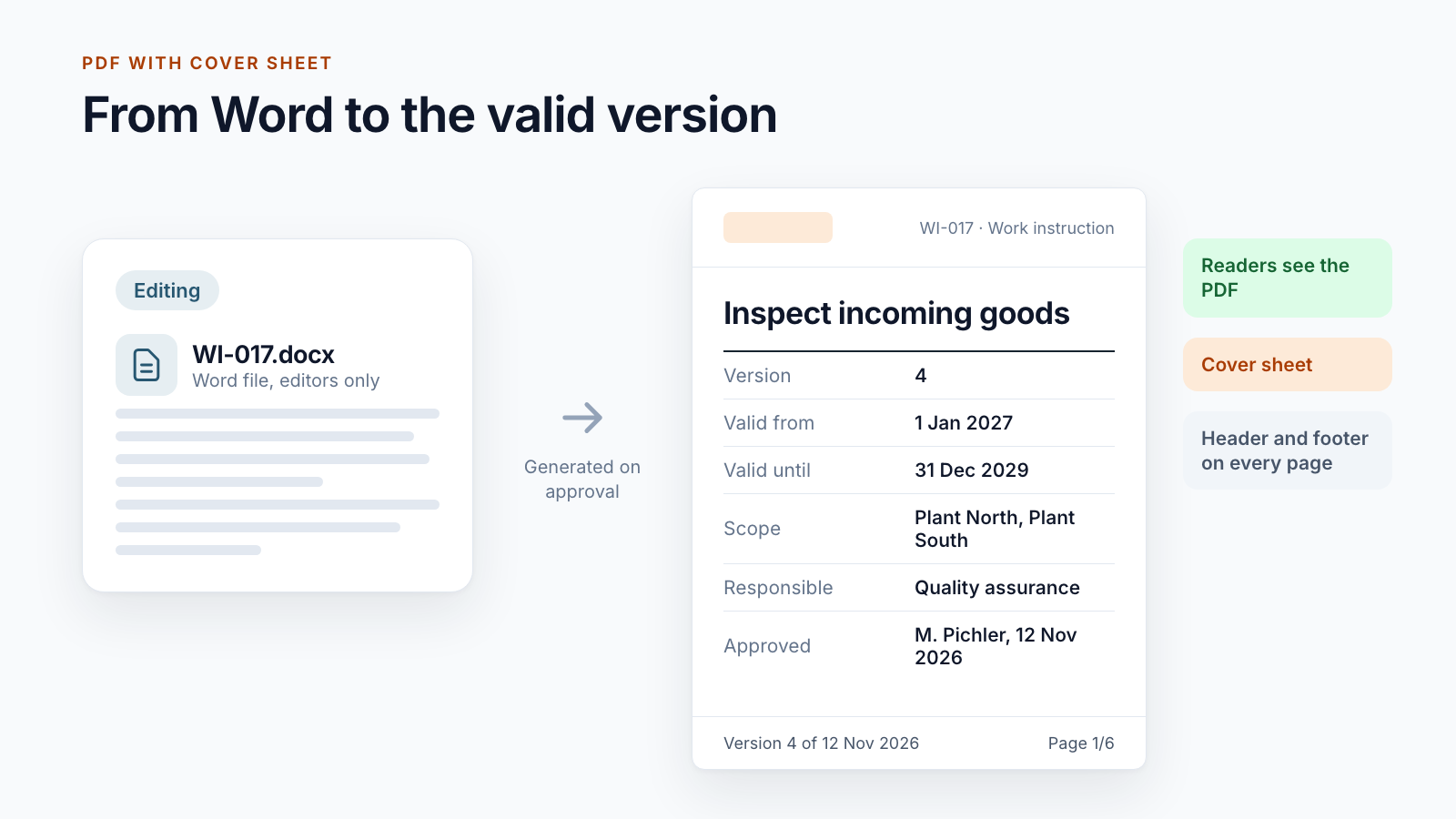
- Controlled digital work instructions: from Word to the valid PDF
- Is SharePoint audit-proof? What a DMS must prove
- Smarter DMS
- Document control
- SharePoint Online
- Staging
- Document lifecycle