“Has everyone read the new work instruction?” In an audit or after an incident, this question turns into a second one: “Can you prove it?” SharePoint answers neither. A read confirmation for documents is not part of the standard.
This post shows what the usual workarounds achieve, what a reliable record has to contain and how we have implemented documented acknowledgement in customer projects.
What SharePoint and Microsoft 365 offer
| Workaround | What it shows | What is missing |
|---|---|---|
| File activity and views | who has opened a file | Opening is not confirmation. The version is not unambiguous, and the list of those who should have read it is missing. |
| Form with “Read and understood” | an active confirmation | no link to document and version, no distribution list, no reminder |
| Approval via Power Automate | confirmation per person | hard to evaluate and maintain with many recipients and versions |
| Terms of use in Microsoft Entra | acceptance of a policy at sign-in | intended for a few general policies, not for hundreds of documents with their own distribution lists |
For a single policy that everyone confirms once a year, the last two approaches are usable. For a rulebook with ongoing changes, they are not.
What a record has to contain
A record answers five questions:
- Who? A uniquely identified person, not a shared account.
- What? A specific document.
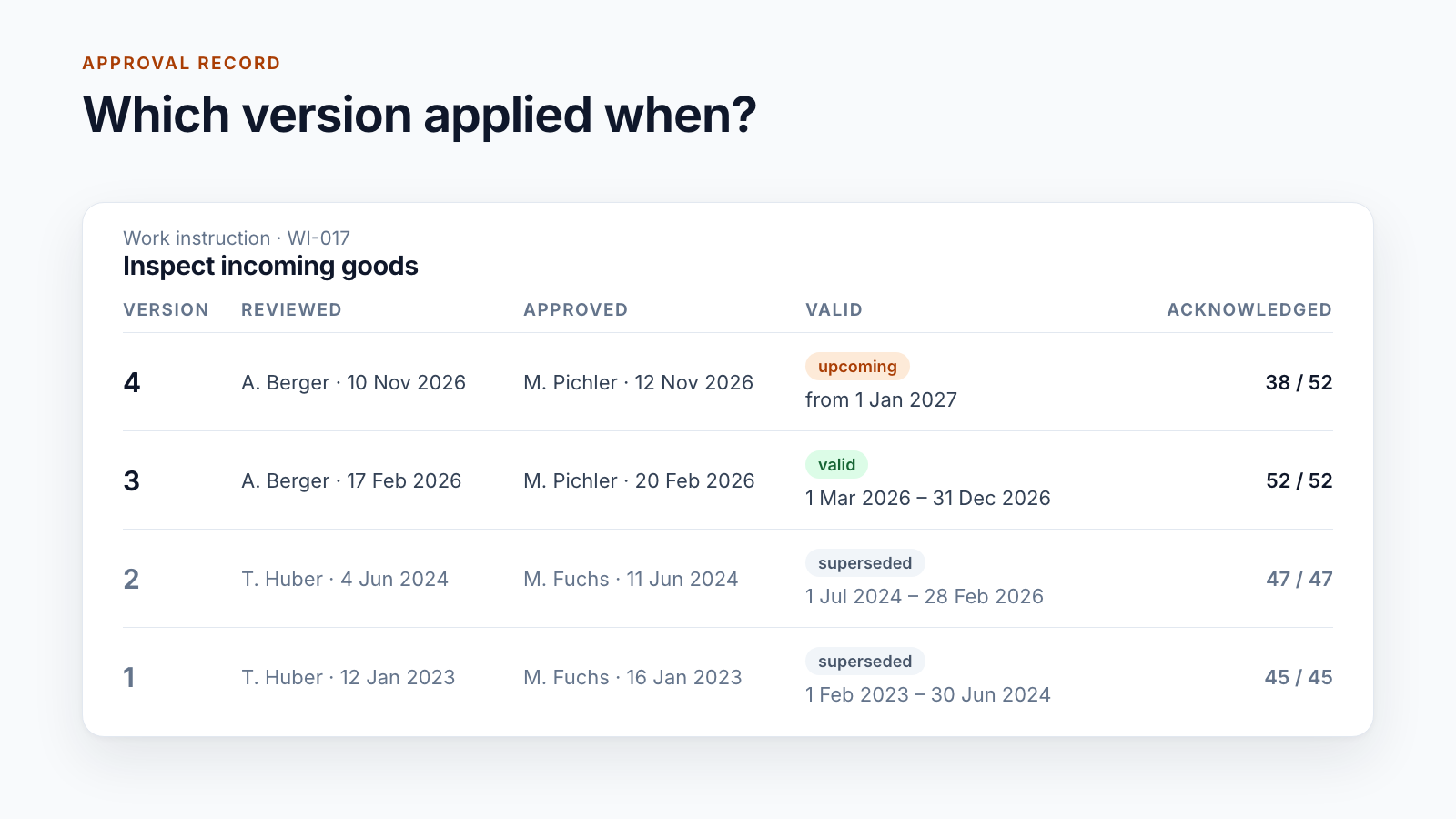
- Which version? The version that was confirmed. A confirmation of version 3 says nothing about version 4.
- When? Date and time.
- How? Through an active step, not by merely opening the document.
Then there is the question that workarounds rarely answer: Who should have confirmed? Without this target list, there are no open items and therefore no completion rate either.
How it is implemented
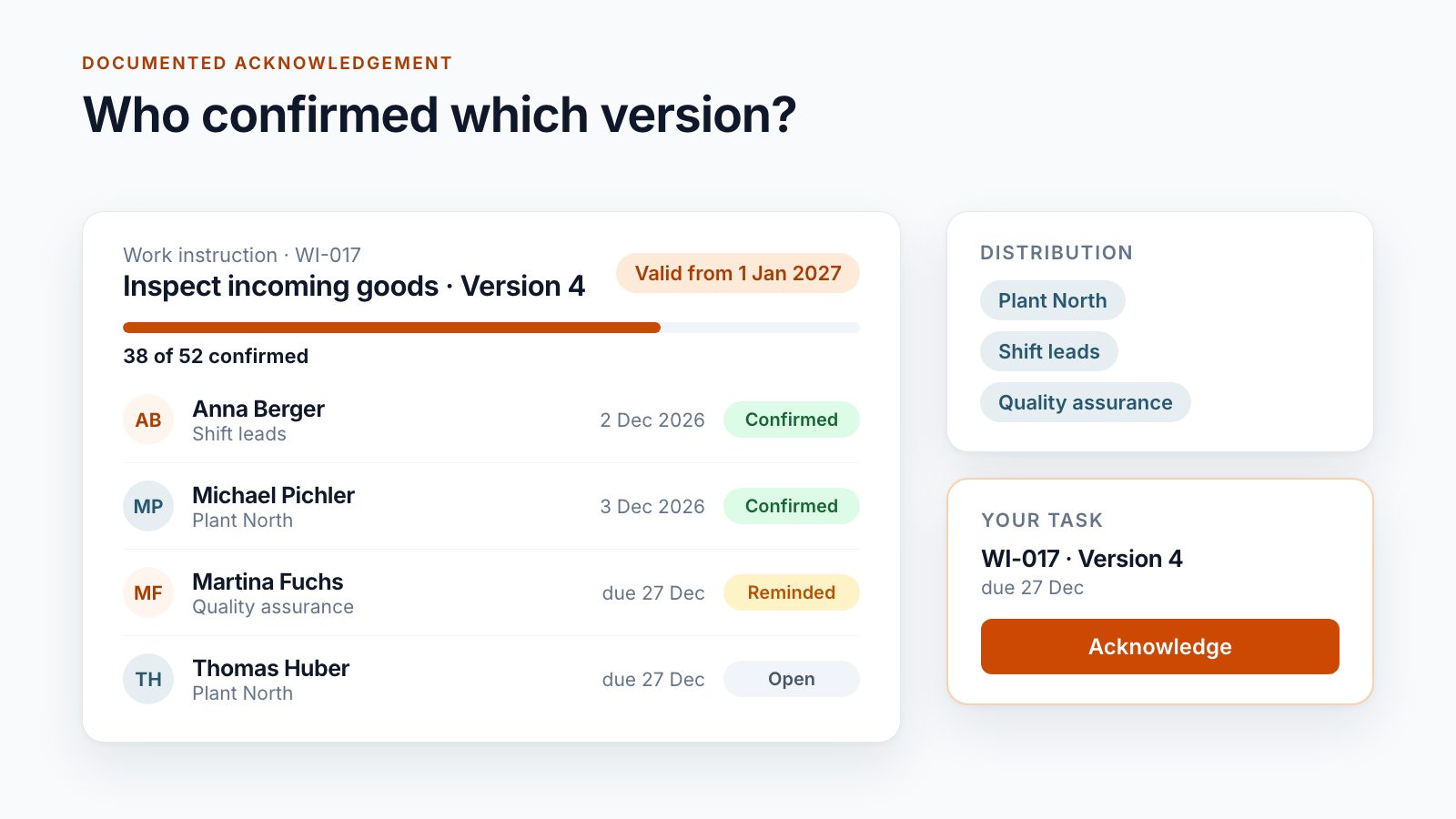
One task per person and version. On approval or on the effective date, a task is created for each person on the distribution list, pointing to exactly one version of the document. It appears under “My tasks” and arrives by email. For one customer, the button is called “Acknowledge document on record”.
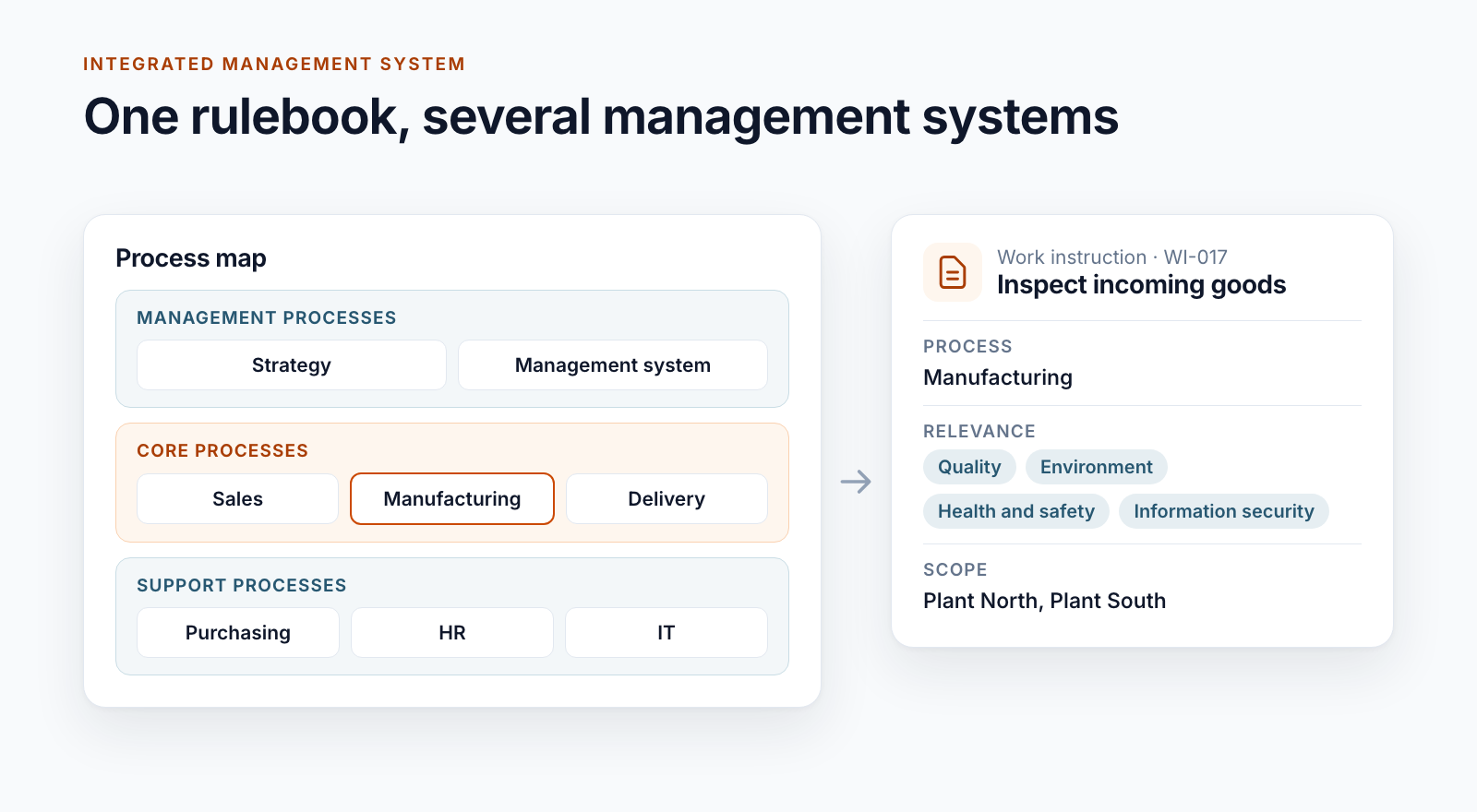
The distribution list. Nobody enters hundreds of names. The distribution list consists of entries that stand for people or groups: departments, plants, regions. For one customer, it is derived for the mobile staff from regions and duty rosters. Another distinguishes two types: recipients who have to confirm and recipients who are only informed.
Deadlines and reminders. The deadline depends on the workflow. Four examples from live operation:
- due four days before the valid-from date, so that everyone is informed on the effective date
- 14 days, followed by two reminder levels at intervals of 14 days each
- reminder after 7 days, escalation to the person responsible for the distribution list after 18 days
- reminders on fixed weekdays and, on Mondays, a summary email to the person who started the approval
New version. When a new version appears, the system closes open tasks for the old one and notes that it closed them itself. The completed confirmations are kept together with their version.
Changes in the distribution list. Anyone who joins a department receives tasks for the valid documents of that distribution list. Anyone who leaves it loses the open ones. Changes to the distribution list are logged.
Passing on. For one customer, line managers not only confirm themselves but also pass the acknowledgement on to their teams. The system records who distributed to whom.
External recipients. Partner companies without an account in the tenant receive the document as a PDF by email. Their reply is filed with the entry and counts as evidence.
Reporting
Tasks with person, version, deadline and completion date yield the views that editors and the quality department need: open acknowledgements per document, history per document, completion rate per distribution list, export for the audit. One customer sees this in a dedicated dashboard, another as an “Acknowledgement controlling” view for the editors.
What to consider in advance
The volume. For a single customer, more than 500,000 acknowledgements have accumulated over the years. SharePoint lists can carry that if queries and indexes are designed for it. Anyone who only thinks about this at 100,000 entries has a problem.
The fatigue. If every change goes to every person, people confirm without reading. A good distribution list is narrow. Formal changes with no effect on content do not need a new acknowledgement. One customer can therefore suspend acknowledgement for a single approval.
Co-determination and data protection. A list of who confirmed what and when is an analysis of personal data. Involve the works council and data protection before the system goes live, and define who may see the reports.
The timing. Whether confirmation takes place before or from the effective date is a business decision. We describe the two variants in the post Valid from: distributing documents before the effective date.
Conclusion
A read confirmation is more than a tick. It needs a distribution list, a link to the version, deadlines and reporting. If one of these is missing, the question from the audit remains open.
Documented acknowledgement is a building block of Smarter DMS. It is tied directly to approval and validity and does not have to be maintained as a separate tool.
Do you have to prove acknowledgements and currently work with lists or emails? Talk to us about what distribution lists and deadlines would need to look like for you.
All parts of the series:
- SharePoint as a DMS: where major and minor versions end
- Valid from: distributing documents before the effective date
- SharePoint document approval workflow: five real-world examples
- Read confirmation in SharePoint: proving acknowledgement (this article)
- ISO 9001 document control with SharePoint
- Building an integrated management system in Microsoft 365
- Controlled digital work instructions: from Word to the valid PDF
- Is SharePoint audit-proof? What a DMS must prove
- Smarter DMS
- Document control
- SharePoint Online
- Acknowledgement
- Compliance