Digital transformation keeps making building information modeling (BIM) more important across the construction industry. Many organizations already rely on SharePoint for project communication and documentation and are now asking how they can surface BIM data without creating new silos or paying for extra viewer licenses.
Why BIM and SharePoint Belong Together
While working with Austria’s largest construction client we faced the very same considerations:
- Do we still need a dedicated BIM server next to a well-established SharePoint platform?
- Must every stakeholder who wants to view an IFC model buy an expensive Autodesk or Solibri license?
- Is there a seamless way to integrate BIM into SharePoint so everyone can access the latest model?
The Smarter IFC Viewer Web Part
Our answer is the Smarter IFC Viewer. The web part embeds 3D models directly on SharePoint pages, so planners, project managers, and quality leads always see the most recent version. It also lets teams inspect objects and metadata without leaving SharePoint.
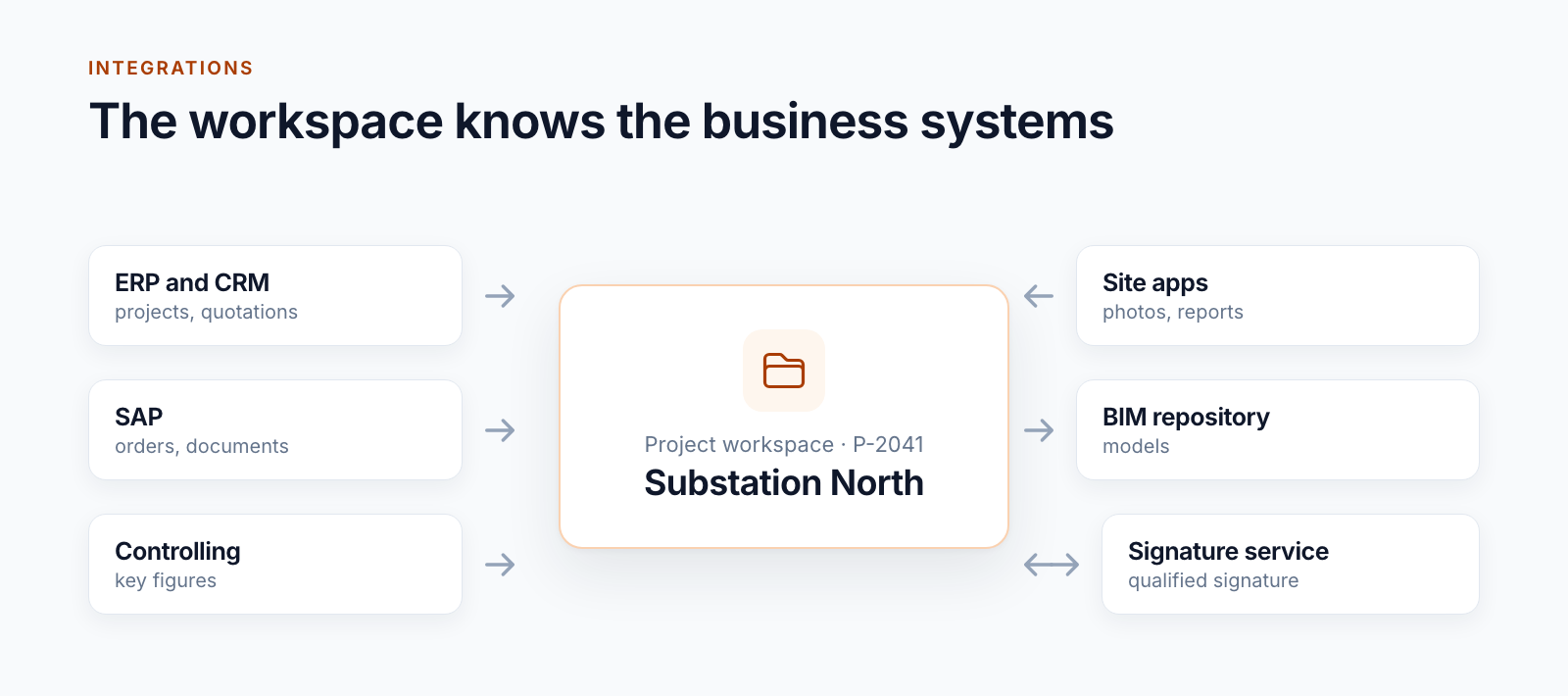
Diagram of the SharePoint BIM integration with Smarter Navigation and our SharePoint administration tool.
Interacting with 3D Models
The viewer enables intuitive interaction with any IFC model. Teams can zoom, rotate, isolate, or hide building elements directly in SharePoint—no extra desktop software required.

BCF Files and Issue Workflows
Support for BCF files (issues) is next on the roadmap. You will be able to load issues into the SharePoint IFC Viewer, display or edit them within the model, and then store the results back in SharePoint to trigger workflows.
We are also planning a connector to the BCF platform BIMCollab so SharePoint becomes an even stronger common data environment (CDE). The integrated viewer will retrieve issues straight from BIMCollab and keep every stakeholder aligned.
Ready for the Next Step
If you need a dependable SharePoint BIM integration or a browser-based IFC viewer, reach out to us. We would love to show you how to connect your BIM data to SharePoint efficiently.