
Office365 SharePoint Blog
Automating Recurring Tasks in Microsoft Planner Efficiently
Automate recurring Microsoft Planner tasks with SharePoint and Power Automate—create, assign, and keep everything documented without extra overhead.
Read moreBlog
All articles in the “Office365 SharePoint Blog” category. Page 2.
8 posts in „Office365 SharePoint Blog“
Automate recurring Microsoft Planner tasks with SharePoint and Power Automate—create, assign, and keep everything documented without extra overhead.
Read more
Discover how Microsoft Lists keeps your sales pipeline organized, color-codes priorities with rules and formatting, and nudges you before follow-up is due.
Read moreSharePoint Spaces brings mixed reality rooms to SharePoint Online, covering prerequisites, hardware tips, space design and PowerShell controls admins need.
Read moreExplore how Microsoft Lists differ from SharePoint Lists, which business scenarios shine, and how Teams, Outlook, and Power Automate integrations create value.
Read moreLearn how to restore Created and Modified timestamps on a local file share after a ShareGate migration by reading the export CSV with a PowerShell script.
Read moreTagTeam lets you tag Microsoft Teams messages, filter them by category, and surface project updates fast—learn how the app sharpens collaboration across teams.
Read more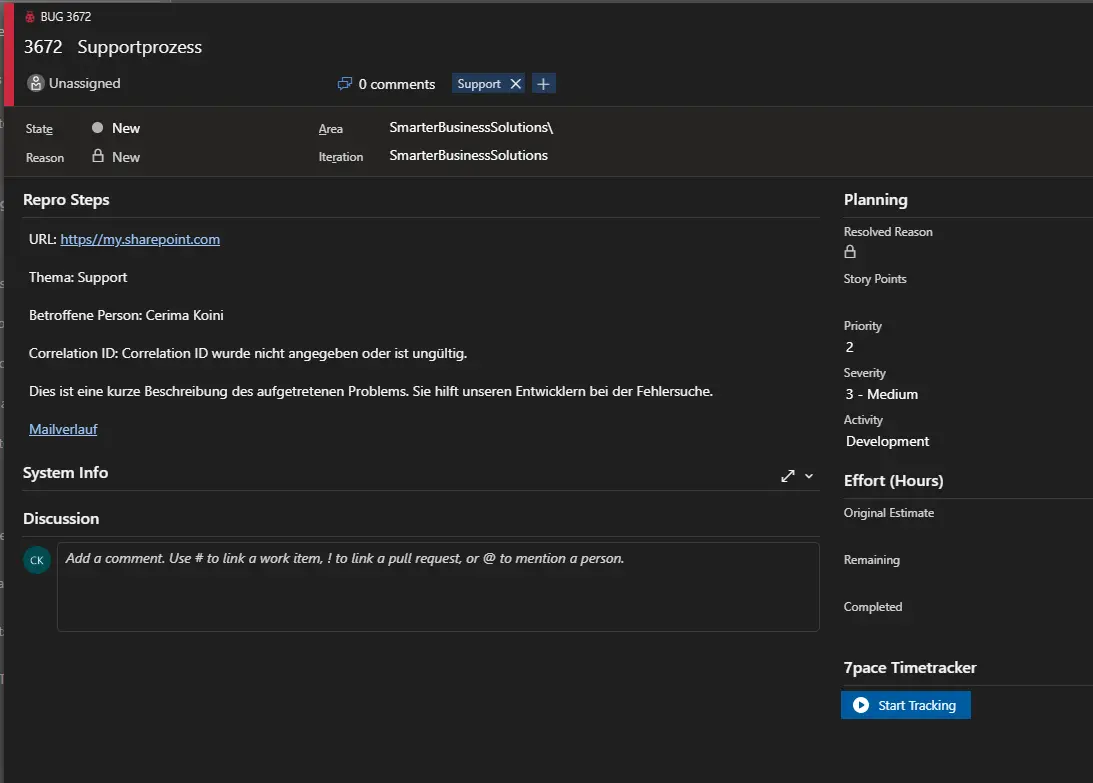
Learn how to capture support emails in Office 365 with Power Automate, automatically create Azure DevOps work items, and keep customers informed with confirmations at every step.
Read moreLearn how to push Outlook emails via O2S to a Teams library, trigger a Flow post with key metadata, and keep your team informed without alert overload.
Read morePage 2 of 2
We are happy to help with implementation – from a quick assessment to a complete project.