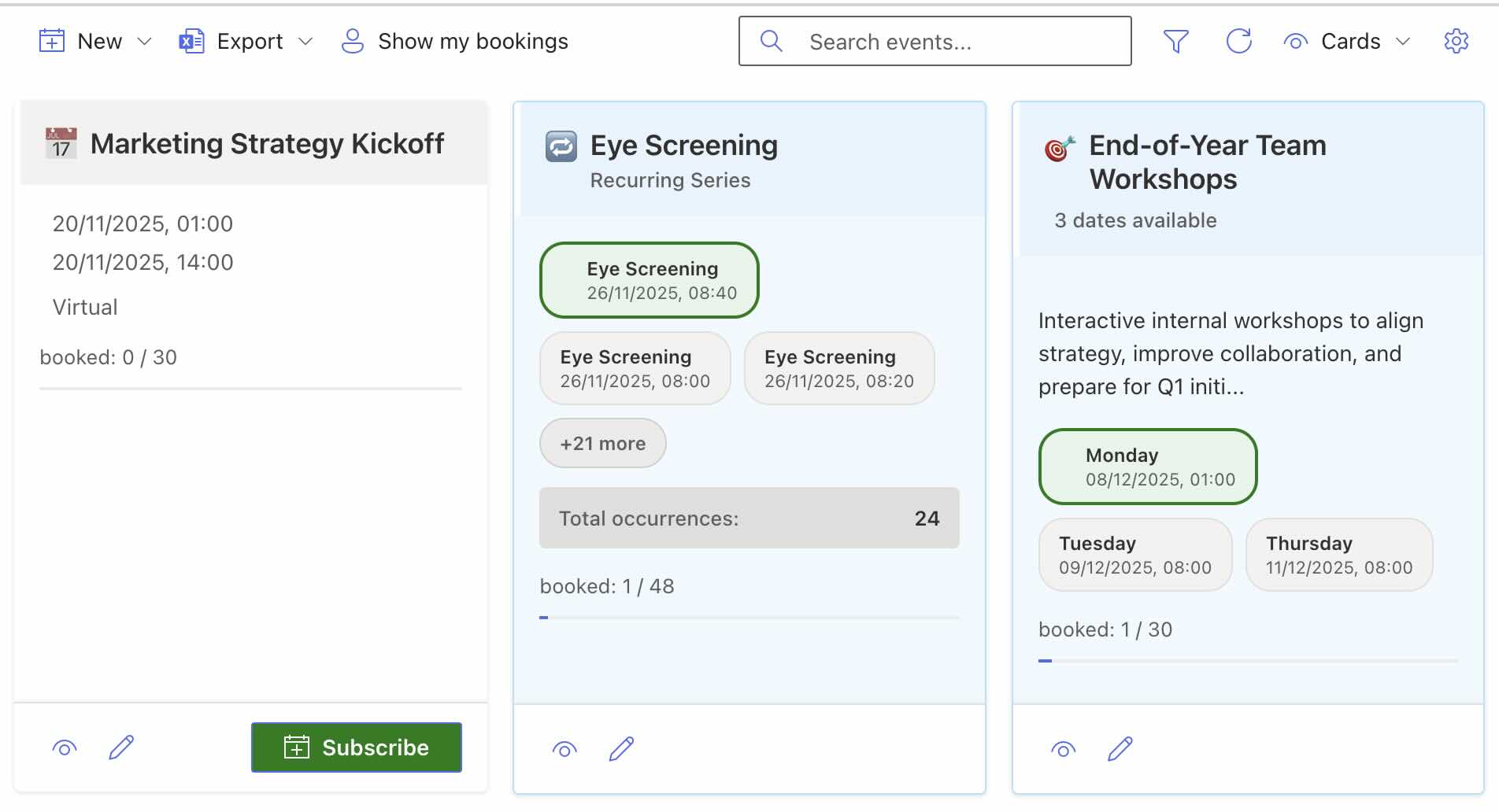
We are already testing the SPFx 1.24 preview with our existing products. This gives us practical experience before general availability and helps us prepare ideas for customer projects and future product features.
Our first use case is Smarter Event Booking in Microsoft 365 Copilot. The early results are promising: our prototype already supports finding events, asking follow-up questions, and registering through the familiar product interface.
From conversation to registration
The new Copilot UX components let us embed interactive applications in Copilot. Our test starts with a question:
Show me the online events next week.
Matching EventBooking cards appear directly in the chat, including registration buttons. “Groß anzeigen” (“Expand”) then opens the application alongside the conversation.
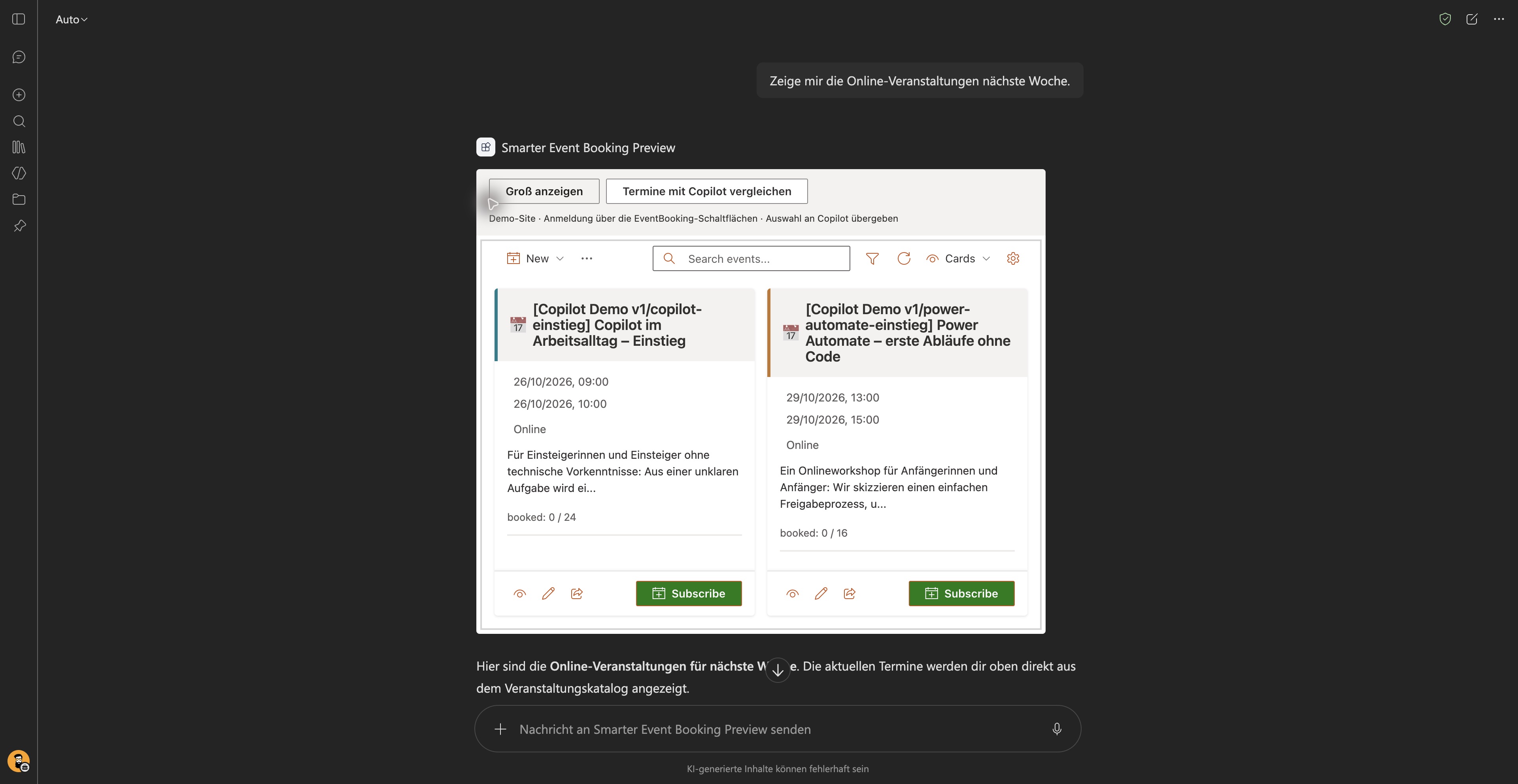
Step 1: matching sessions directly in the chat. This capture shows the demo events without an active registration. The screenshots retain the German prompts and event descriptions from our test.
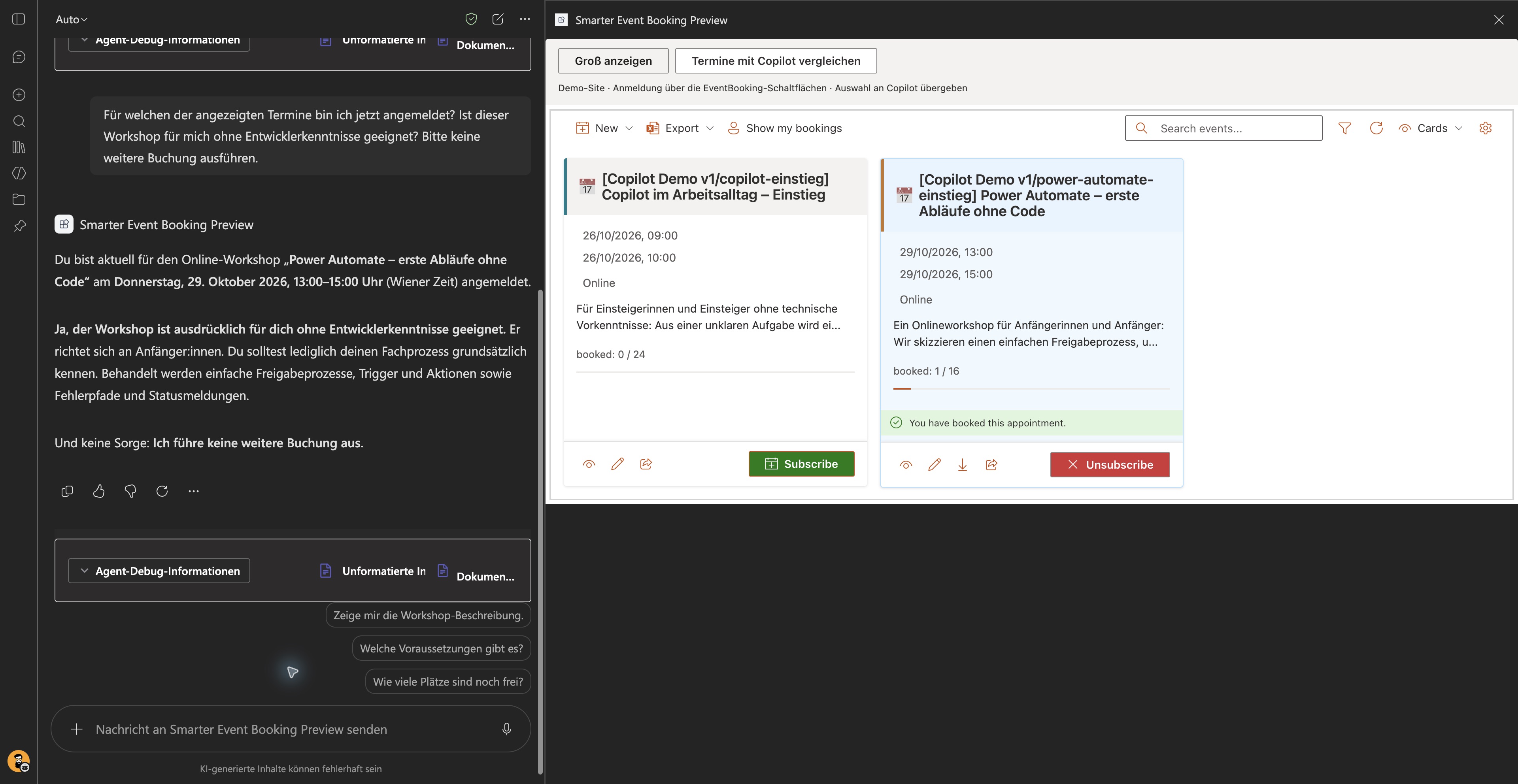
After registering, we ask whether the booked workshop is suitable for someone without development experience. Copilot identifies the correct session and explains its prerequisites using the event description.
Step 2: more room for the application while the conversation stays visible. This capture is from our registration test.
An existing product with another way in
The prototype uses the same UI components and booking logic as our SharePoint comparison page. Data stays in SharePoint lists; a registration made in Copilot also appears there after refreshing. Copilot helps people choose; EventBooking processes the registration after an explicit click.
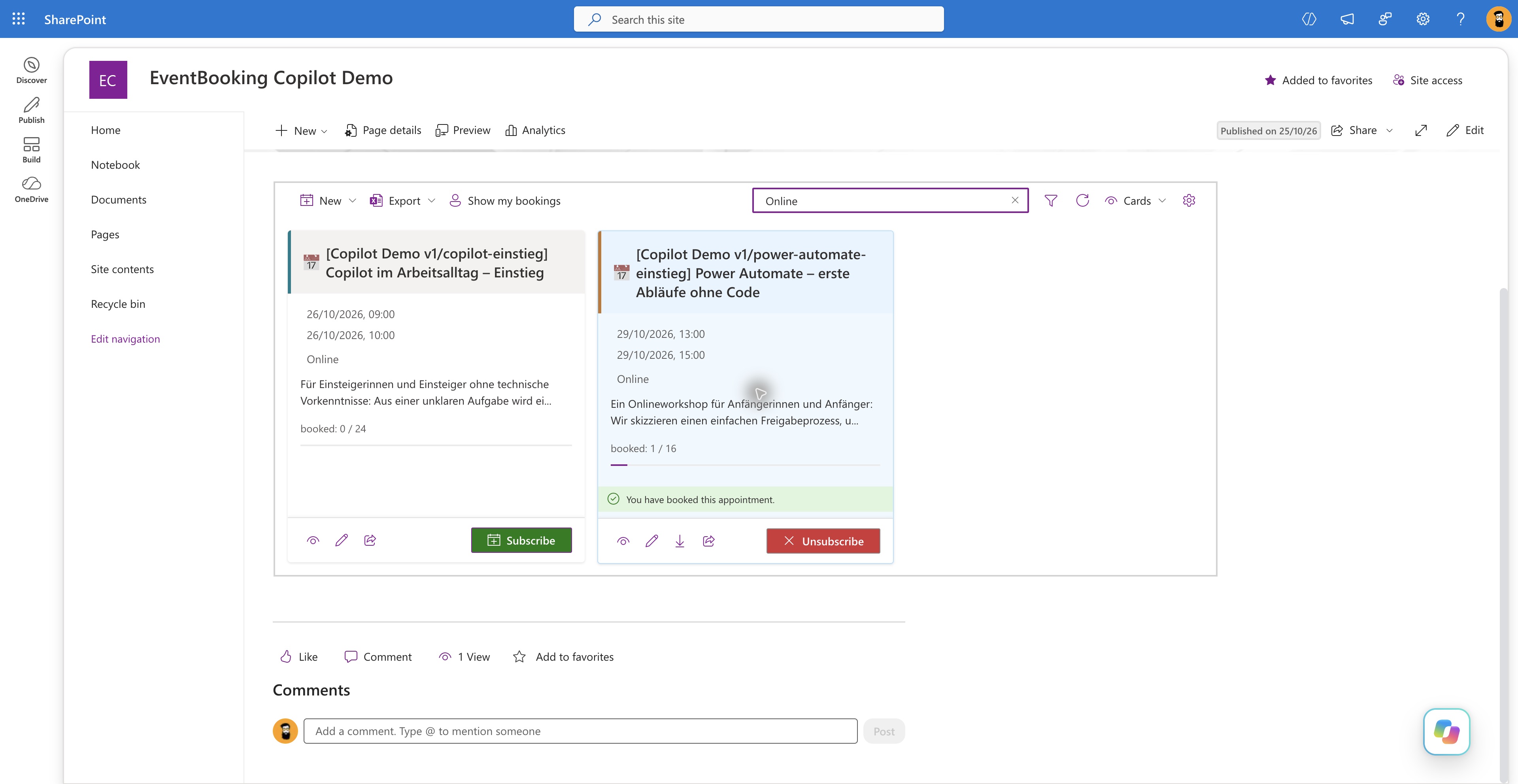
For comparison: the same product cards and registration state on SharePoint.
We successfully tested displaying events, registering, asking follow-up questions, and cancelling a registration with demo data in our test tenant. The Copilot extension is not yet part of the released version of Smarter Event Booking.
A preview hurdle: tool discovery
Copilot initially failed to discover our EventBooking tool even with static tool discovery. Two calls to the unmodified official Hello World example through the same installation process also failed. The next day, EventBooking worked without redeployment or code changes. Hello World using dynamic discovery still failed.
Other developers report similar problems in the official SharePoint repository. Microsoft also covers failed tool calls in its troubleshooting documentation. Our precise cause remained unresolved — a good reason to try these workflows during the preview.
What we are preparing for the product integration
We have three concrete goals for the period after general availability:
- Book directly: bring the registration flow tested in our prototype into the regular Copilot extension, including the required registration forms and booking rules.
- Show my bookings: answer questions such as “Which events am I registered for?” with a personal overview and relevant actions.
- Compare with my calendar: check which events fit available times and where appointments overlap.
Calendar comparison is a next step for testing. It requires appropriate calendar access and permissions; embedding the application in Copilot does not automatically provide it. The final feature set depends on these tests and the capabilities of the released platform.
Our prototype uses SPFx 1.24.0-rc.0 and Copilot UX components in public preview (Microsoft release notes). The early results are promising. These experiences help us prepare our products and custom SharePoint and Microsoft 365 solutions for customer use.
Which workflow would you like to use directly in Copilot? Let’s discuss your idea.