In this article, we introduce our Word add-in that lets you insert data from SharePoint into Word as reusable text blocks. With Smarter Wording you can pull data from various SharePoint lists and place it into your document with a single click.
Insert SharePoint data into Word
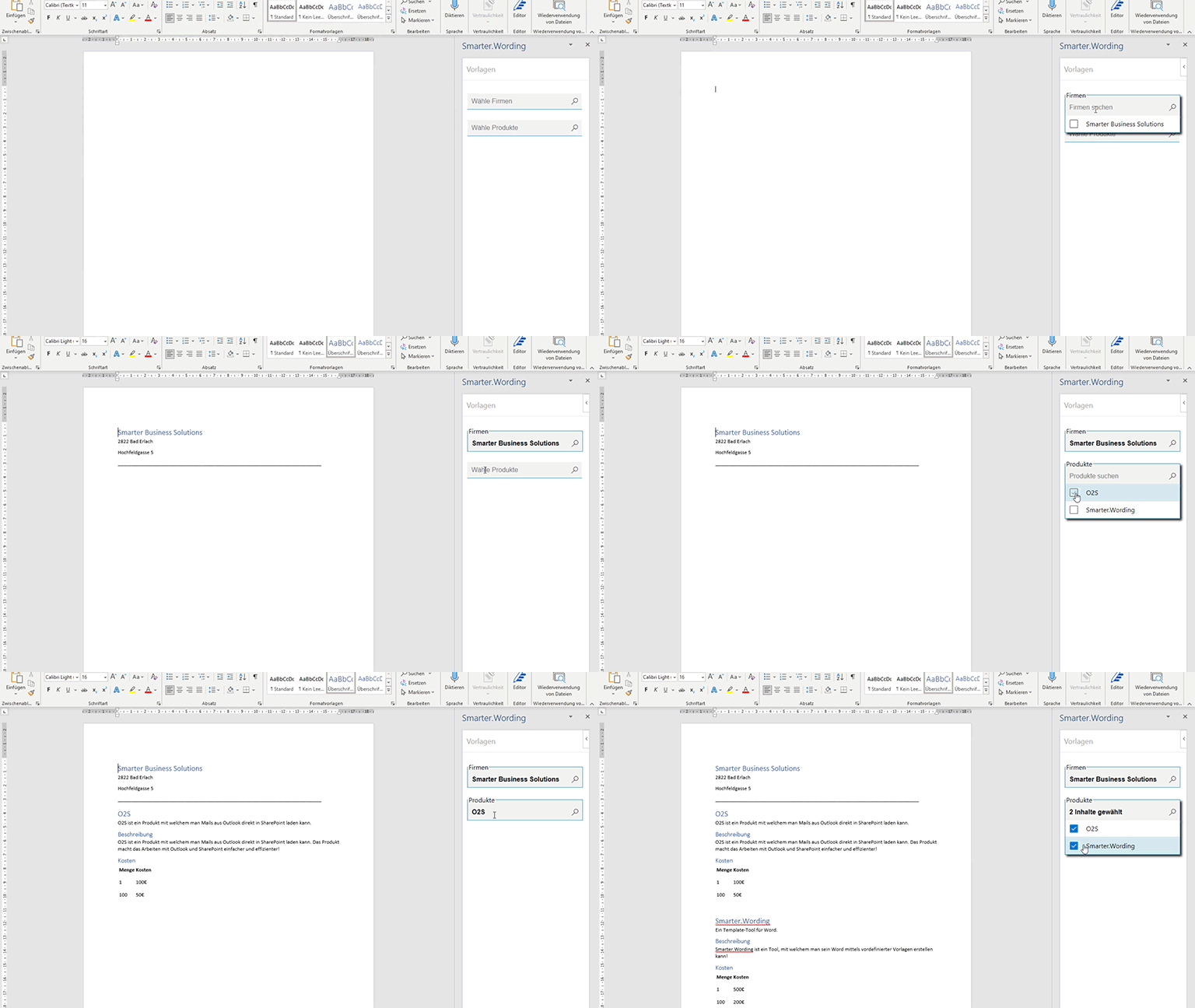
Users can insert data from a SharePoint list into a document with one click. The selected data is rendered as a text block using an HTML template stored in SharePoint. These HTML templates contain placeholders that we replace with fields from the selected SharePoint item. Use cases are plentiful—from address lists to product catalogs. Simply define a text block template, choose how data should appear, and you’re ready to go.
Remove text blocks from Word
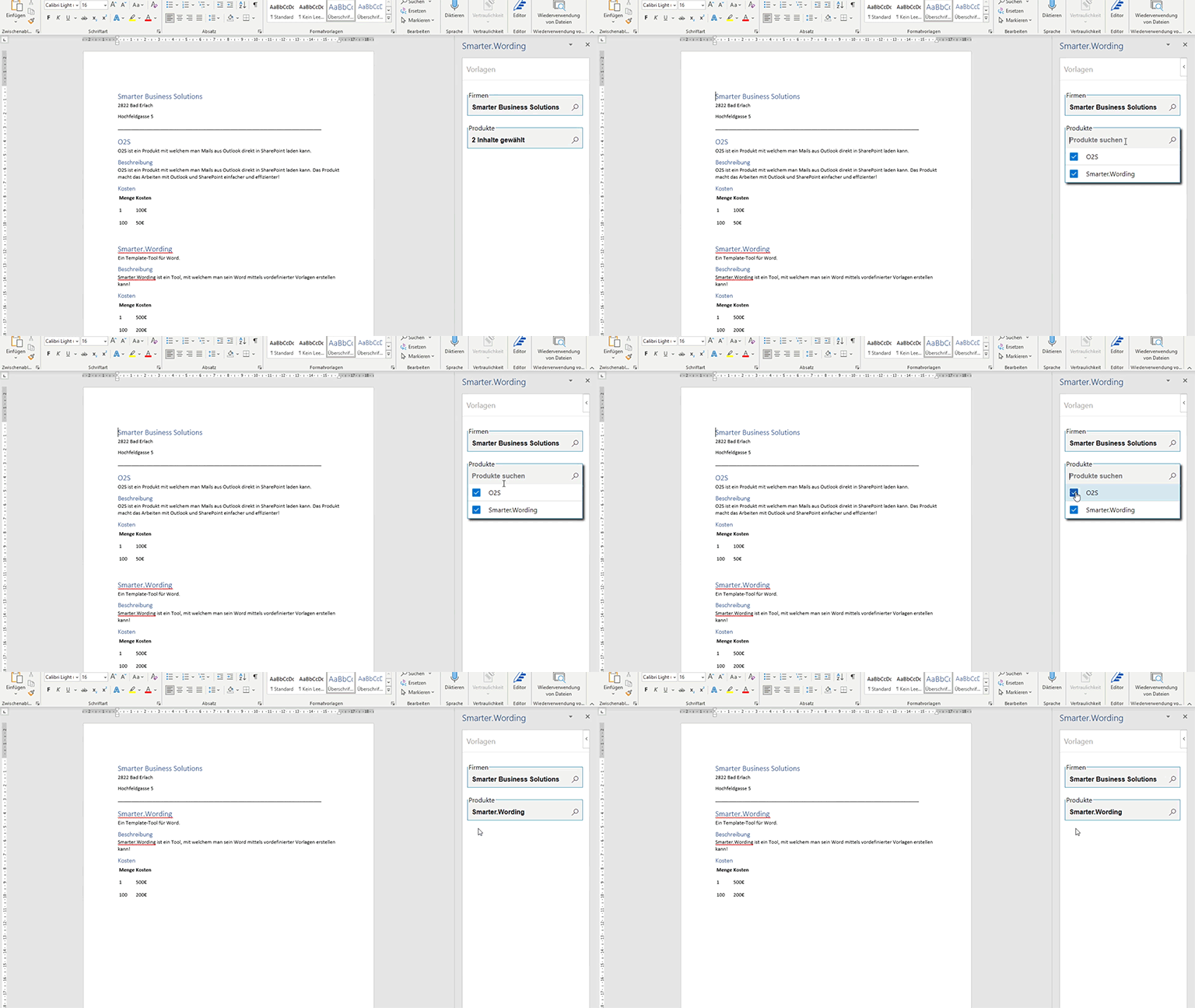
You can also remove previously inserted data from the document. Just deselect the corresponding SharePoint entry in the dropdown and the text block is removed from the document automatically.
See what’s already inserted
When you close Word and reopen the document, the previously selected items are shown as selected in the dropdown. You can add new entries or remove existing ones. This lets you save a draft state and continue editing later.
SharePoint list for Word text blocks
We use a central SharePoint list to control the data sources for the add-in. Each entry in this list references another SharePoint list that serves as the data source for a text block. The list contains four relevant columns:
- Web URL – URL of the site that hosts the SharePoint list
- List title – title of the SharePoint list
- Header row – column of the referenced SharePoint list shown in the dropdown
- Rendering – HTML template used to render the SharePoint list item

For each Word text block defined in the SharePoint list, the add-in renders its own dropdown. The dropdown options come from the referenced SharePoint list. After an item is selected, its data is inserted into Word using the stored HTML template.
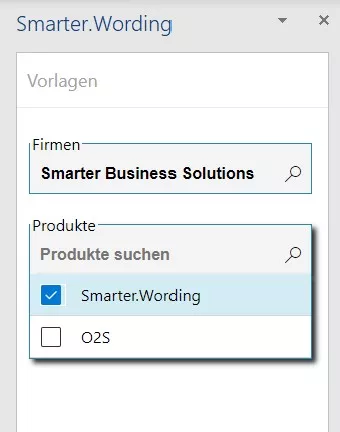
Multiple Word text blocks can reference the same SharePoint list, enabling different renderings of the same data.
Contact
Interested in our Office add-in for Word text blocks from SharePoint and want to learn more? Get in touch with us.
- JavaScript
- SharePoint
- User adoption
- Word Add-in