Skip to content

Plan an Event with SharePoint in Five Simple Steps

Discover how SMARTER Calendar Entries help you schedule corporate health checks or workshops in SharePoint, block double bookings, and automate confirmations.

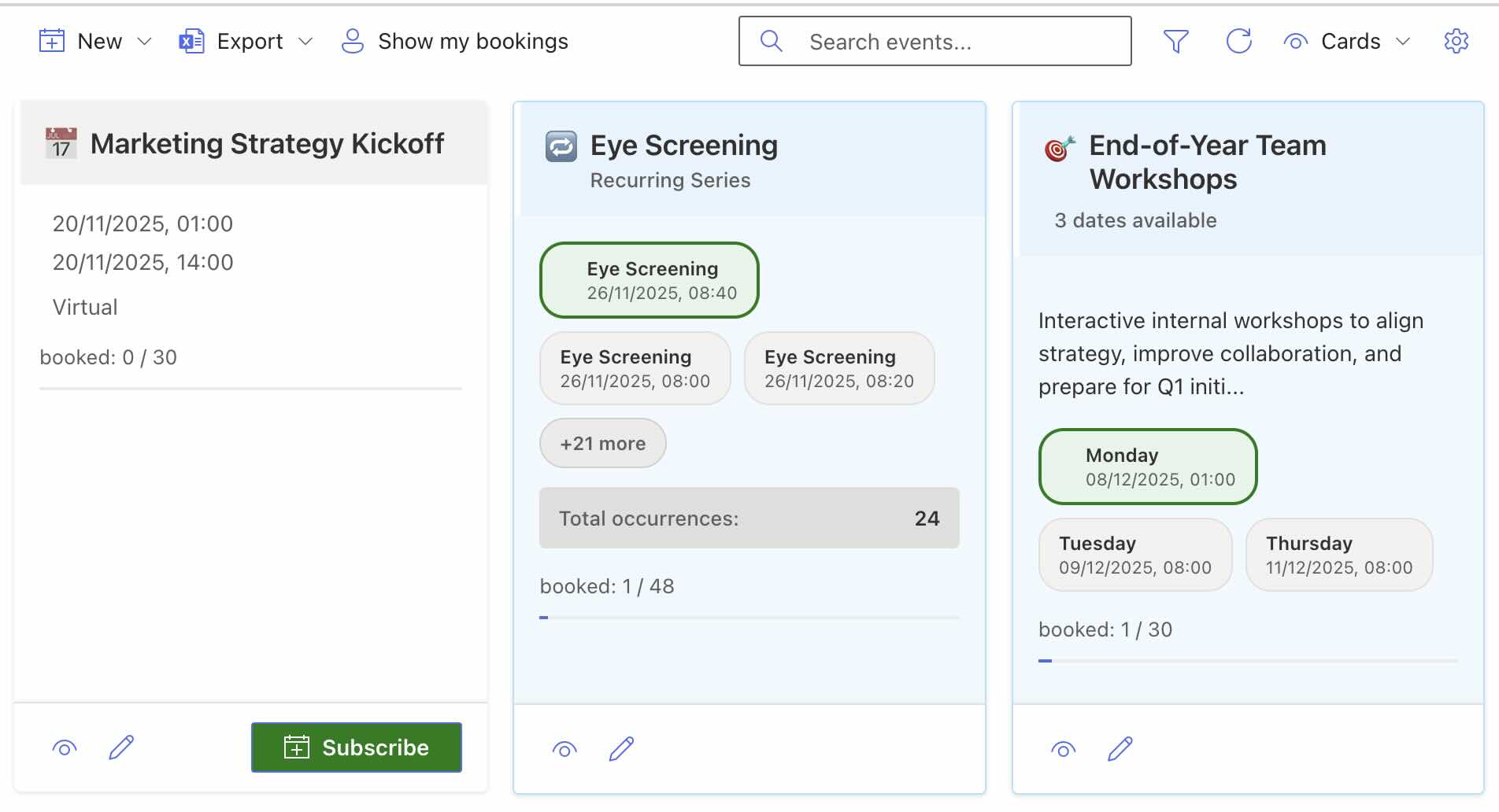
NEW: For a modern way to plan events in SharePoint Online we built Smarter Event Booking for you.

SharePoint event planning at a glance

You need to organize an event in SharePoint and want attendees to register with a single click? This guide shows how SMARTER Calendar Entries take the manual effort out of planning SharePoint events.

Why SMARTER Calendar Entries?

Imagine rolling out an on-site health check for your entire company. SharePoint should handle every booking anonymously, eliminate double reservations, and keep administrators in control. With the SMARTER Calendar Entries tool you set up the event once, publish the available time slots, and the tool automatically manages reservations. You can decide whether participant names stay visible or whether occupied slots only show their status, and the system can also send confirmation emails.

Plan an event with SharePoint – Clear overview of registrations and available time slots in SharePoint

How the scheduling tool works

A user with the right permissions creates a SharePoint list entry for every time slot in the event. They provide the title, date, start time, and end time, and SMARTER Calendar Entries fills in the remaining metadata. If someone without SharePoint access wants to participate, an administrator can add them as an external user so that every employee can secure a slot.

Plan an event with SharePoint – SharePoint list view for event registrations

Adjust Web Part settings

The Web Part’s settings let you tailor the experience. Rename the connected list to run multiple Web Parts that point to different lists and surface other content. You can also decide whether users may see the names of booked participants or whether the entries stay anonymous.

Plan an event with SharePoint – SharePoint Web Part settings for health check

Conclusion: Efficient event planning in SharePoint

With SMARTER Calendar Entries, managing a SharePoint-based event becomes effortless—freeing you to focus on the experience rather than the logistics.
Related articles

Smarter Event Booking 1.5.0: Outlook invitations, day
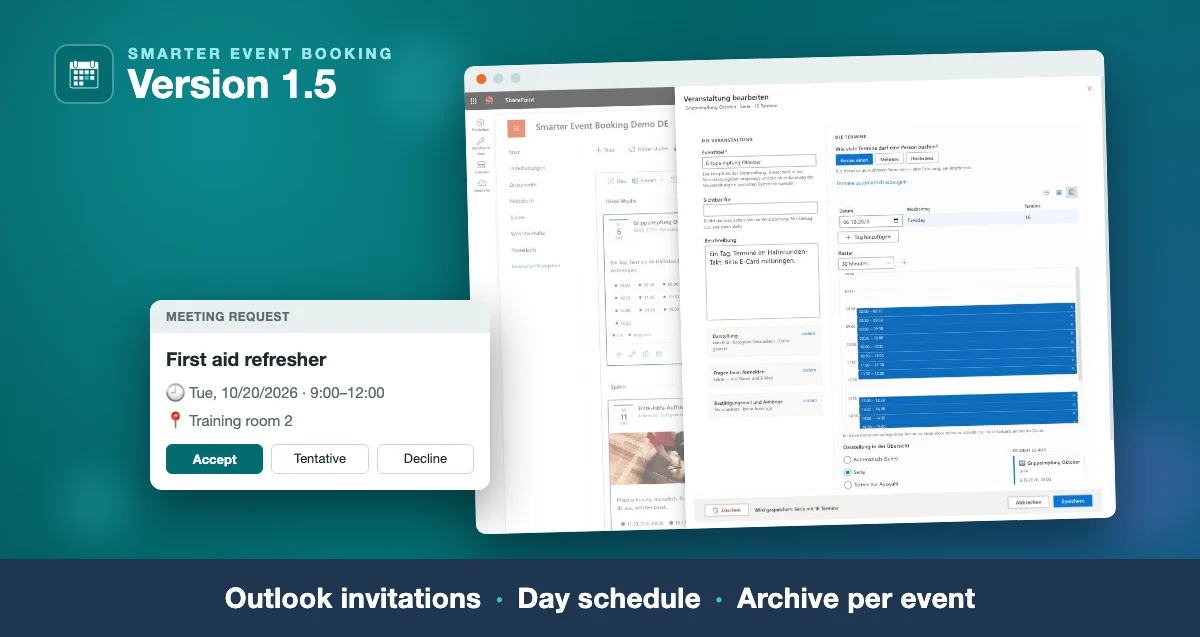
Smarter Event Booking 1.5: the day schedule in the edit form and an Outlook meeting request, captioned “Outlook invitations · Day schedule · Archive per event”

Smarter Event Booking 1.5.0: Outlook invitations, day schedule, archive

The new version: the confirmation as a real Outlook invitation, time slots edited in a table and a day schedule, and one message to all attendees of an event.

Read more
Smarter Event Booking 1.4.0: series, time slots,
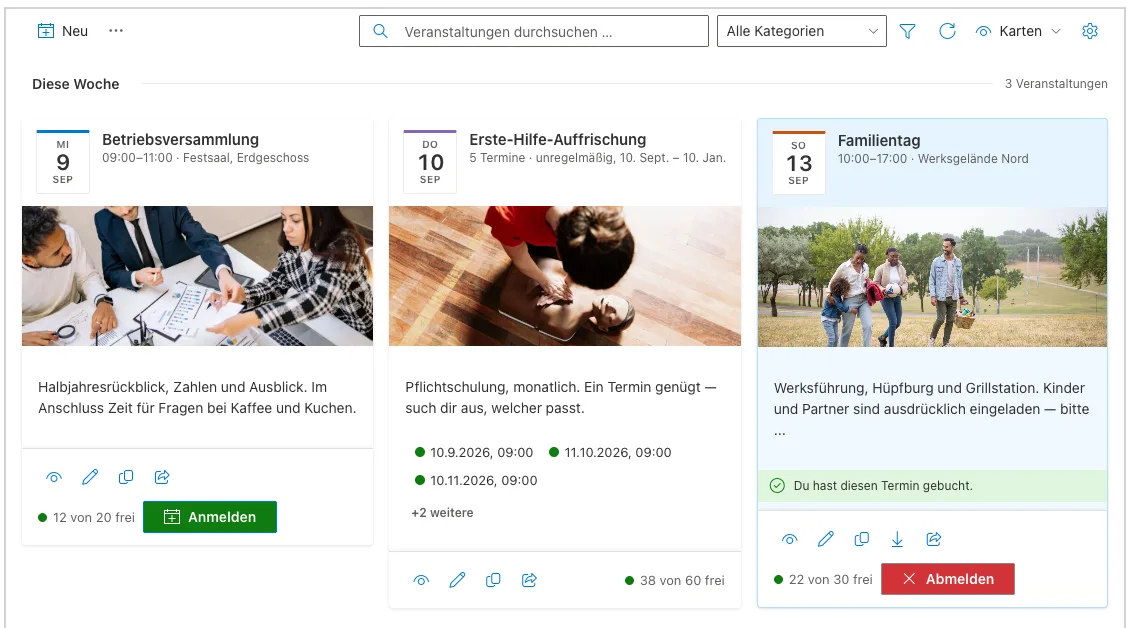
Card view of Smarter Event Booking showing event images, a date badge and seat availability

Smarter Event Booking 1.4.0: series, time slots, carousel

The new version on Microsoft Marketplace: one form for every kind of date, time slots for vaccination days, a waiting list and a card row for your home page.

Read more
Smarter Event Booking 1.1.0: The Major Update for
Smarter Event Booking 1.1.0: The Major Update for Modern Event Management

Smarter Event Booking 1.1.0: The Major Update for Modern Event Management

New views, event types, modernized interface and numerous new features – Smarter Event Booking v1.1.0 sets new standards for event management in SharePoint Online.

Read more

Questions about this topic?

We are happy to help you put this into practice in your environment.