Skip to content

Customising a View – Where Did the SharePoint Ribbon Go?

Why does the SharePoint ribbon suddenly disappear after tweaking a view? Often the culprit is a customised view – here is the fix.

I have lost count of how often I customised a SharePoint view only to run into the same issue over and over – the ribbon vanishes afterwards.

The ribbon of that view stays hidden until you click one of the items in the list.

SharePoint library ribbon not displayed

… and every single time I have to look up how I worked around the issue to make the menu show up again. Maybe this write-up helps someone else too. 🙂

In essence we need a short JavaScript snippet that re-activates the list view web part, because the menu appears to be linked to it. By customising the page we somehow change this connection so SharePoint no longer recognises the web part as a view. Microsoft’s rather clumsy workaround is simply to hide the menu instead of checking whether the list view required for the ribbon is still on the page.

Here is the script to bring the ribbon back. Add a Script Editor web part to the page, paste the snippet and replace the element ID MSOZoneCell_WebPartWPQ1 with the ID used on your page:

<script>
  ExecuteOrDelayUntilScriptLoaded(init_defaultWP, "sp.ribbon.js");

  function init_defaultWP() {
    setTimeout(function () {
      var defaultWP = document.getElementById("MSOZoneCell_WebPartWPQ1");
      WpClick({ target: defaultWP, srcElement: defaultWP });
    }, 100);
  }
</script>

And just like that, everything is back in shape! 🙂

SharePoint library with ribbon

The ribbon menu is now visible again.

That’s it for today – see you next time! 😉
Related articles

SPFx 1.24: Testing today to help our customers tomorrow
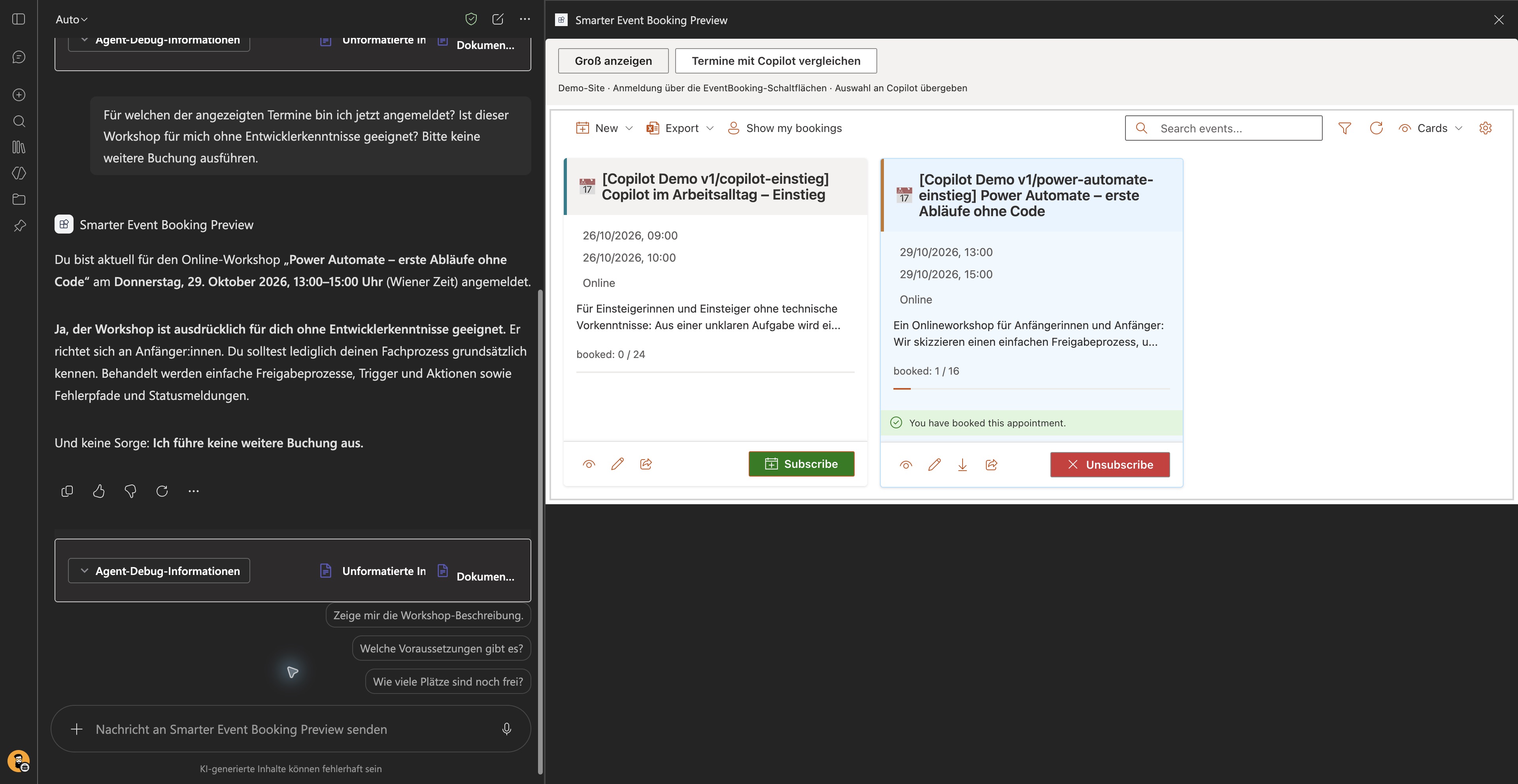
EventBooking in Microsoft 365 Copilot: original product cards with a confirmed registration on the right and a follow-up question about the booked workshop on the left

SPFx 1.24: Testing today to help our customers tomorrow

We are exploring the SPFx 1.24 preview with our existing products. EventBooking in Copilot shows promising early results and gives us practical experience for future customer solutions.

Read more
Provisioning at enterprise scale: PnP templates,

Provisioning at enterprise scale: PnP templates, throttling and race conditions across thousands of libraries

Provision SharePoint at enterprise scale with PnP: handle 429 throttling, idempotency, and ETag-based race-condition protection.

Read more
Website Relaunch: Migrate WordPress to Astro with
Website Relaunch: Migrate WordPress to Astro with Custom Tools

Website Relaunch: Migrate WordPress to Astro with Custom Tools

How we successfully migrated from WordPress to Astro: Custom migration tools, GitHub integration, Azure hosting, and Content-as-Code workflow. Battle-tested solution for modern websites.

Read more

Questions about this topic?

We are happy to help you put this into practice in your environment.